

A great website is made up of many parts that work together. When they’re done well, they share a clear message that engages your community, builds trust, and helps you form genuine relationships and growth.
Welcome Page
The best way is easy to overlook: Your Welcome or Home page needs to show how your church’s setting, values, and approach to ministry can make a difference in the visitor’s life.
For many visitors, your website is their first look at your church. Here’s what research shows about how people use church websites:
80% of people visit a church website before visiting your church.
75% of visitors make a judgment about a church's credibility based solely on its website.
While we don’t have specific data for Adventist schools, it’s likely that many parents visit a school’s website when exploring education options for their children, often before they ever contact the school directly.
Items to Consider Adding
Tagline - Add a focused ministry statement (Editor > Settings > Page > Hero > Subtitle)
"Why should I care" - This includes a strong welcome statement as to why a visitor should come to your church and what you are about.
Contact Information, worship times or school hours, registration - This needs to be easy to find, located near the top of your page.
Logo is Prominent - Make sure that your logo is not too small or so big that it’s distracting. Make sure to keep the name listed beside the logo for your church or school. Don’t turn off Display Site Title (Dashboard > Settings > Branding)
Community Focused - Your Home page or Welcome page is meant as a community focused page. This is prime content area to highlight what your church is about and why a visitor should come. The information on this page needs to highlight location, service times, links to ministries offered. Focus on building different Call to Action elements on the Welcome page and then consider creating separate landing pages to provide more details. Such as Ministries, Admin Directory, Prayer Request, Jesus Makes All Things New initiative (NAD), evangelistic series, Vacation Bible School.
Church Focused Events - These events need to be placed on a separate landing page or in the church calendar, such as potluck, prayer meeting, pathfinders, church work bee, bulletin, board meeting notes.
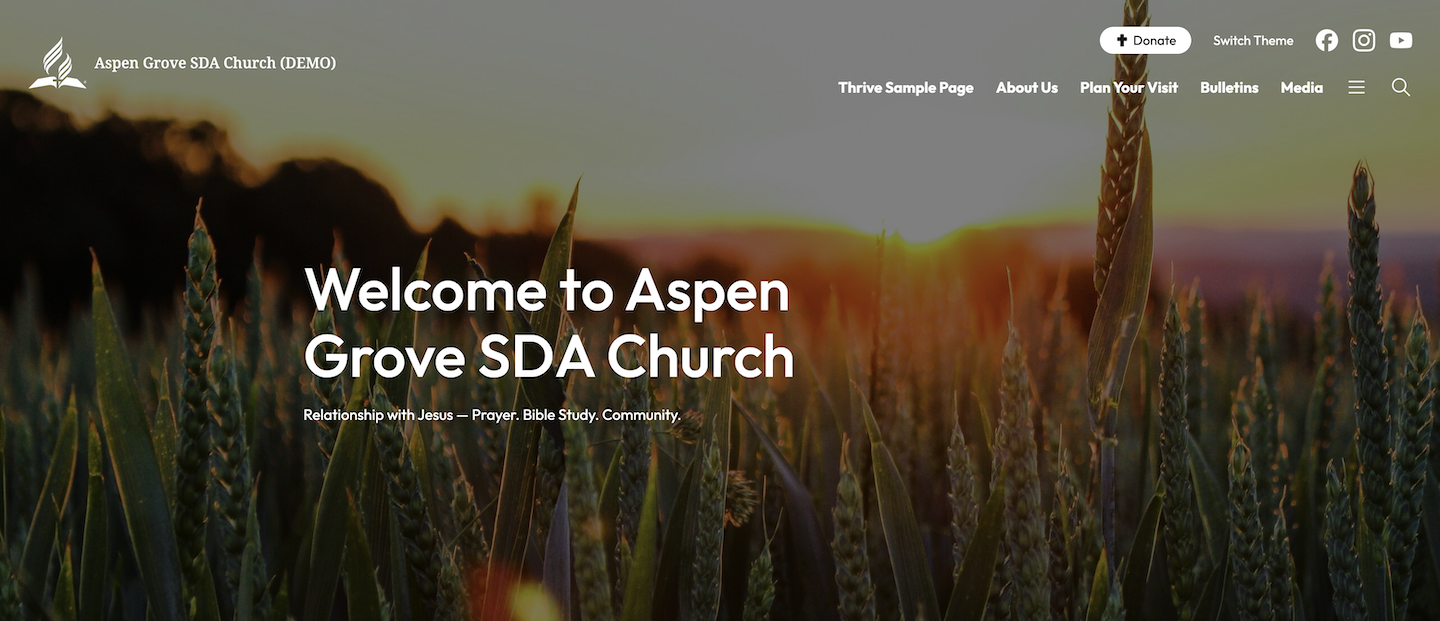
Keep a Consistent Look
A church or school needs to think about a cohesive look for all of your site pages. We have done this for you within each Theme through colors, fonts and layout. You can change the content layout, add your custom logo and also change website colors, to create a website that is customized for your church or school.
Also consider the tone that you want to convey when writing your headlines, text, captions etc. This also can help with your SEO rankings for searches to find specific pages.
Layout of Content
When building out content for your pages you need to think about order and organization. Ask yourself these questions while building out each page of your website:
Are there CTA for important information (e.g., forms, special events, contact us)?
Can a visitor to your site find information clearly and easily?
How is the readability? Is the text easy to read sitting on a photo or colored block?
If your logo sits on a photo, is it still easy to see?
Is there enough white space between elements? You can add it with Padding and Margins in the block Settings.
Are there visual elements (e.g., featured image, photos, buttons, CTAs, and quotes) added to the page?
Does your page have only text? Add subheads, photos, and quotes to create visual interest.
Do all of your links go to the correct place?
Have you made essential details clear, simple and easy to find?
Do you need to add Forms for people to be able to contact you?
Adding Color and Photography
When designing a website it is important to keep in mind that people for the most part are visual. Adding photos and color to each page is an integral part of this. This also reinforces the message for that page.
How to Incorporate Photography
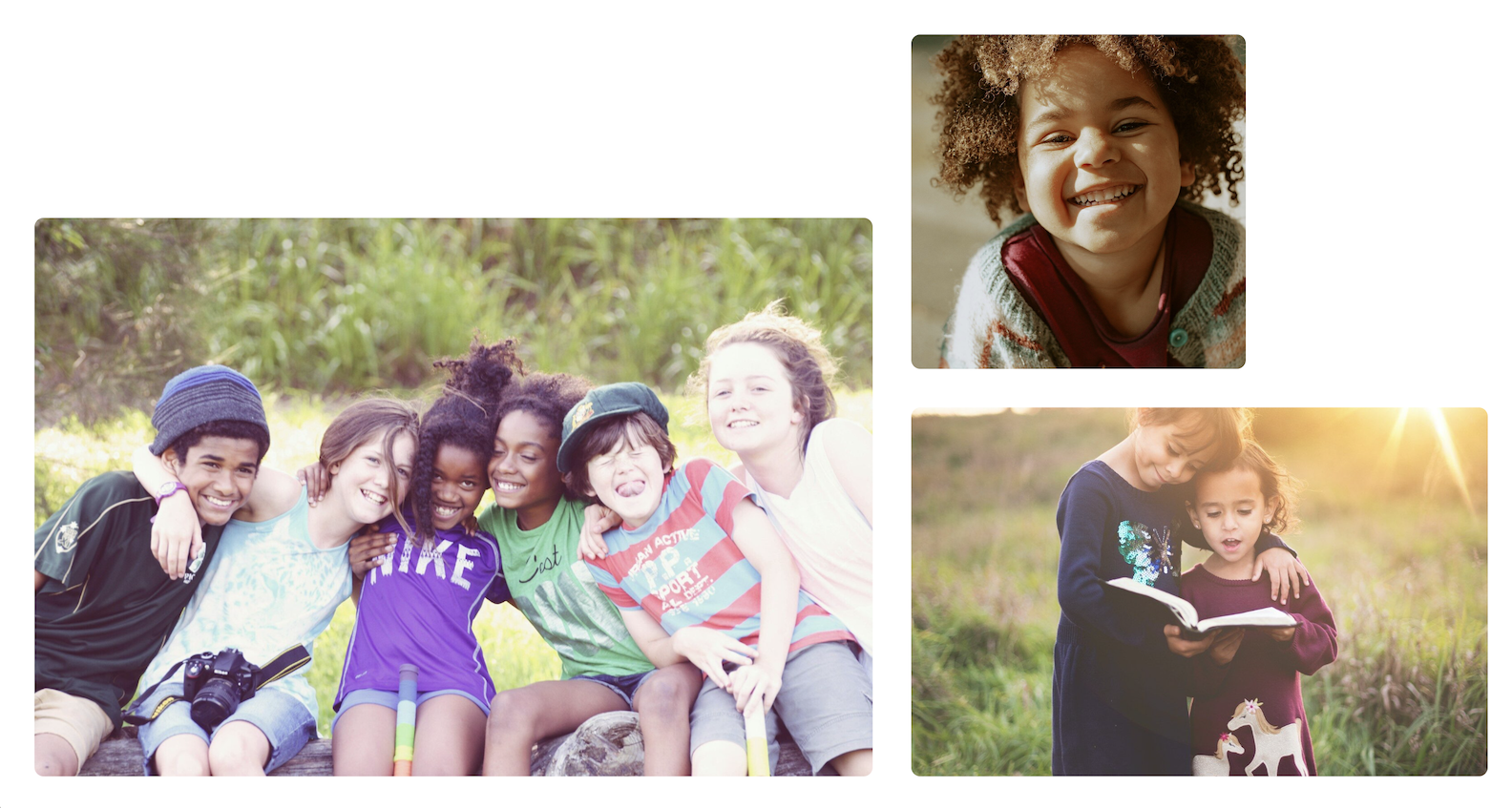
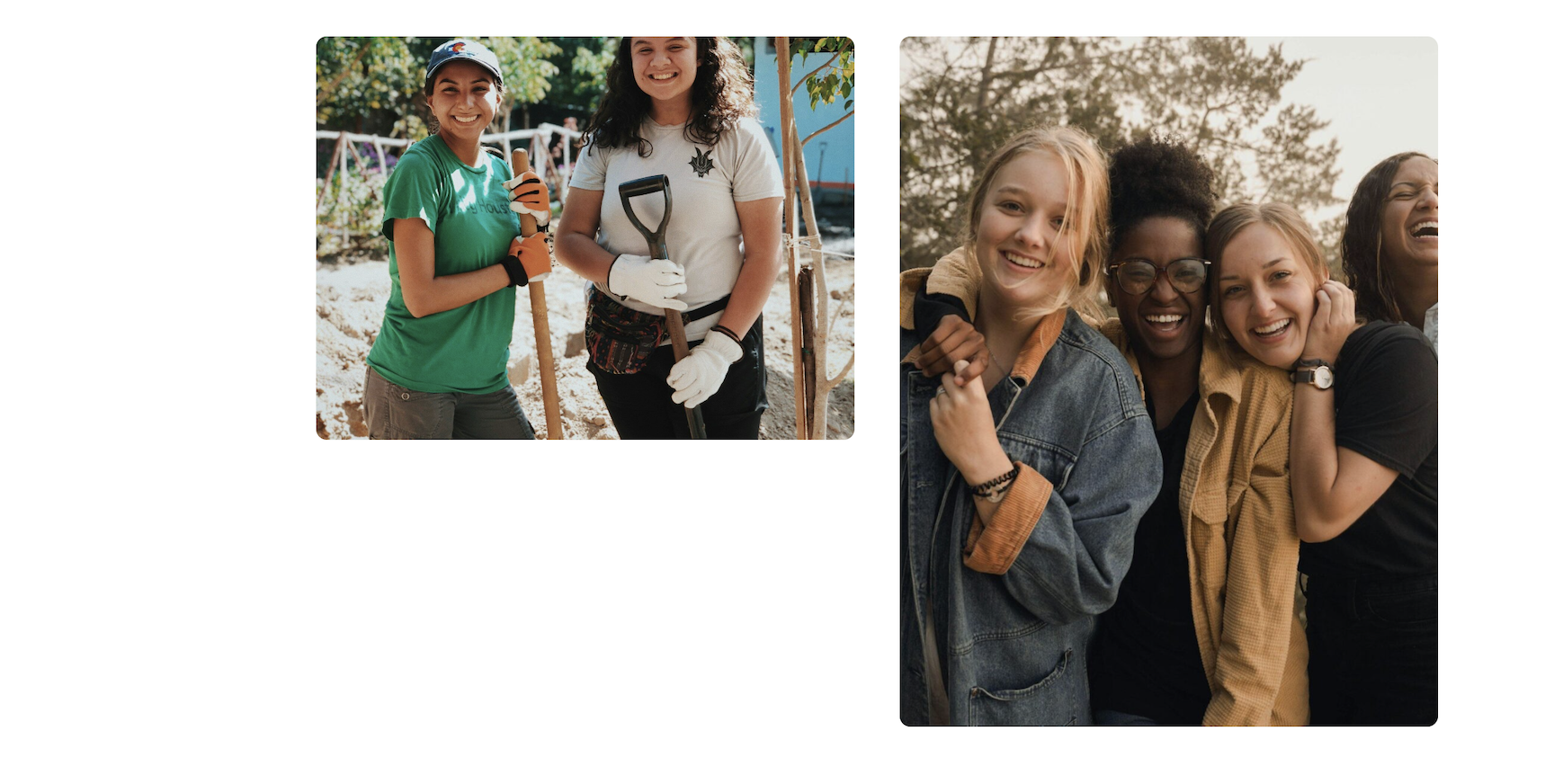
Make sure that your photos tell a story.
Show smiling people and people of all ages. Happy people draw others in.
Make sure that each photo is high resolution and not blurry or cut off in the wrong spot.
Add alt text to photos. This will help accessibility and SEO for the website. Adding text is easy to start this practice see SEO also On-page SEO.
Add photo or short video (no sound) to Hero section of each page on your site. Featured Image
Add photos via Galleries, photo collage, Cards, Cover Slider
Add images within the content of each page.
Only use photos you took, photos you have permission to use, or properly licensed stock images.
Keep photography simple and not too distracting, have people in them as much as possible.
How to Incorporate Color
Changes to a color in the background can emphasize a special event or to pique interest.
Use the Patterns library to add or highlight a section.
When you change colors or the color palette, keep your text easy to read. Use light text on dark backgrounds and dark text on light backgrounds, and be careful with hard-to-read colors like yellow, bright pink or bright blue.
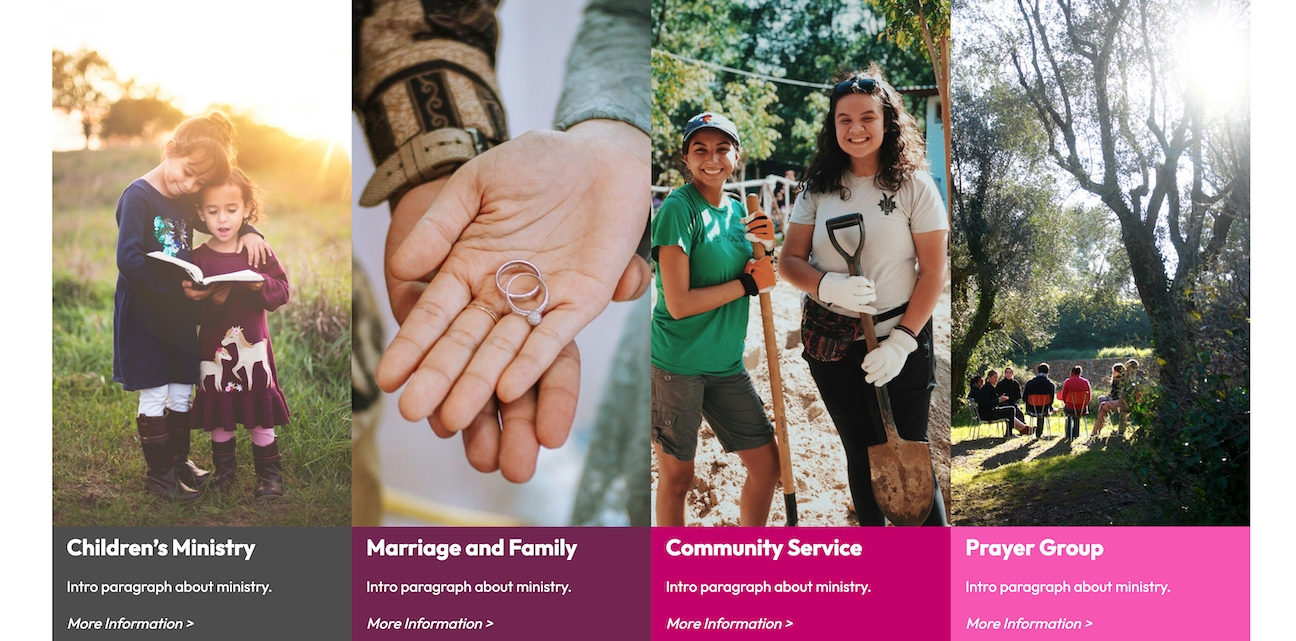
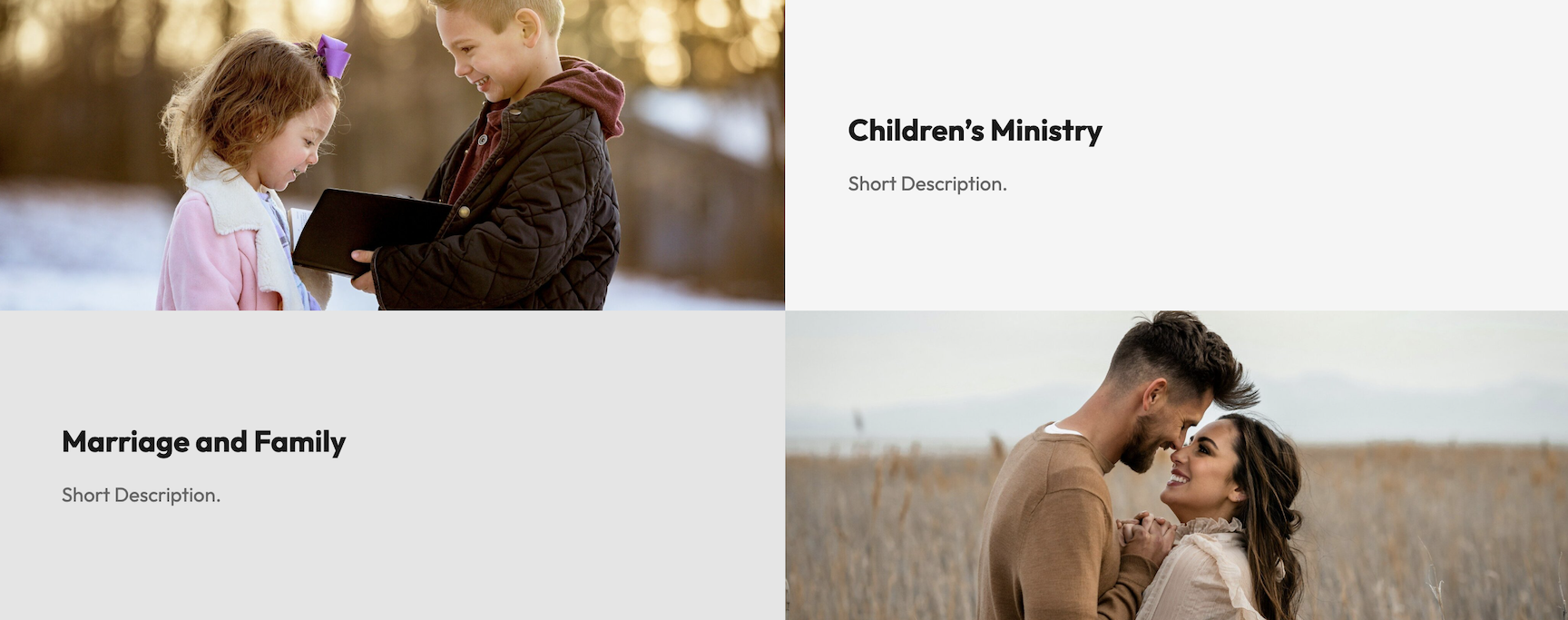
Looking for Inspiration?
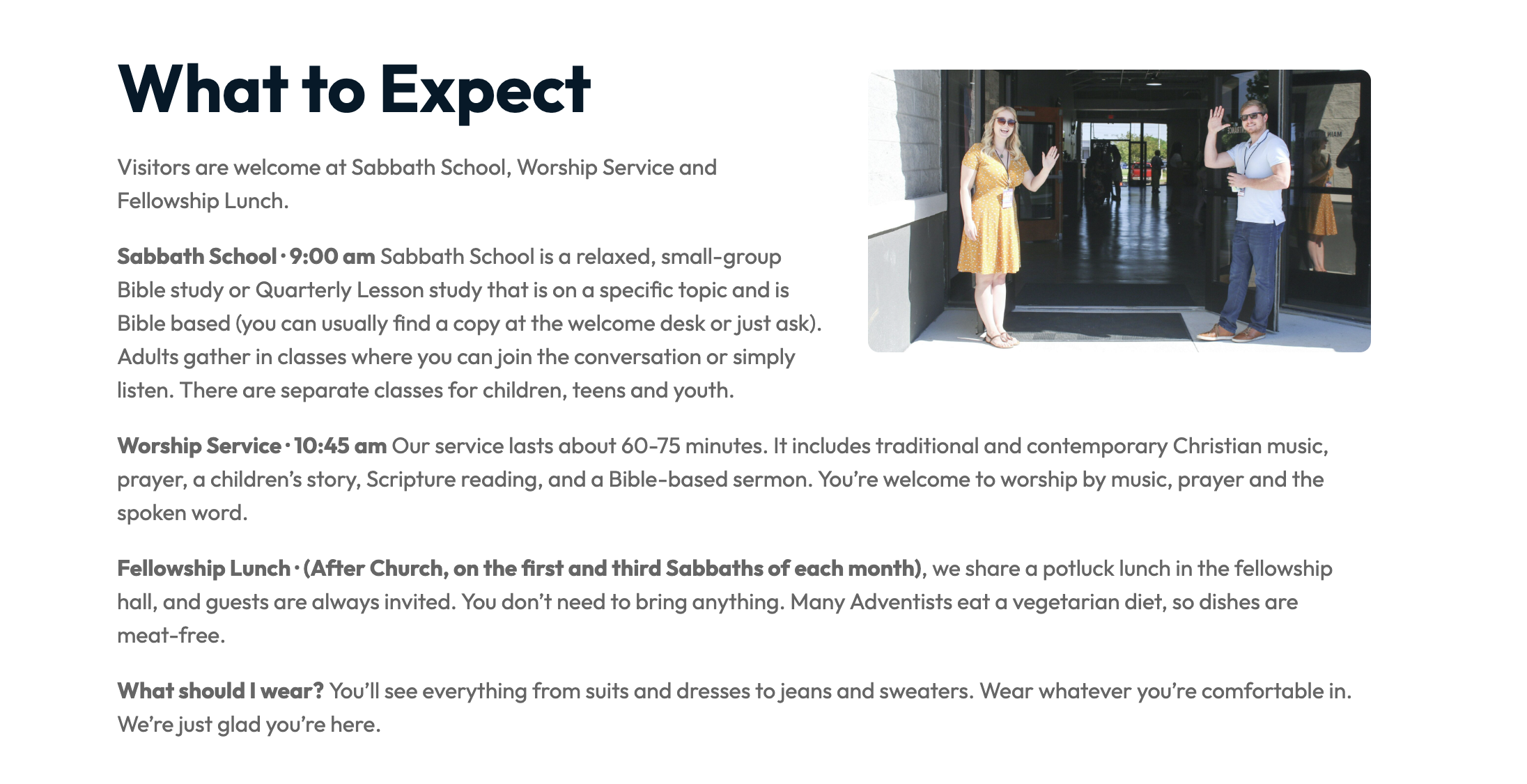
If you’re not sure how you’d like your content to look, you can explore our Demo Site - Aspen Grove, which was built entirely in Frame. Feel free to use as much or as little of it as you’d like on your own church or school website.
Below is a sample of organizations that use Frame for their website. Seeing what others have done can spark great ideas, and you can then recreate them using the features available in Frame.
Links to Sample Sites:
School Tips
Many of the tips that are listed above for a strong church website design also apply to school websites as well.
Things to Consider
Avoid internal language. Instead clearly show casing faith integration, community partnerships, academic rigor, grade levels, and practical information like tuition, dress policy, provided transportation or not, and extracurricular activities (such as music, art or sports).
Avoid complicated links. Instead make sure that all forms and lists are easy to find and downloadable for families of prospective or current students to access. Make sure each form is up-to-date for that current school year.
Keep your staff directory up to date. For each person listed that the person’s position, email, photo, and qualifications.
Avoid using photographs without permission. Make sure that any photo that you take and post on the website has a photo release from the parents of the student before using. This is for security reasons for each student and being posted on a public platform.
General Tips
Make sure the site looks good on desktop, mobile and tablet.
Test your website often to make sure pages and links are working properly. Fix any issues promptly.
A link for Adventist Giving is provided for online giving. If you have additional ways to give or donate, make sure all the ways are mentioned. This can be a CTA on the Welcome page and linked to its own page.
Make time to create your Frame site or work with a designer that can work within the curated platform and help support you in how to make changes to stay current.
Reach out to us if you have questions about Frame works or if you need technical or design guidance. Adventist Connect Support