

Keeping visitors engaged and making finding information they are looking is important, 15 seconds, by the way, that’s the average attention span a user spends on a page. A good Welcome page feels like a friendly guide — it shows visitors exactly where to go next.
In this article we will give you some tips on how to make your website engaging for visitors that has a focus towards your local community who is looking for a school or church, with calls to action for them as well as church members.
A great landing page doesn't need to be complicated — it just needs to be clear. Here are a few simple principles to keep in mind as you build yours in Frame. To see these points put to action go to this link of this demo site, Aspen Grove SDA Church.
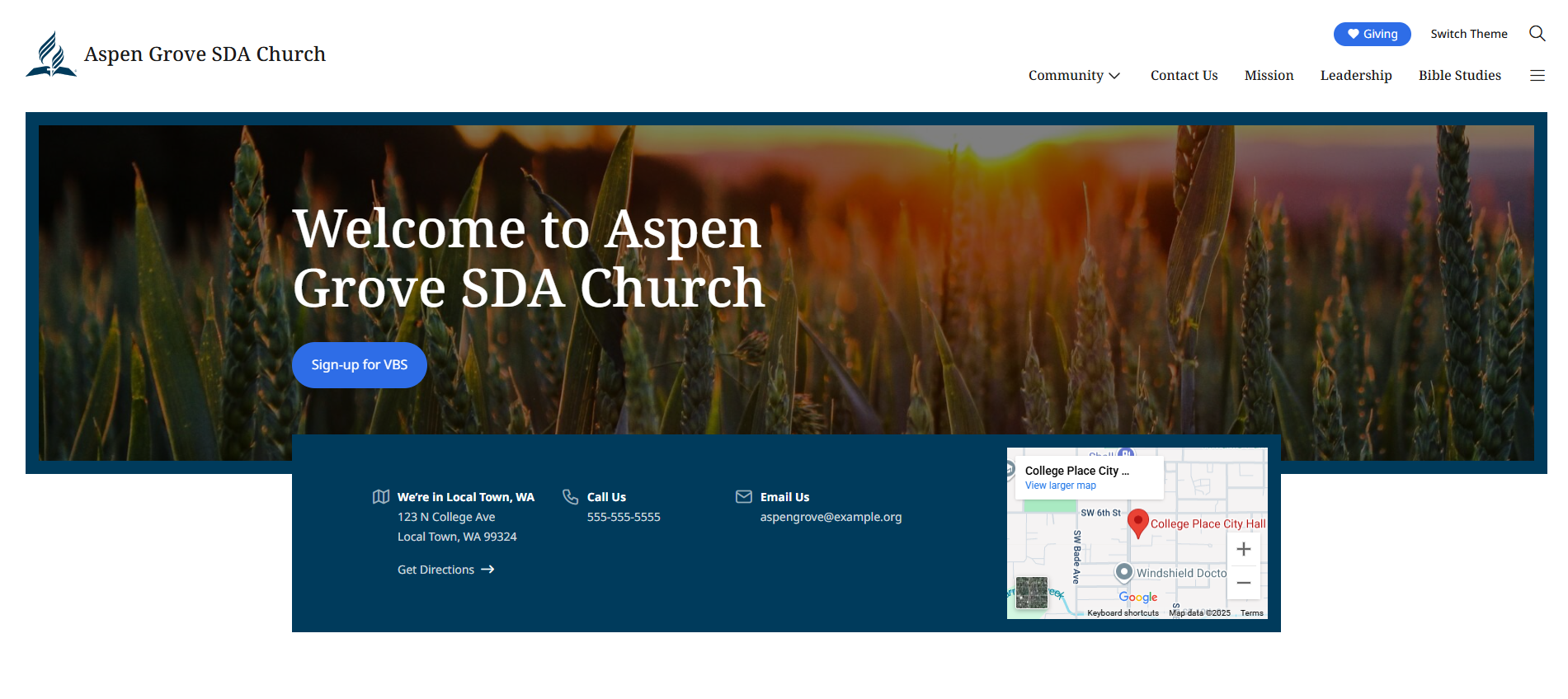
Welcome Page Principles
Start with one goal (who is you audience)
Before you add anything to the page, decide what you want visitors to do — fill out a form, sign up for an event, or get in touch. Provide links to specific pages.
Make sure to create white space between items and sections
Adding this space makes it easier for visitors to understand the information. This is done by using Padding and Margins consistently (Edit Padding and Margins). You can also add Separator block between sections.
Lead with a clear headline
Your headline is the first thing people read. Make it simple and specific. Instead of "Welcome," try something like "Join Us This Sabbath" or "Glad You are Here."
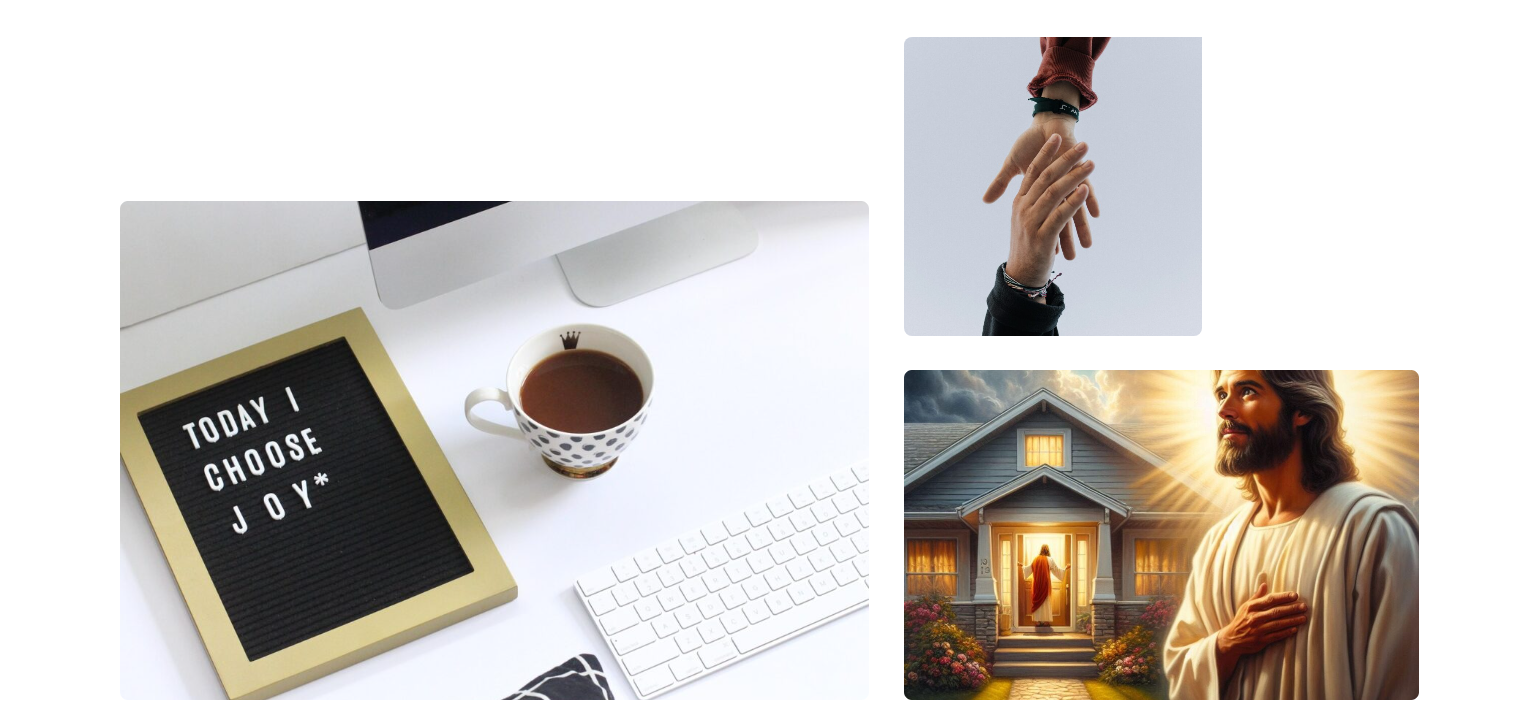
Use strong images at top and throughout a page
A good photo or photos or short video helps visitors connect with your church right away. Choose photos that showcase your classroom, teachers, school events, congregation in prayer, worship, community service, VBS or ministries. You can also add stock photos to boost the images on the page.
Write for your visitor, not yourself
Focus on what they'll experience or gain, not just what your church offers. Keep sentences short, and use bullet points when you have more than two or three ideas.
Add clear Calls to Action (CTAs)
CTAs serve as signposts guiding visitors on what steps to take next, whether it's signing up for a newsletter, scheduling a visit, or donating to a cause. This can be done with forms, links, or buttons. When using buttons, make your main button easy to spot and action-oriented — "Register Now," "Plan Your Visit," or "Get Directions" work much better than just "Click Here." (Add & Style Buttons)
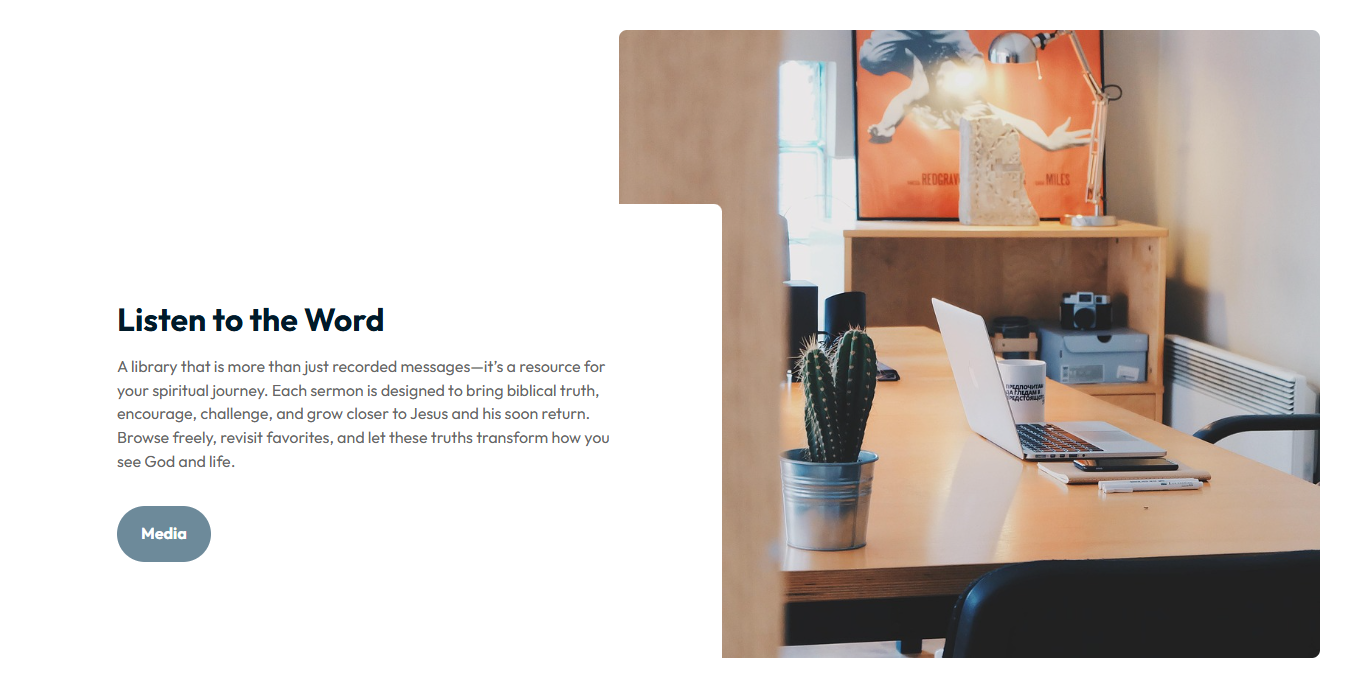
Build in some trust
A short testimonial, Bible quote, mission statement, a familiar logo, or even a pastor's welcome note can go a long way toward helping first-time visitors feel comfortable. Make this colorful by adding a photo and/or a background color to the block.
Keep it simple
Remove anything that pulls attention away from your goal — extra links, unrelated content (CTA to another page), or too many options. Less is more on a landing page.
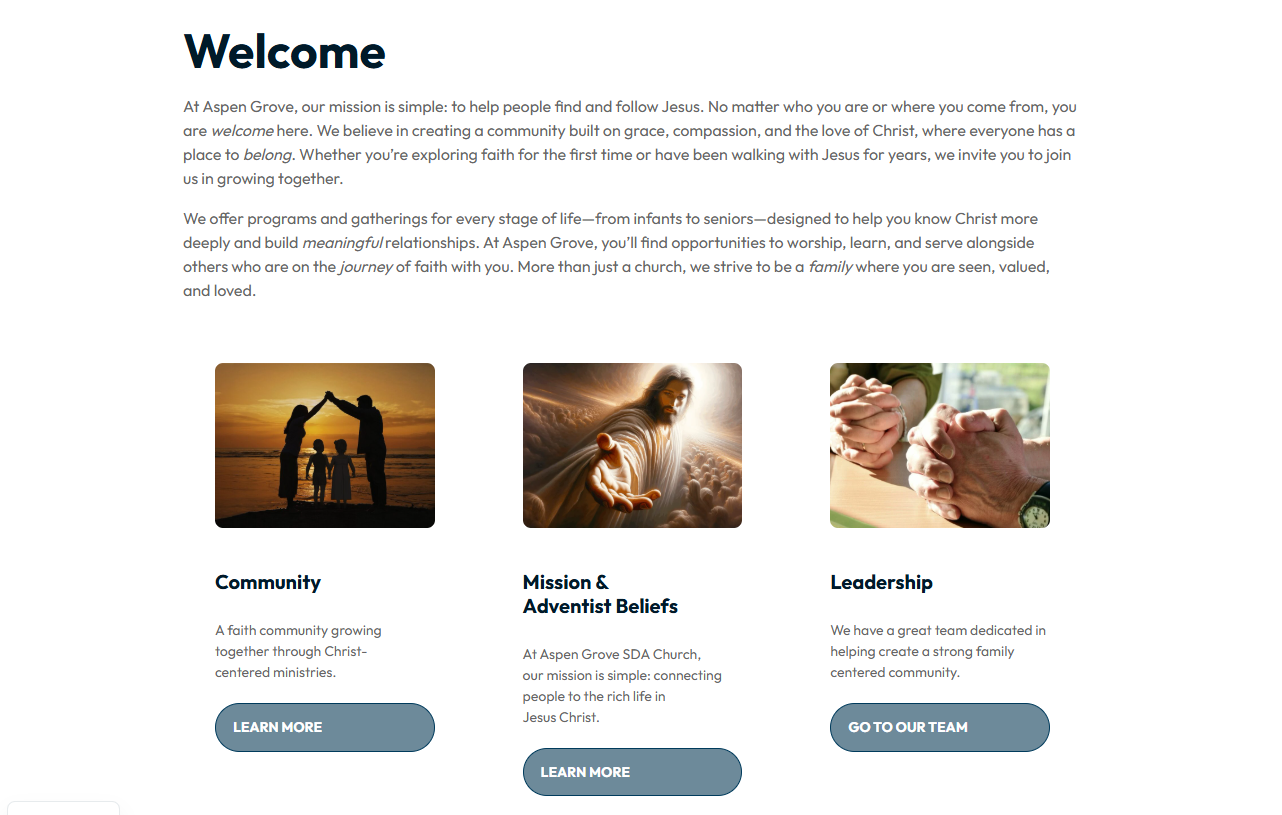
Check how it looks on a phone
Most visitors will see your page on a mobile device first. Preview your page on mobile before publishing and make sure text is readable and buttons are easy to tap.
Try, review, and improve
After your page goes live, pay attention to what's working. If people aren't clicking your button or filling out your form, try a different headline or image and see what changes. Look at the page often to update content (school dates, registration, service times, address, email, organization administration changes, special events) and make possible improvements in a layout section. Also update photos if they no longer apply.
Conclusion
The way you organize content on your website matters just as much as how visitors navigate it. Try to keep things simple — too much text or a cluttered layout can make it hard for people to find what they need. Aim for content that's clear, focused, and easy to read at a glance.