

TL;DR
1
Access Settings
Click on the block and open the Settings menu.
2
Open Styles
Click the styles icon to access editing options.
3
Adjust Padding
Set padding values to adjust space inside the block.
4
Adjust Margins
Set margin values to create space around the block.
5
Fine-tune Spacing
Customize spacing for each side as needed.
Let's Do It Together!
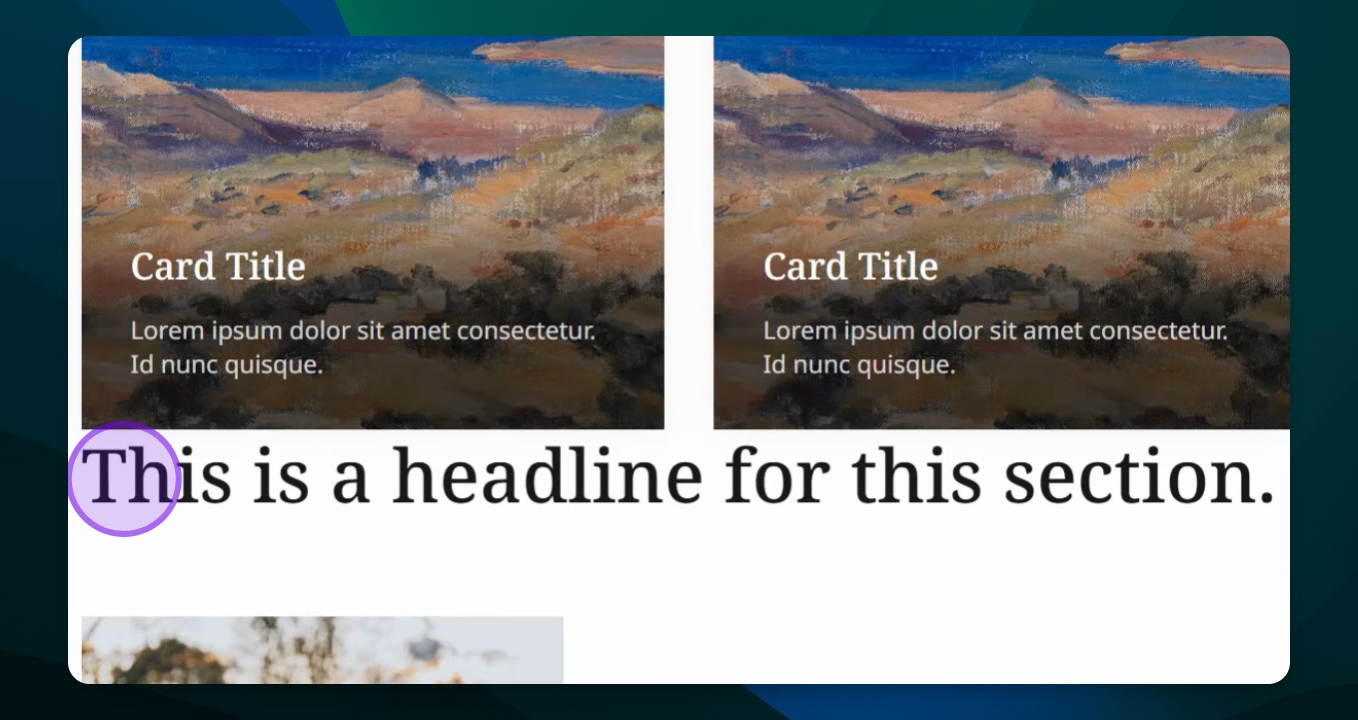
Step 1: Access Settings
Click on the block you want to edit.
Open the Settings menu.
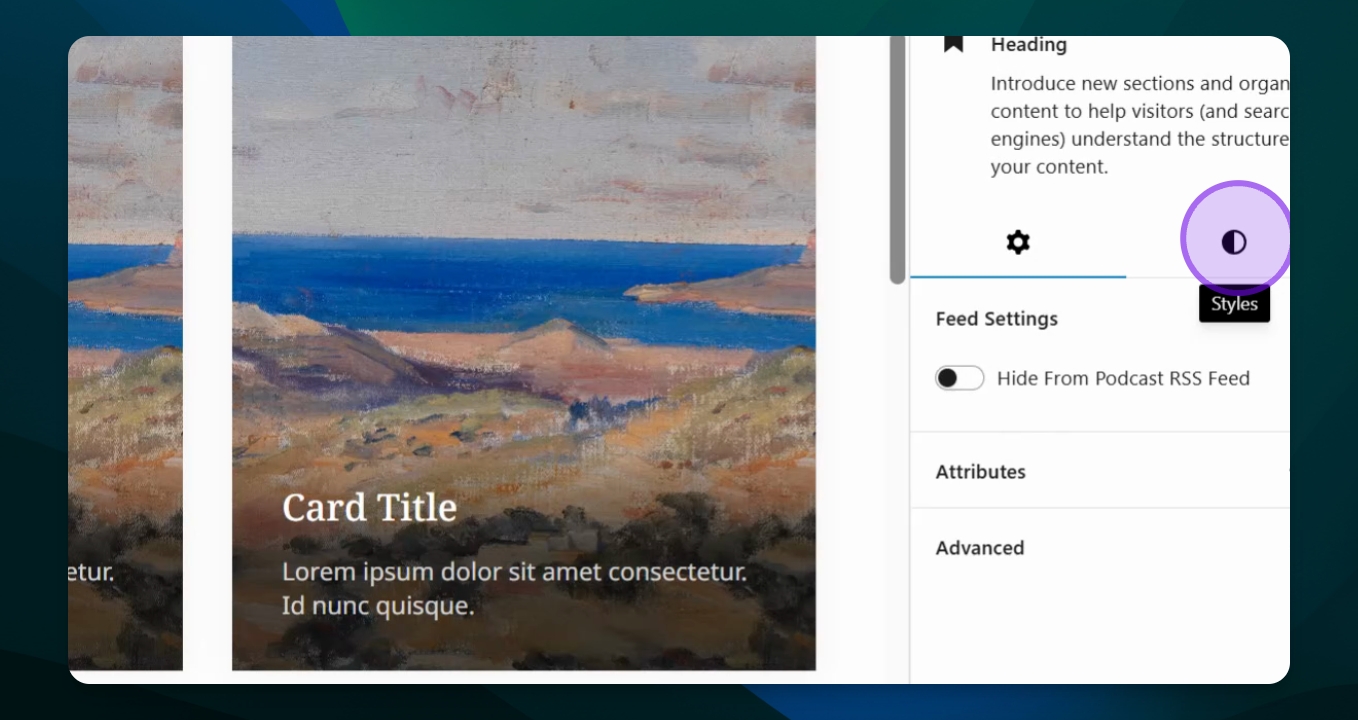
Step 2: Open Styles
Click on the styles icon (half black, half white).
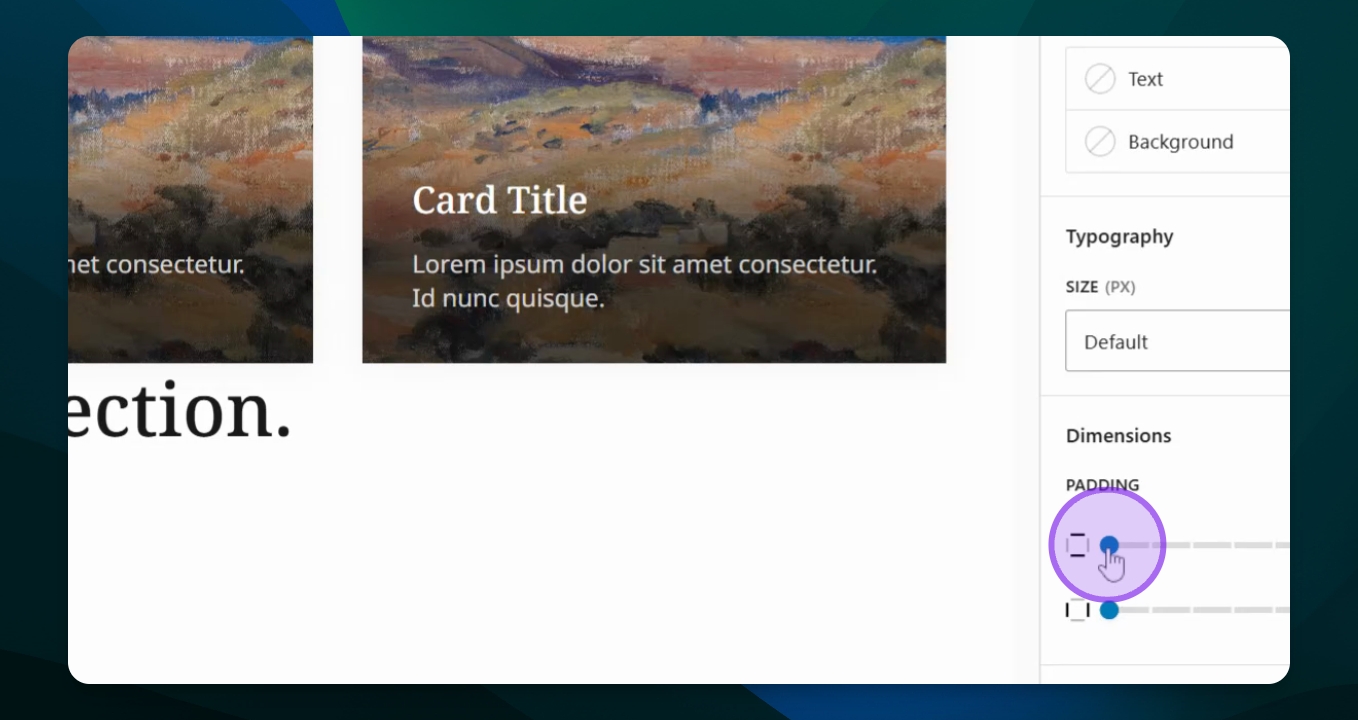
Step 3: Adjust Padding
Select Dimensions.
Adjust the padding settings to create space inside the block.
Use the link icon to control padding on specific sides.
This will affect the text spacing within the block.
Step 4: Adjust Margins
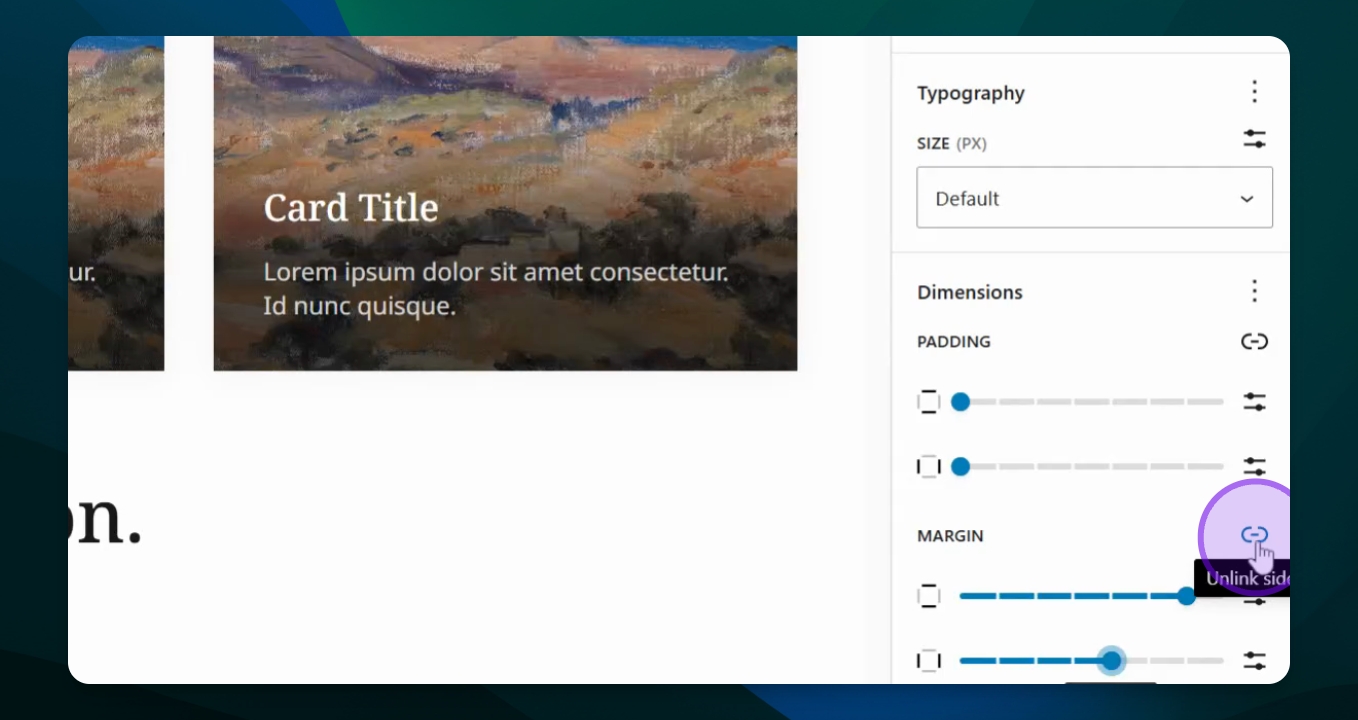
Select Margins from Dimensions.
Toggle the link icon to control margins on specific sides.
Adjust margins to create white space around the block.
This will add space between your title and the previous block.
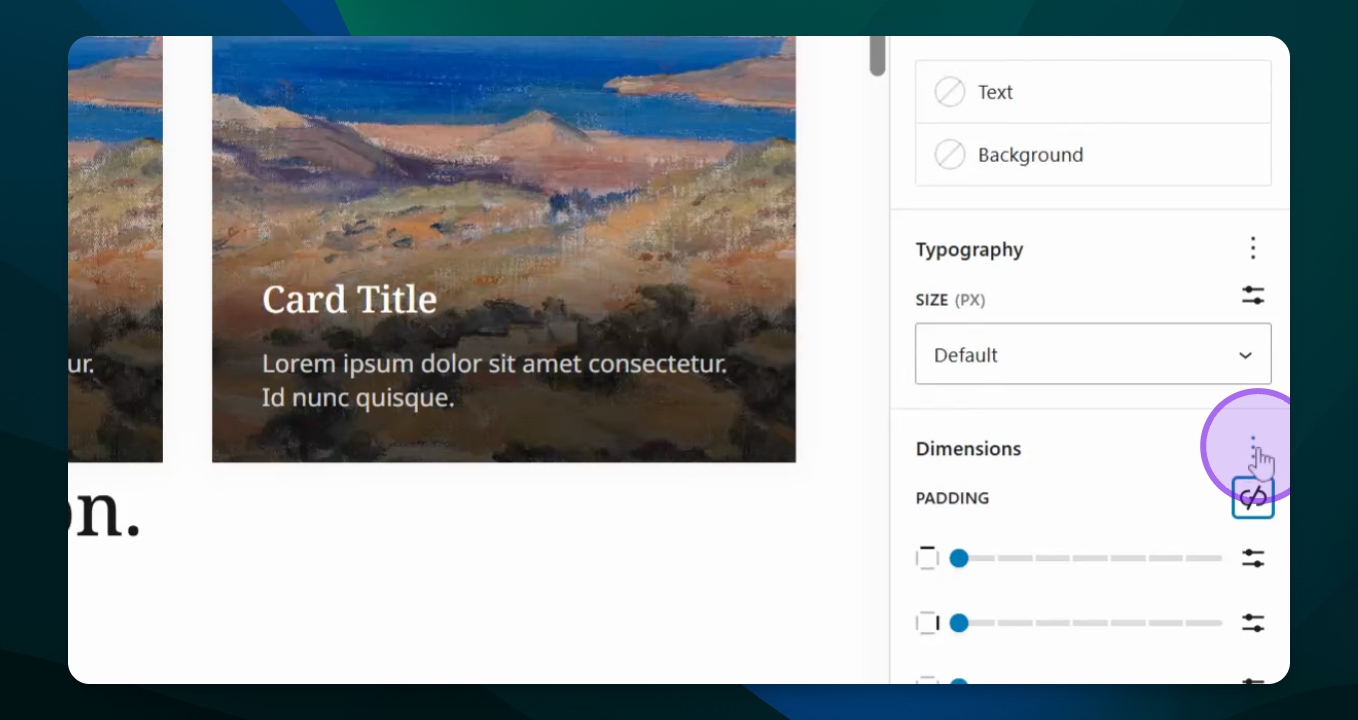
Step 5: Fine-tune Spacing
Unlock the side options to create different spacing for each side.
Adjust the settings for top and bottom margins as needed.
This allows you to customize the spacing for better layout.
Troubleshooting
Changes not reflecting
Ensure you save changes after adjusting settings.
FAQ
What is the difference between padding and margins?
Padding is inside the block; margins are outside.
Can I adjust padding for specific sides?
Yes, use the link icon to control specific sides.