

Premade form templates can be easily added through the Template Library and serve as a strong starting point for collecting information, connecting with your community, or managing event sign-ups with forms.
This guide will walk you through how to personalize these templates to create fully functional, ministry-ready forms that align with your mission and serve your audience effectively.
Starting Your Form with a Template
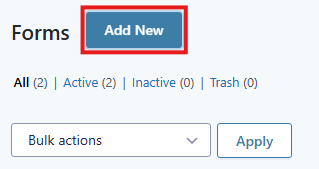
When you select “New Form” or click the “Add New” button, you'll be taken to the Template Library.
Here, you can choose to either start from scratch or use one of the pre-built templates:
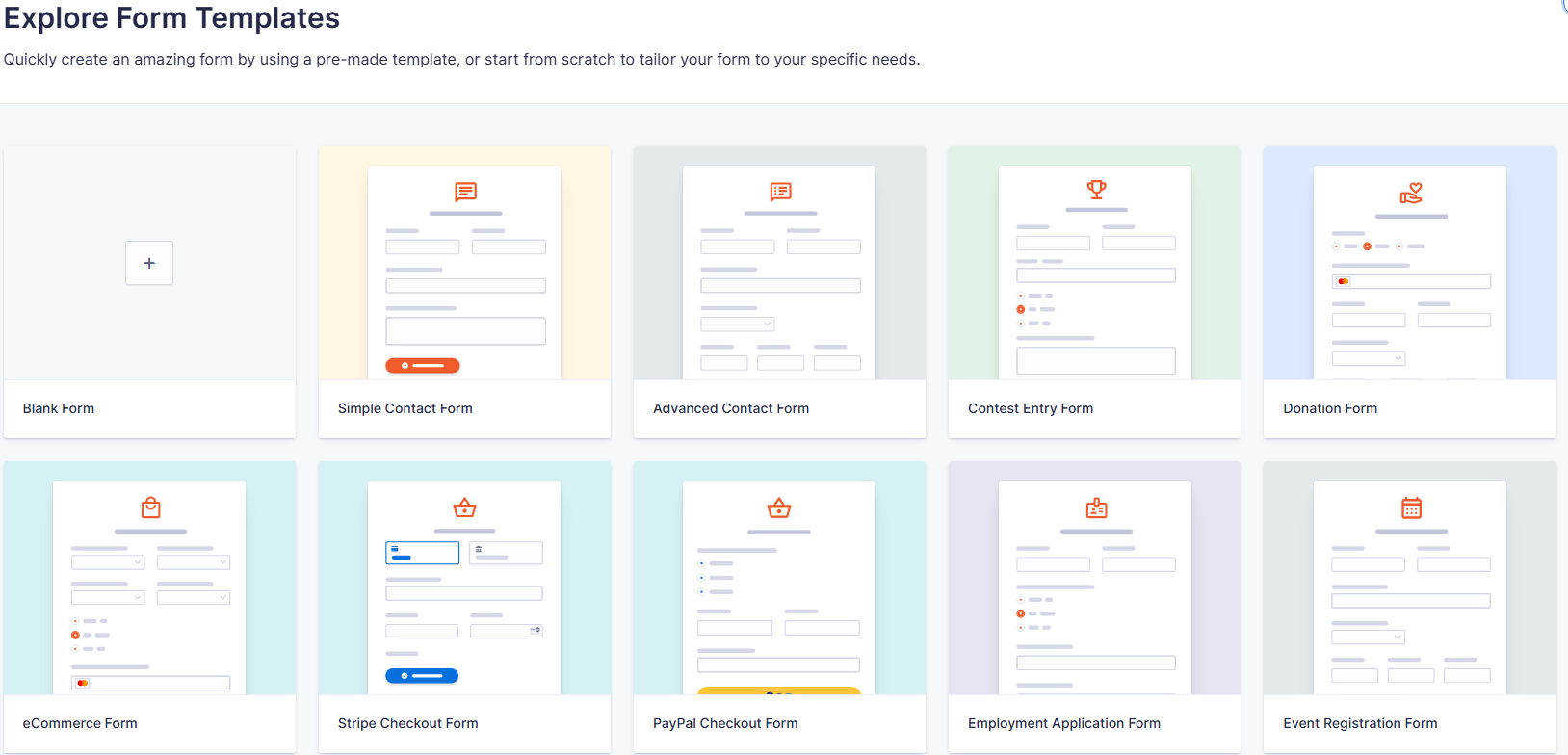
Blank Form: Click the + icon to begin with a blank form.
Template: Browse the available templates, hover over the one that fits your needs, and click “Use Template.”
Another fast way to get started is by importing a form file you've previously saved or exported. Once imported, you can either use it as-is or tweak it as needed.