

Today we're going to talk about a separator block. This adds a definition between different subjects on pages and adds a definite line when you are changing subjects on that page. Let's get started:

Step 1: Insert Separator
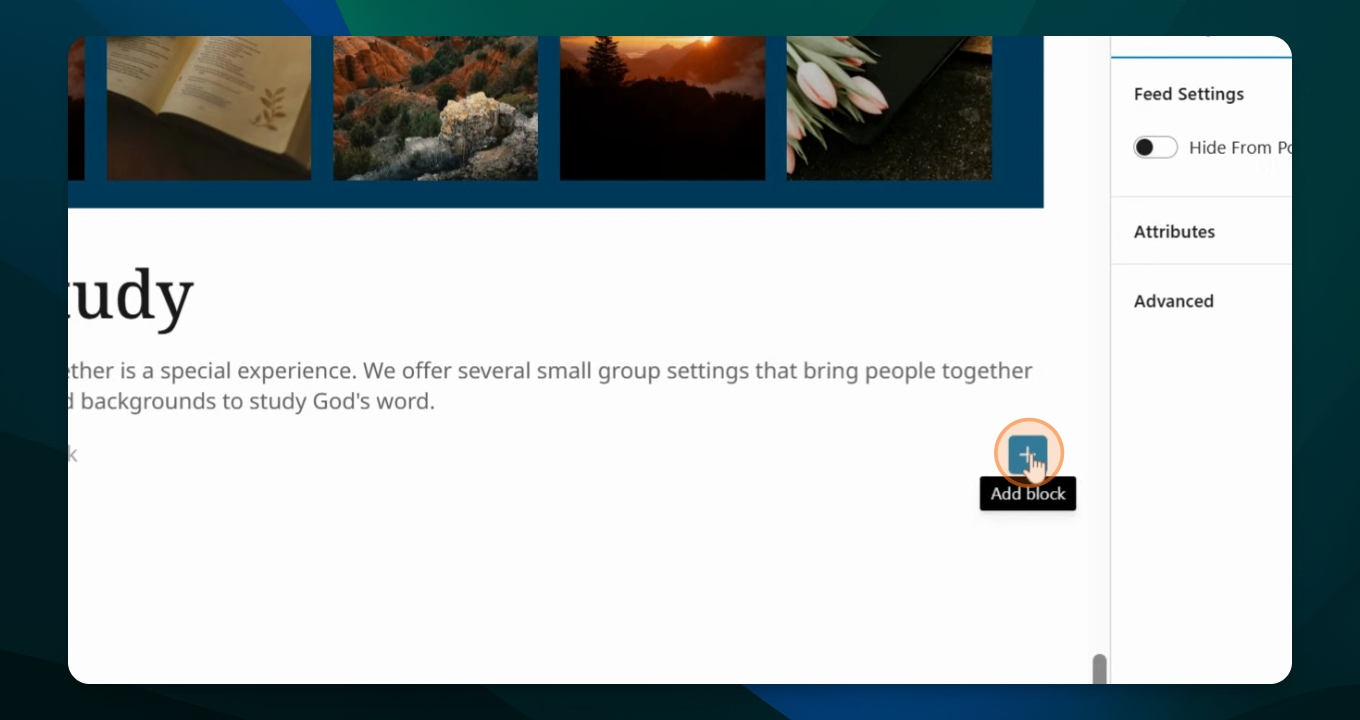
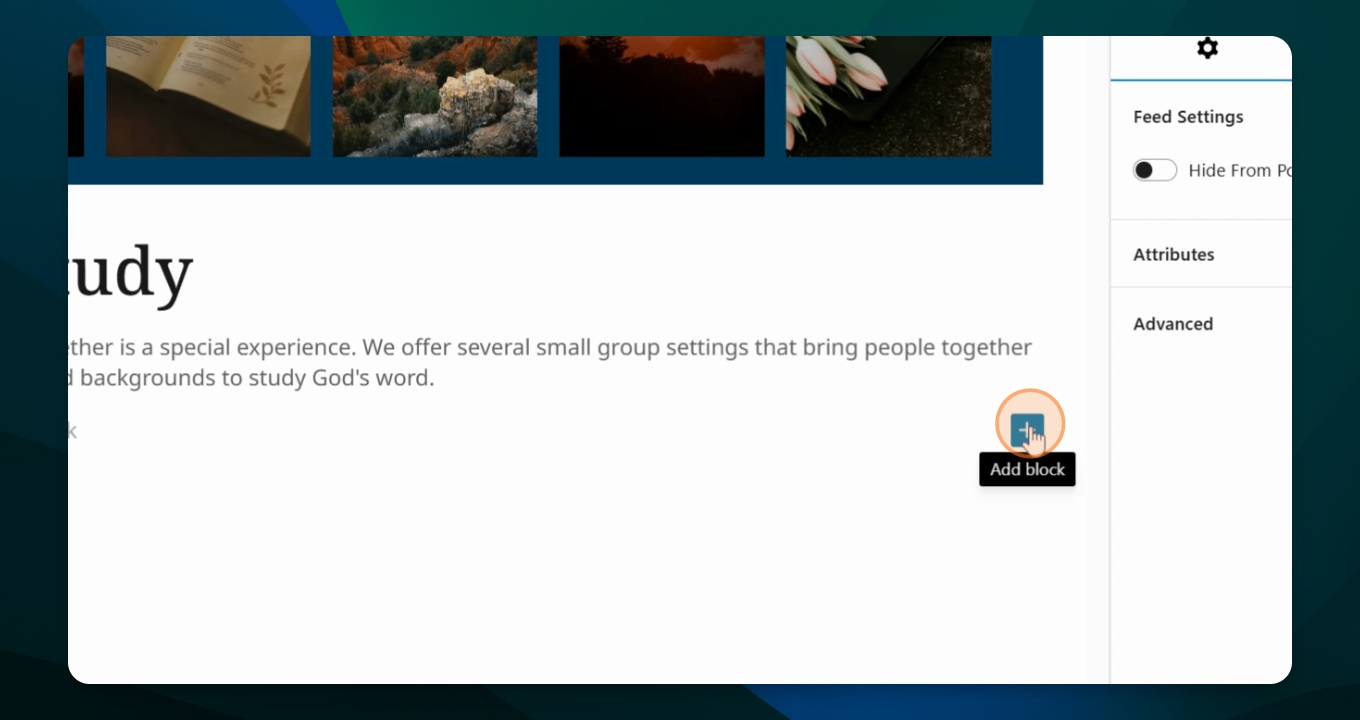
Go to your page and hit the plus sign as a shortcut. Type in separator.
Step 2: Adjust Margins
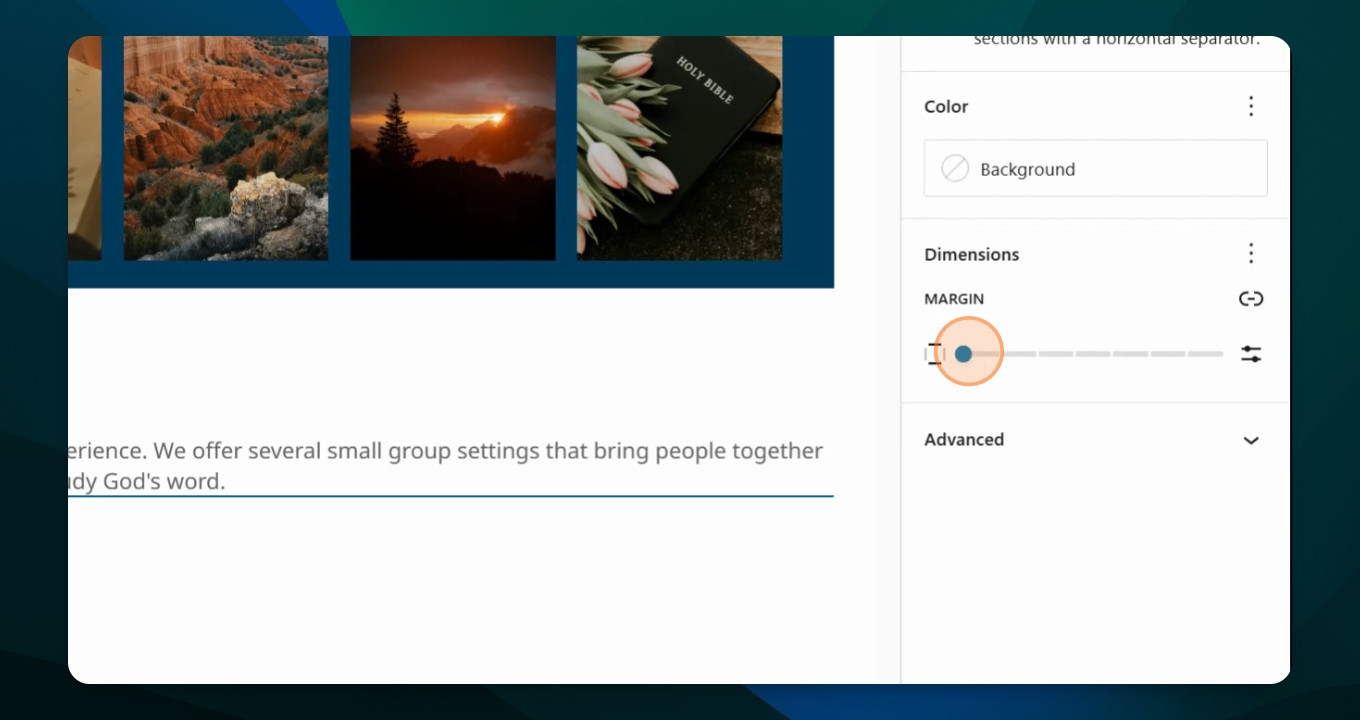
Use the settings menu that has opened to adjust the margins. Set the space above and below the separator by toggling the options until you achieve the desired spacing.
Step 3: Position Separator
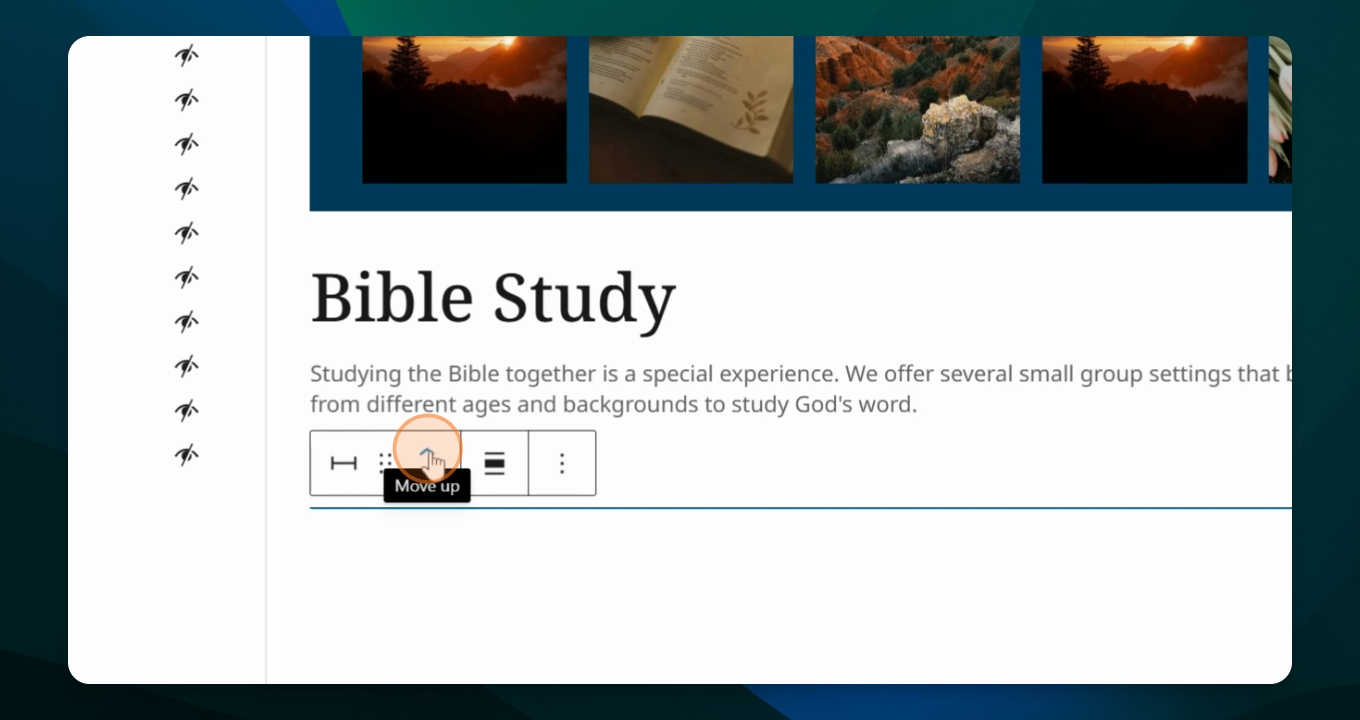
Move the separator to your desired location on the page.
Step 4: Change Color
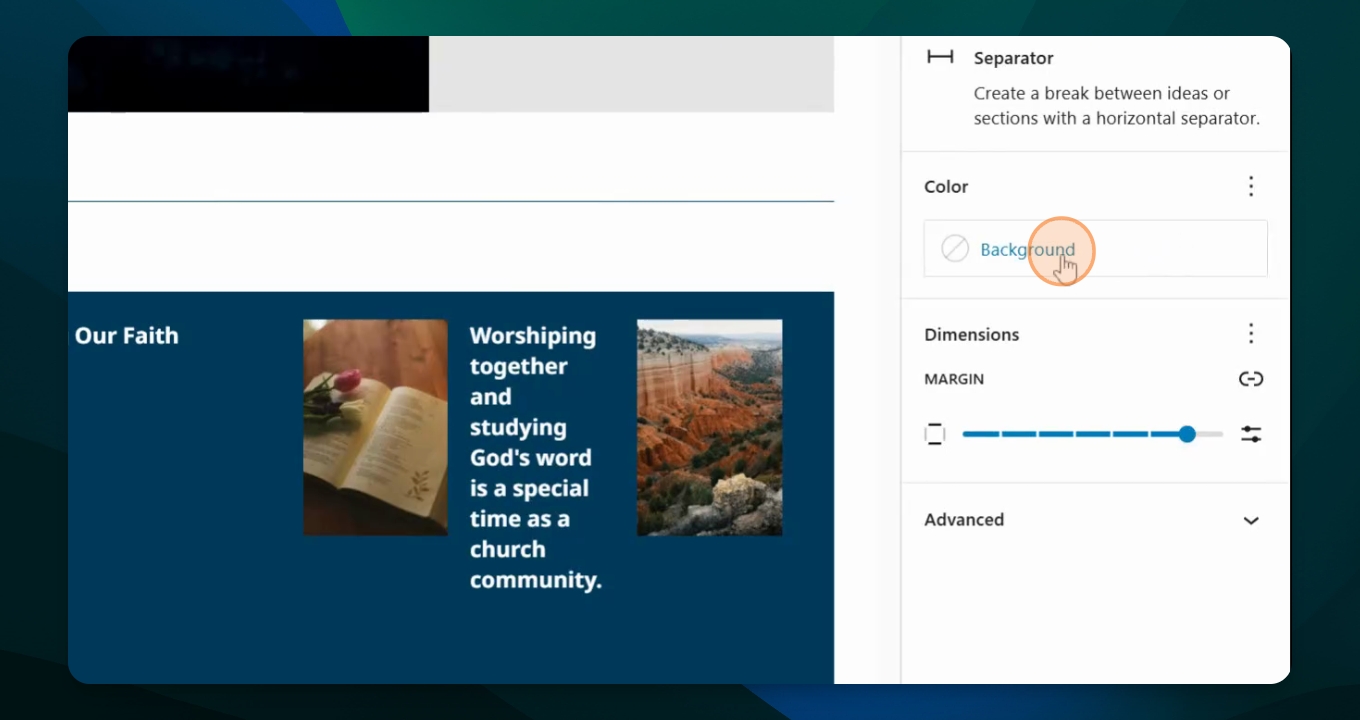
If you want to change the color of the line, go to background settings and choose a new color, like teal or pink.
Step 5: Save or Add More
After making changes, either save the page or add another section separator below.
This is a really helpful tool in breaking up subjects on a page.