Page templates in Frame are essential because they define the layout and structure for how your pages are displayed, ensuring a consistent design while allowing customization for different content types (e.g. Welcome, Content specific pages). They also provide site wide changes so changes changes to logo, menu, or color palette only need to be made once.
It is important to clarify the following information from the start. Templates are not for posting or creating page content, page templates are for a post or page display and structure for your website.
Advanced Users Only: Editing page templates directly can affect other features and the stability of your Frame site. Template changes may also not carry over if you switch to a different theme.
Editing the page templates can affect navigation, layout and other built in features and site stability and may not carry over to a new theme. Or if there is an Wordpress app update. If this happens then you will need make the adjustments again or have support reset those pages.
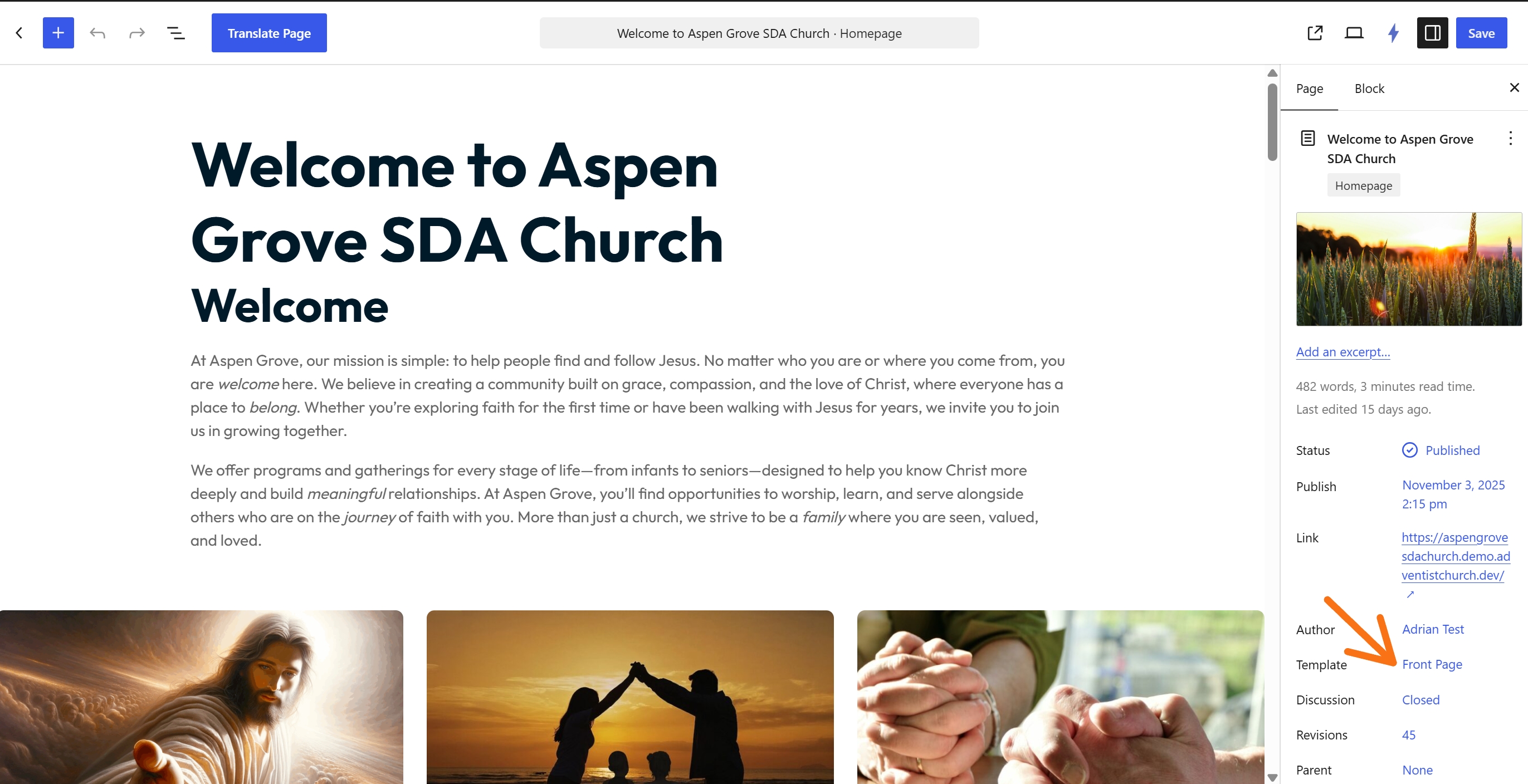
Front Page Template
Also known as your Welcome Page. Displays your site's homepage, and displays as a static page. The Front Page template takes precedence over all templates. It should never be placed into draft or deleted.
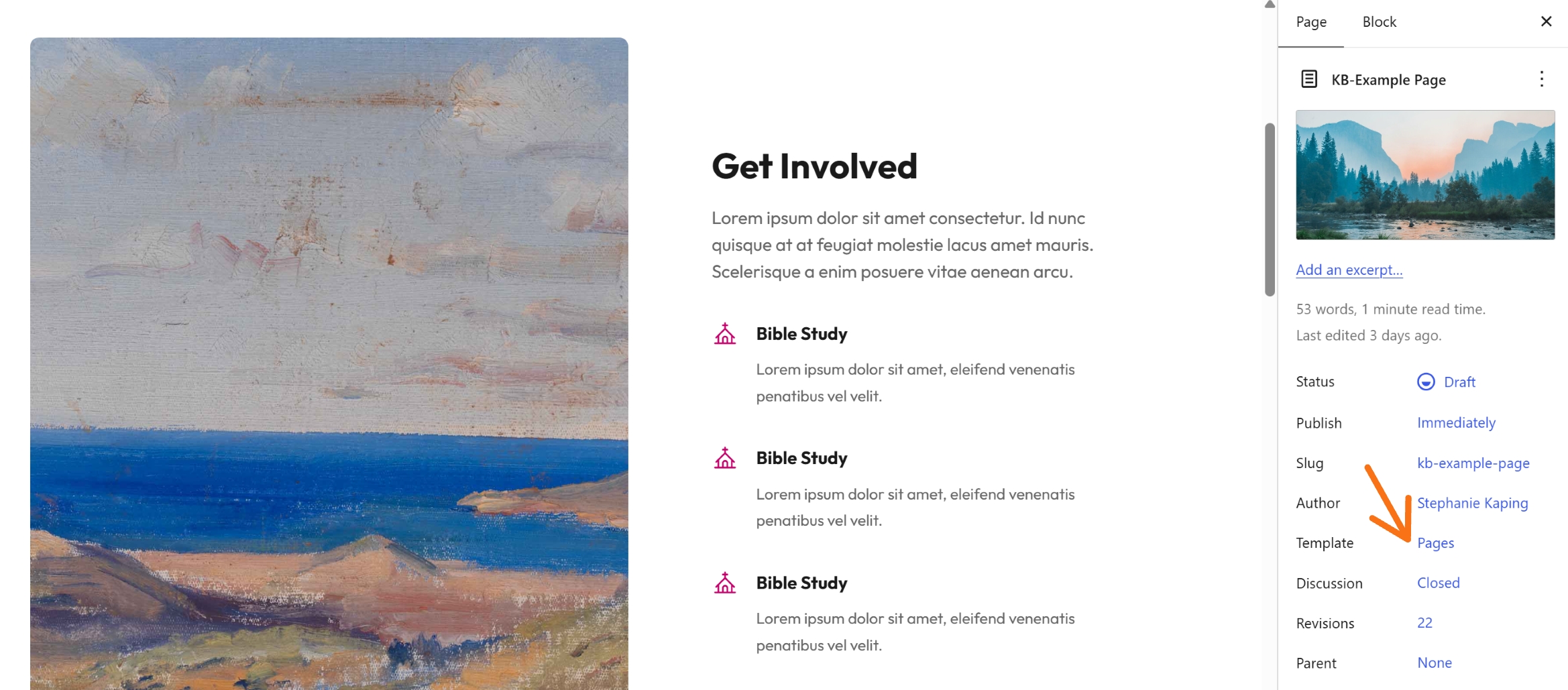
Single Page Template (Simple Page)
Also known as Simple Page, Pages or Default template. This is the most used page template for your Frame site. Displays a static page unless a custom template has been applied to that page or a dedicated template exists (e.g., calendar page).
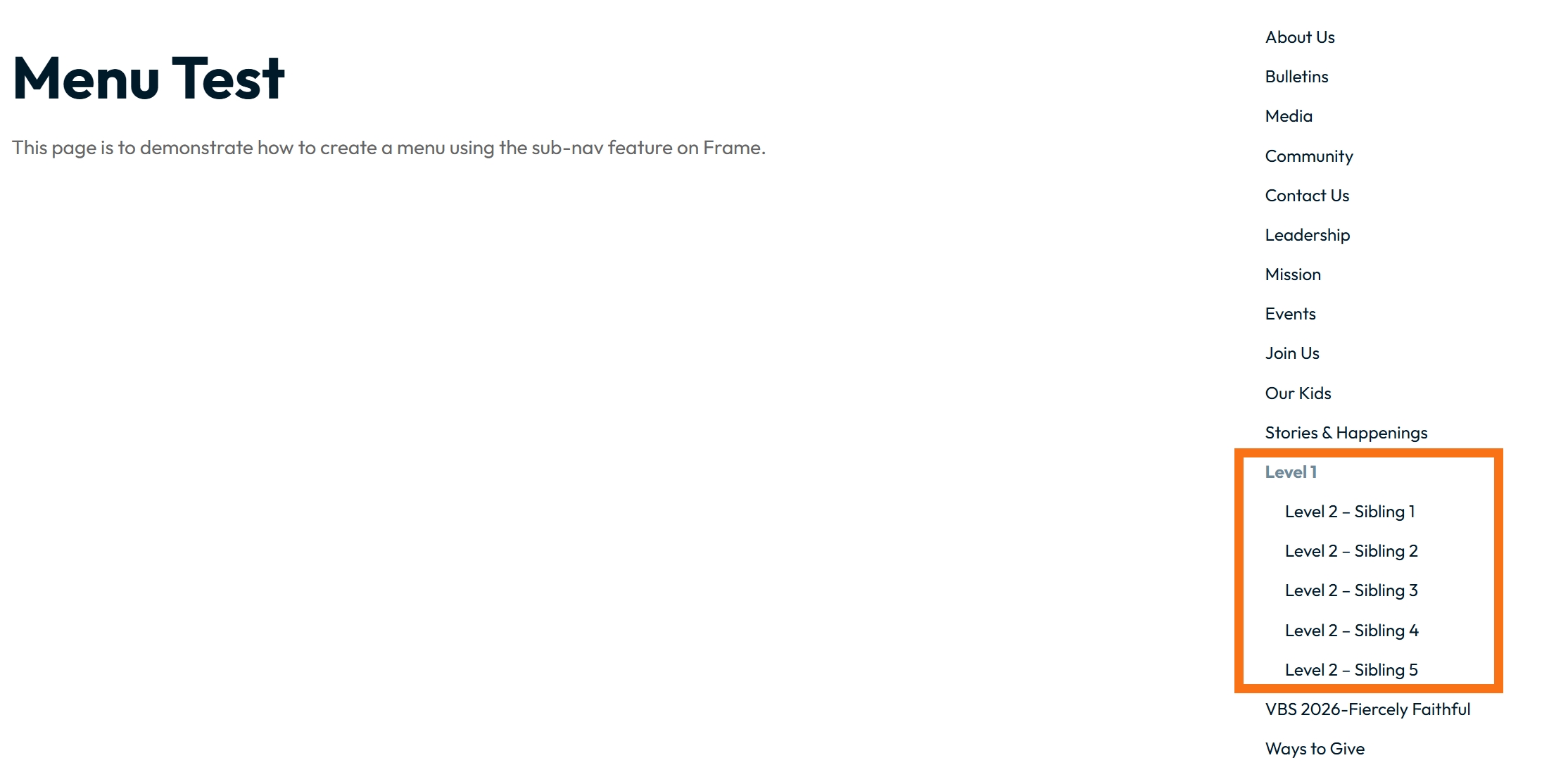
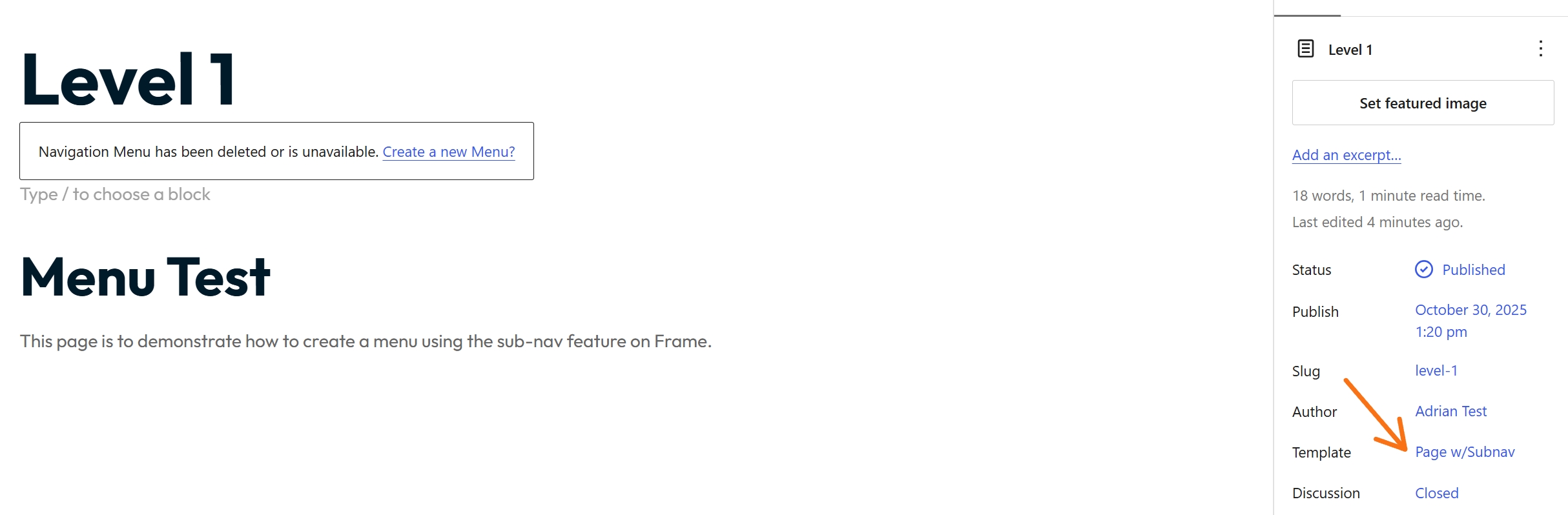
Page w/subnav Template
The w/subnave Template this is in partnership with a parent page and you are creating a dropdown menu or a sub menu on that parent page. Called the parent > child relationship. To understand more detail on how to work with this template see Understand the Page w/ Subnav Template
No-hero Page Template
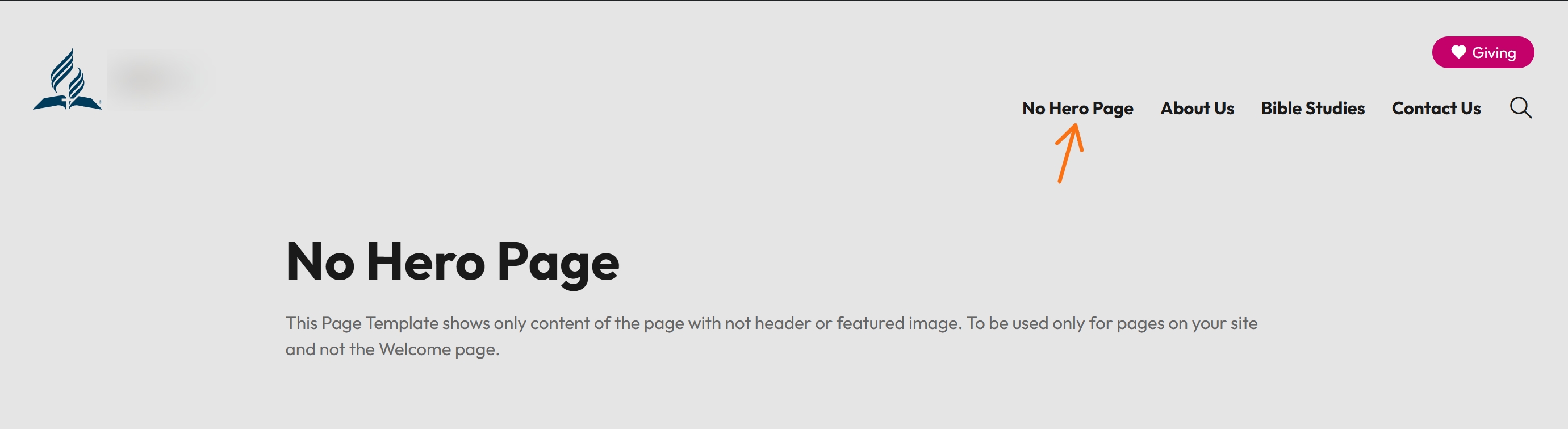
When using the No Hero Page Template only the content on the page itself will appear. The header section does not appear. This should be used for content pages for your website and not used for your Front page. Also when published it will appear in your main menu. (see below)
Calendar Views (Event Archive), Catalog Archive, News Archive
The Archive templates can be created as a page for posts that you want to keep but my be dated, you can follow steps on the Knowledge Base on how to assign the archive and then add the feed to the page. This is good for:
Blog Posts
News (if using)
Events calendar
Catalog / Issues / Gallery
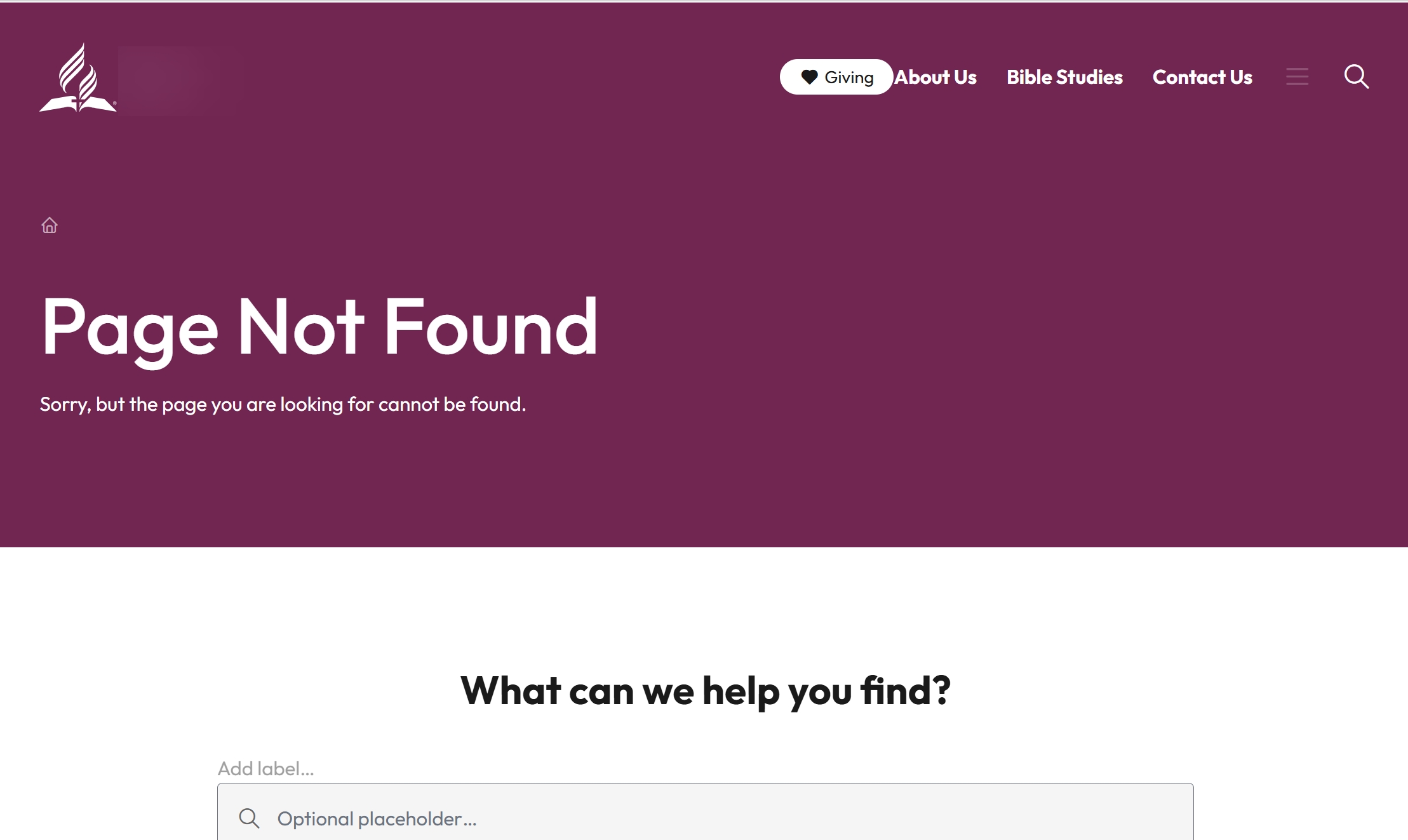
404 Page (Page Not Found) Template
Displays when a visitor views a non-existent page, such as a dead link or a mistyped URL.