TL;DR
1
Access pages
Go to your dashboard and select All Pages.
2
Add a new page
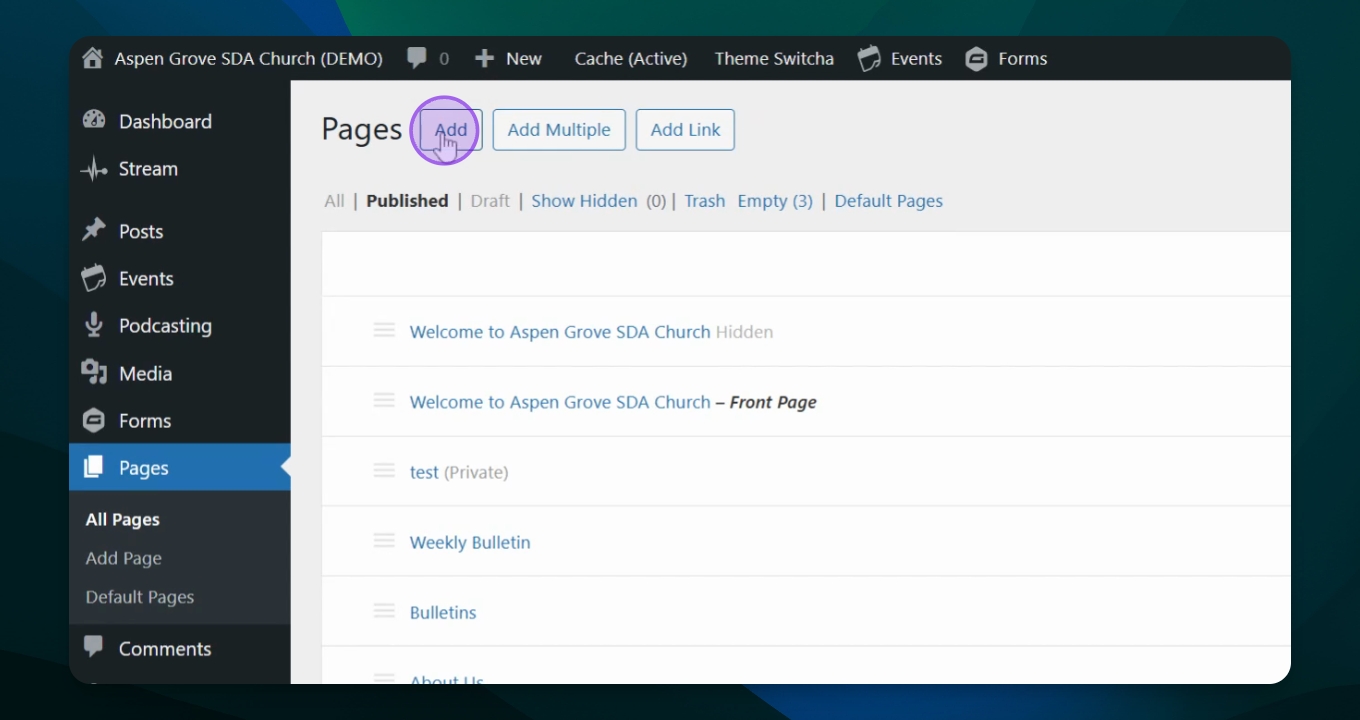
Click to Add Page and enter the title.
3
Add content
Insert photos and fill out the content.
4
Publish the page
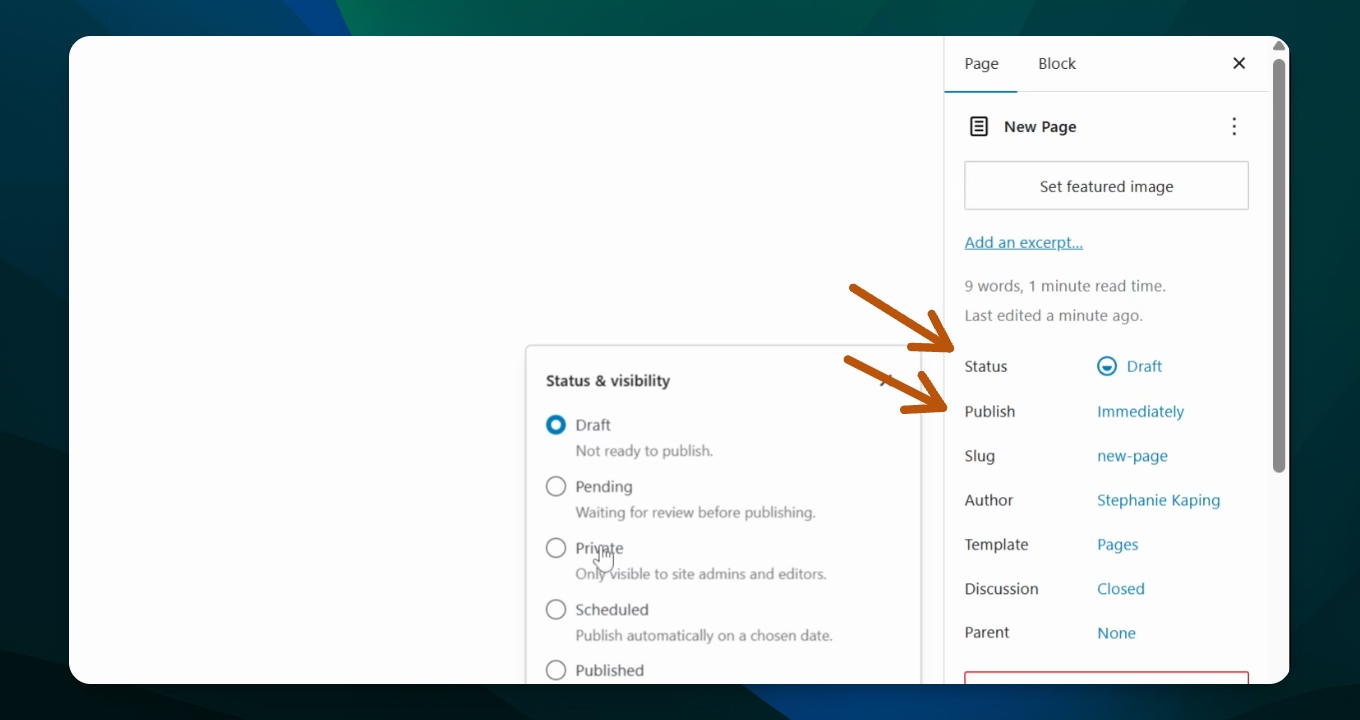
Choose to publish immediately, in the future, or save as draft.
5
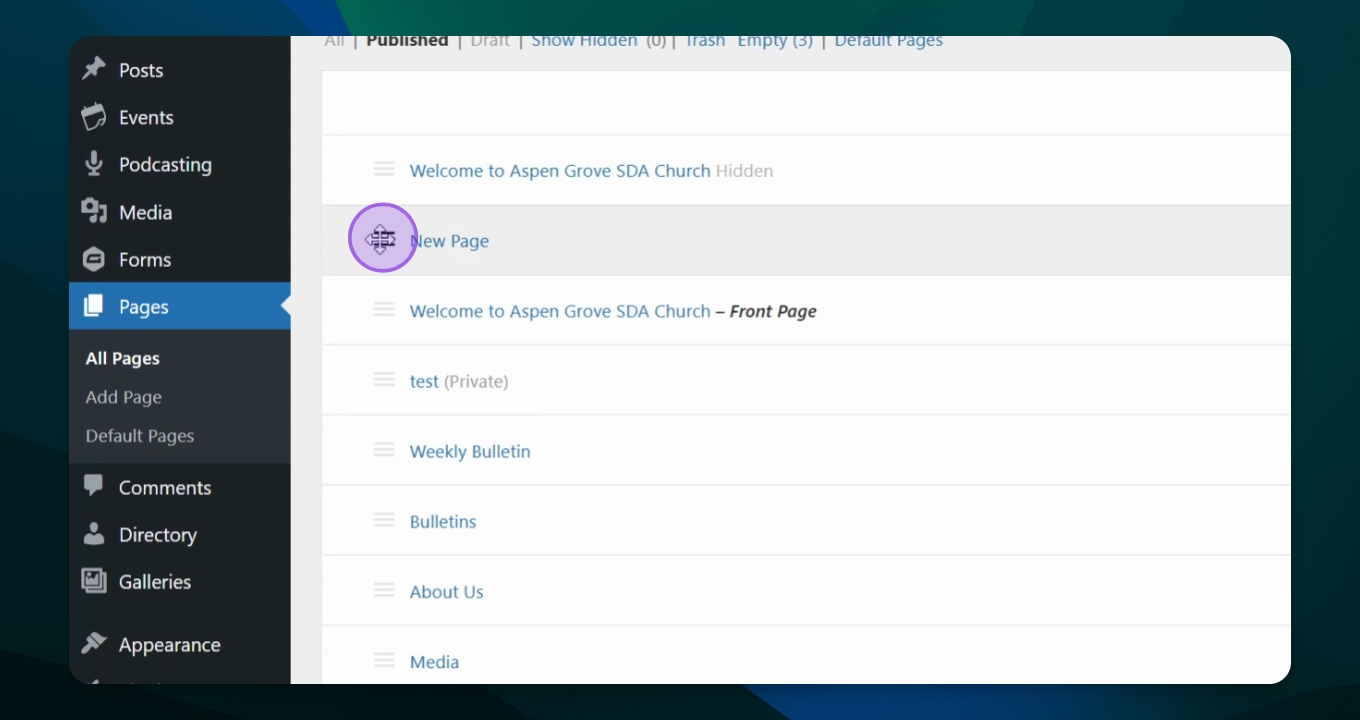
Manage navigation
Rearrange the page position using the hamburger icon.
Let's Do It Together!
Step 1: Access Pages
Go to your dashboard and select Pages followed by All Pages.
Step 2: Add a New Page
Click the button to Add Page.
Step 3: Set Page Title
Add a title for your new page.
The title will be included in your navigation.
Step 4: Add Content
Add photos and use the content block inserter to fill in your content.
Step 5: Publish or Save as Draft
Click Publish to make the page public or select Draft if you want to keep it private.
You can choose to publish immediately or schedule for later.
Step 6: View Your Page
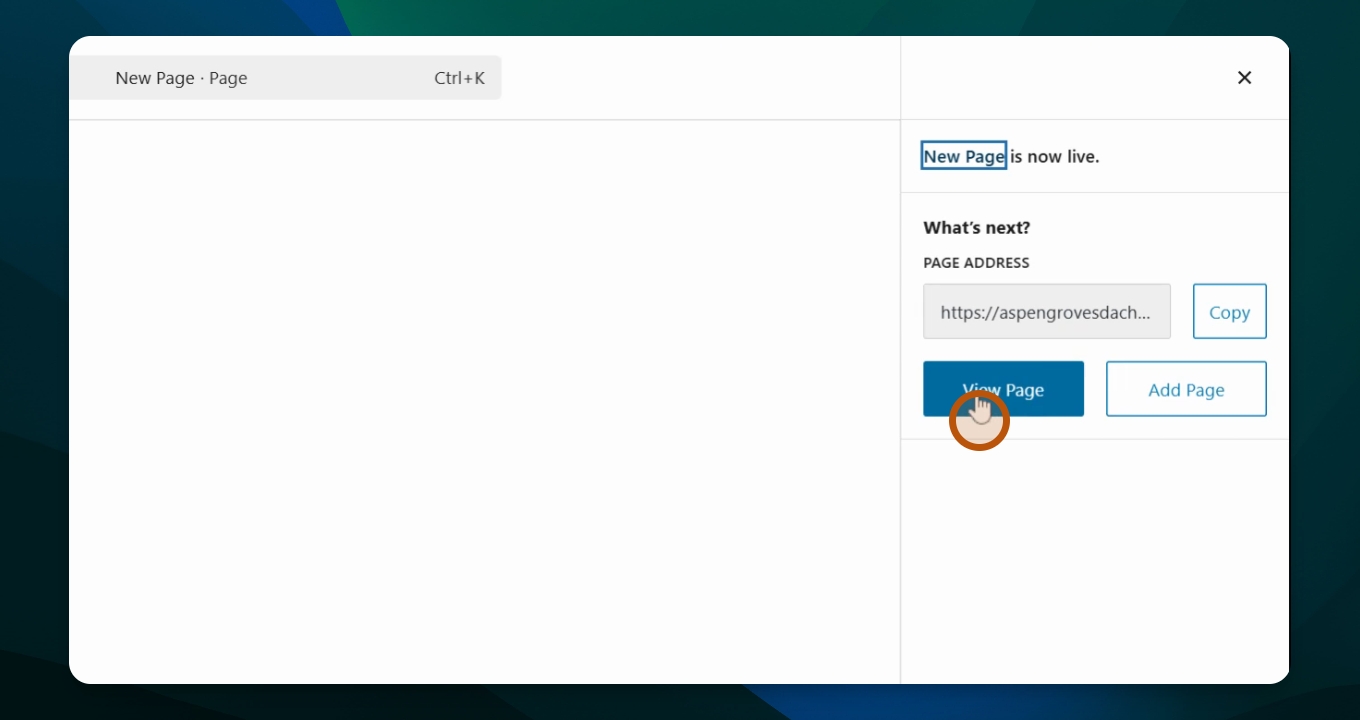
View the page to see your changes.
Step 7: Manage Page Position
Back in the dashboard, move the page up or down in your navigation by holding the hamburger icon next to the title.
Your page order in the menu is now updated.