TL;DR
1
Edit Page
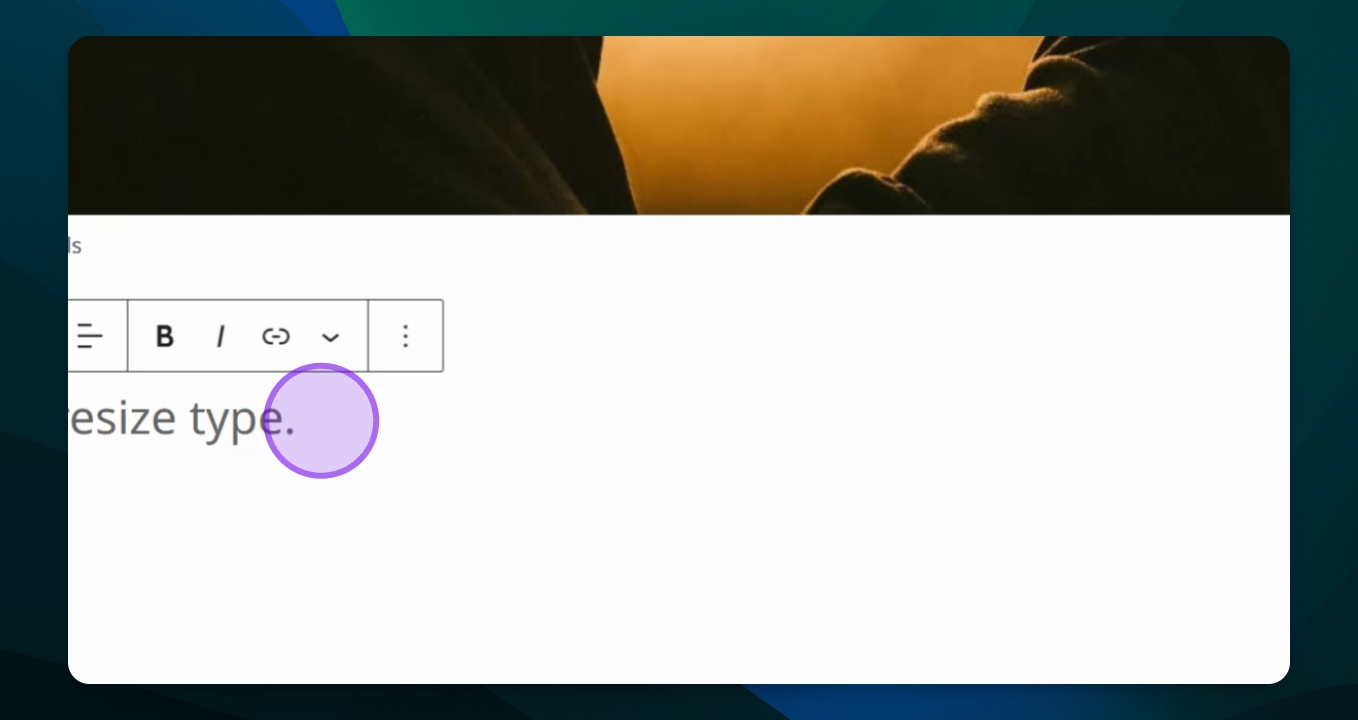
Go to the page and select the text to resize.
2
Open Settings
Click the settings icon and choose Block Options.
3
Access Typography
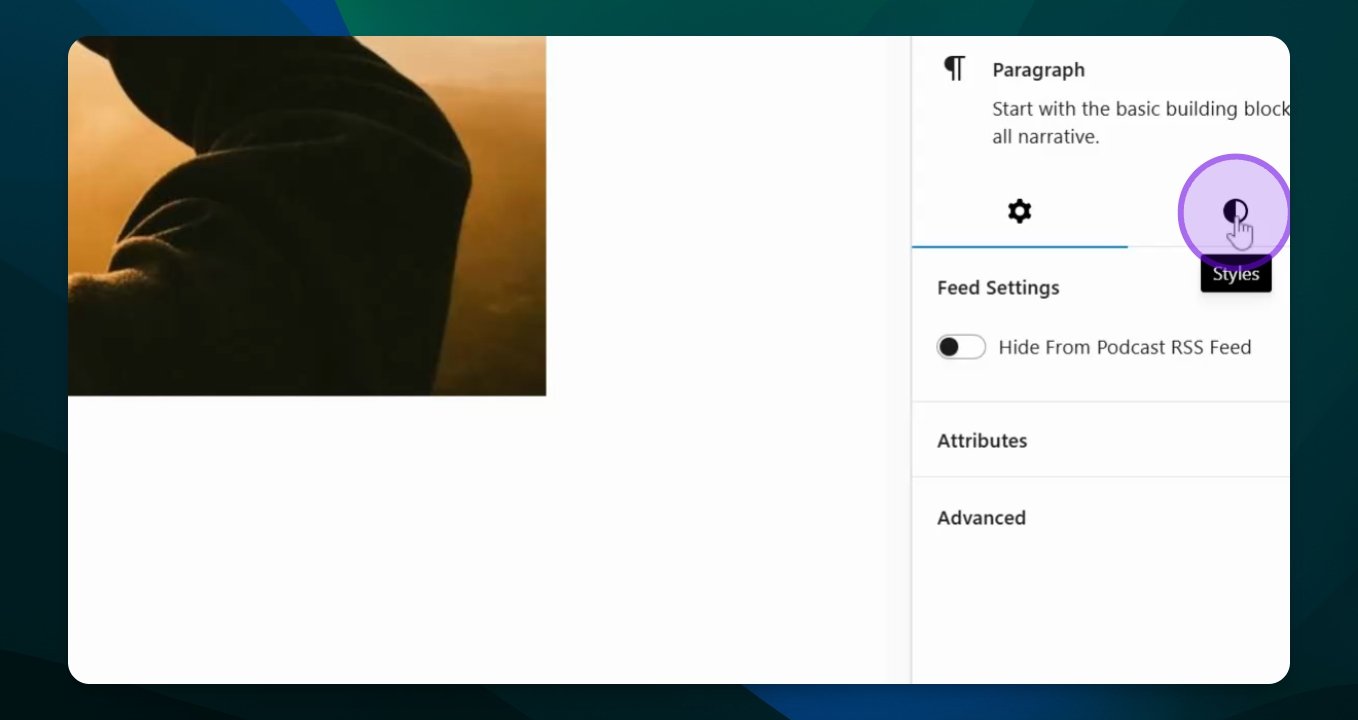
Click the Styles icon and find Typography settings.
4
Choose Size
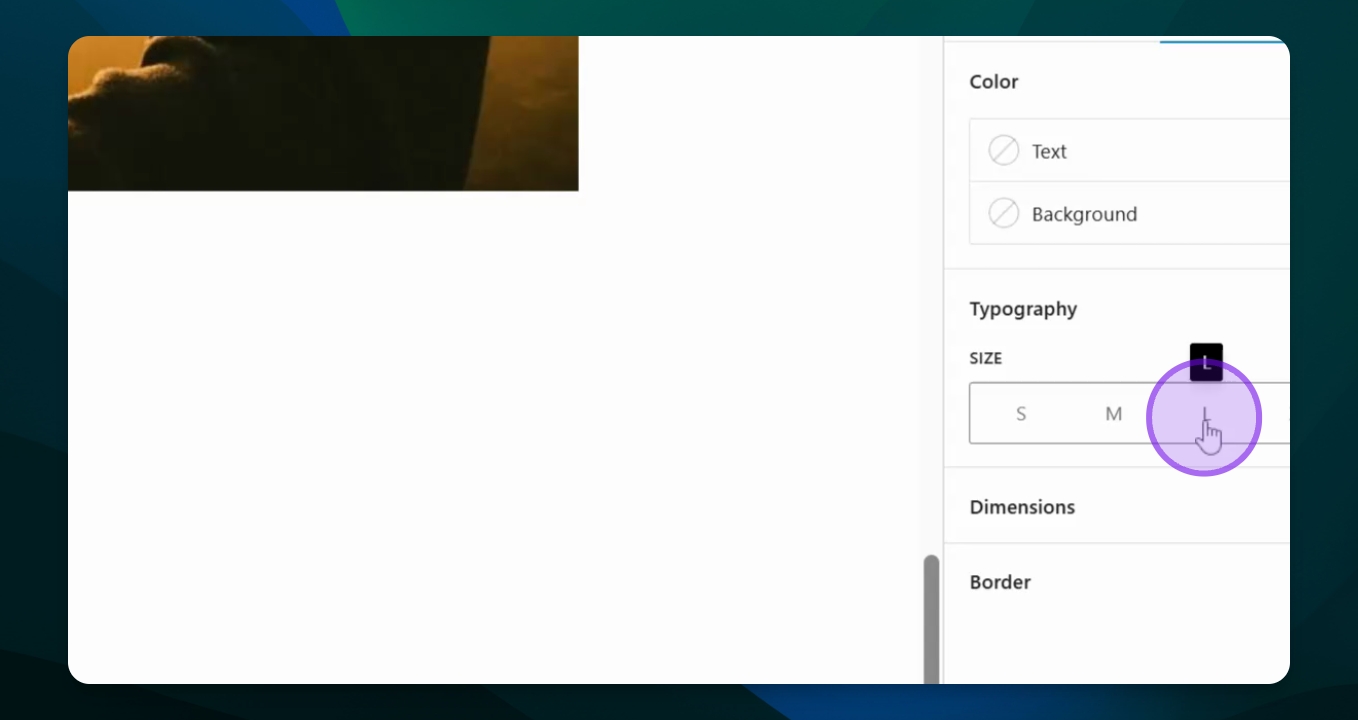
Select a predefined size or set a custom pixel size.
5
Finalize Changes
Ensure the size fits the context and adjust alignment if needed.
Let's Do It Together!
Step 1: Edit Your Page
Go to the page you want to edit.
Select the type (text) you want to resize.
Step 2: Open Settings Menu
Ensure the settings menu is open by clicking the
 icon in the upper right corner.
Select Block Options from the menu.
Step 3: Access Typography Settings
Click on the Styles icon (circle half black, half white).
Find the Typography section to change the text size.
Step 4: Select Text Size
Choose a size option: Small, Medium, Large, or Extra Large.
For a custom size, click the toggle to define a pixel size.
Step 5: Finalize Changes
Ensure the text size is appropriate for its context.
Use the toolbox options above the text to adjust text alignment and style.