

Events Template Archive
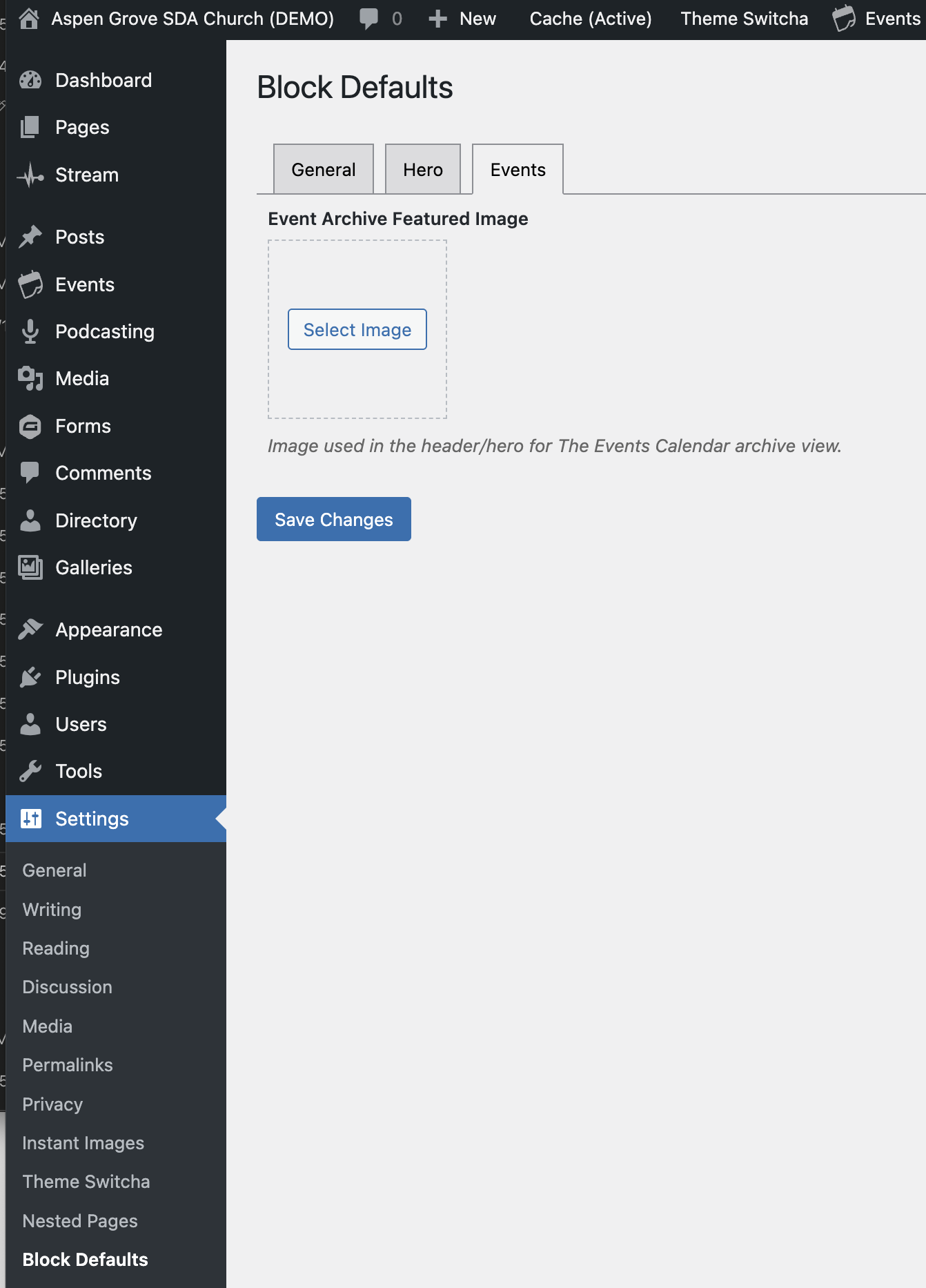
To set the Featured Image for the Events page (/events), go to Settings > Block Defaults > Events. Use the image selector to define the Featured Image you would like to display on this page.
Media Catalog Template Archive
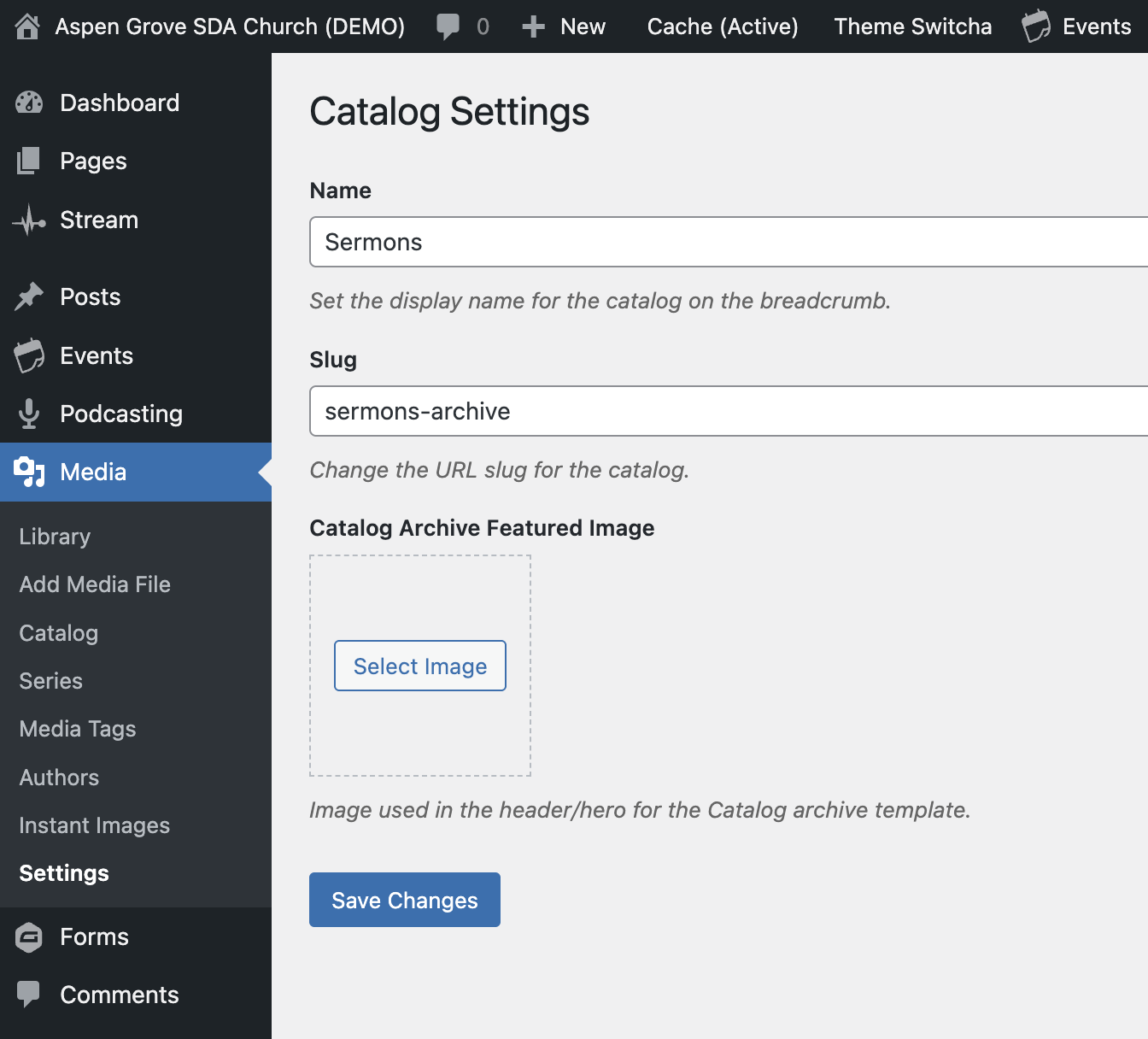
To set the Featured Image for the Media Catalog page (whatever that is defined as, often /sermons-archive), go to Media > Settings. There is an option to set the image that will display on this catalog page.
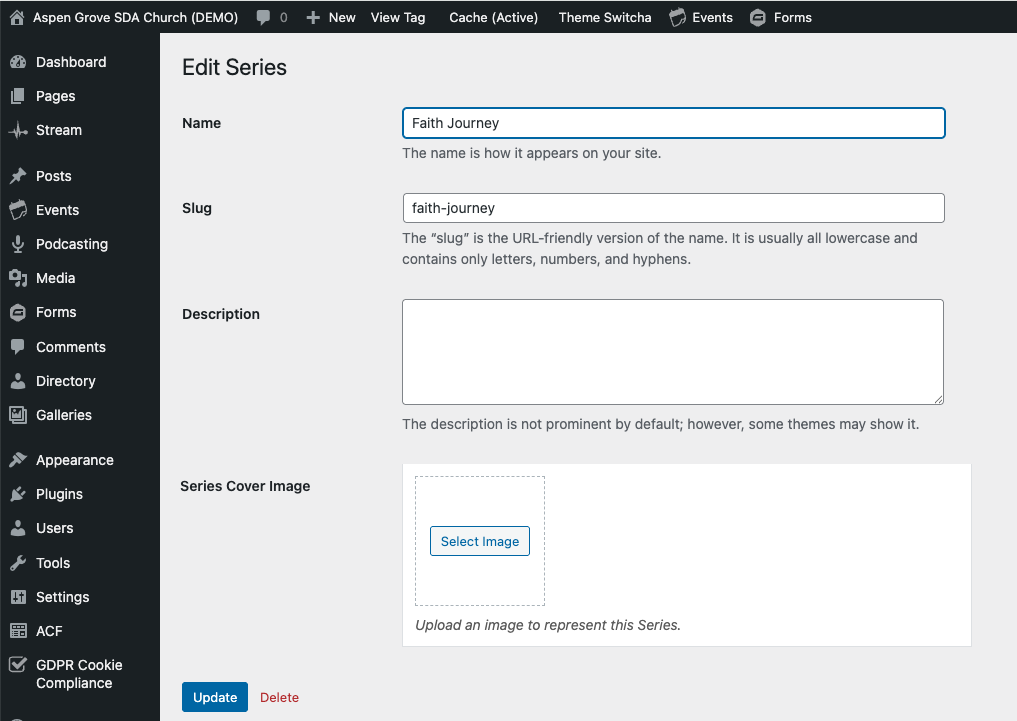
A unique Featured Image can also be set for a specific Series. Under Media > Series, either add a new Series with the Featured Image, or click on an existing Series to edit it. You can set a Featured Image in the editing window.
Looking to add a Featured Image for a Post Category? We're working on developing this feature but it is not currently available. Stay tuned!