Steps to Increase the Menu Item Limit
Log in to your Frame dashboard.
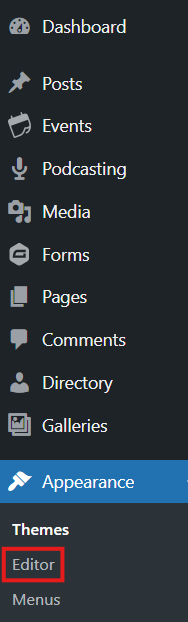
Navigate to Appearance > Editor
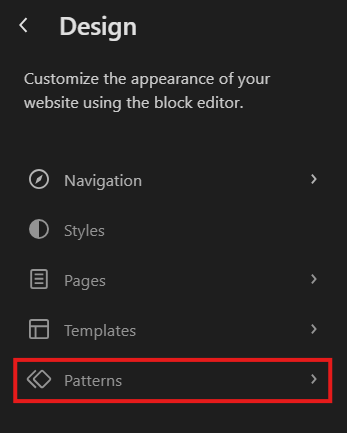
Patterns
Click Patterns in the left panel.
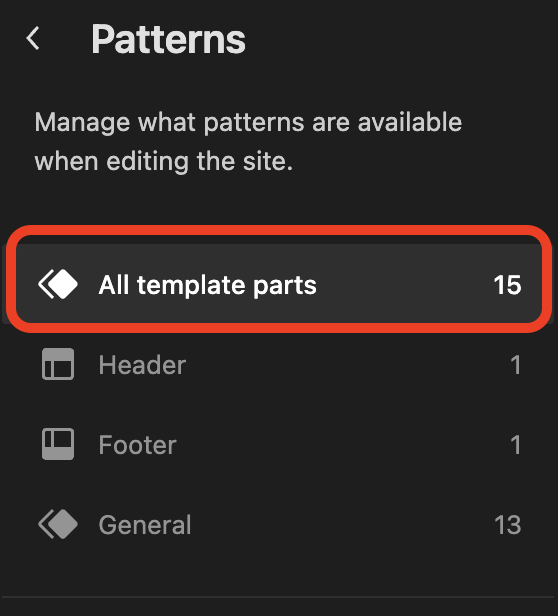
4. All Template parts
Click All template parts in the left panel
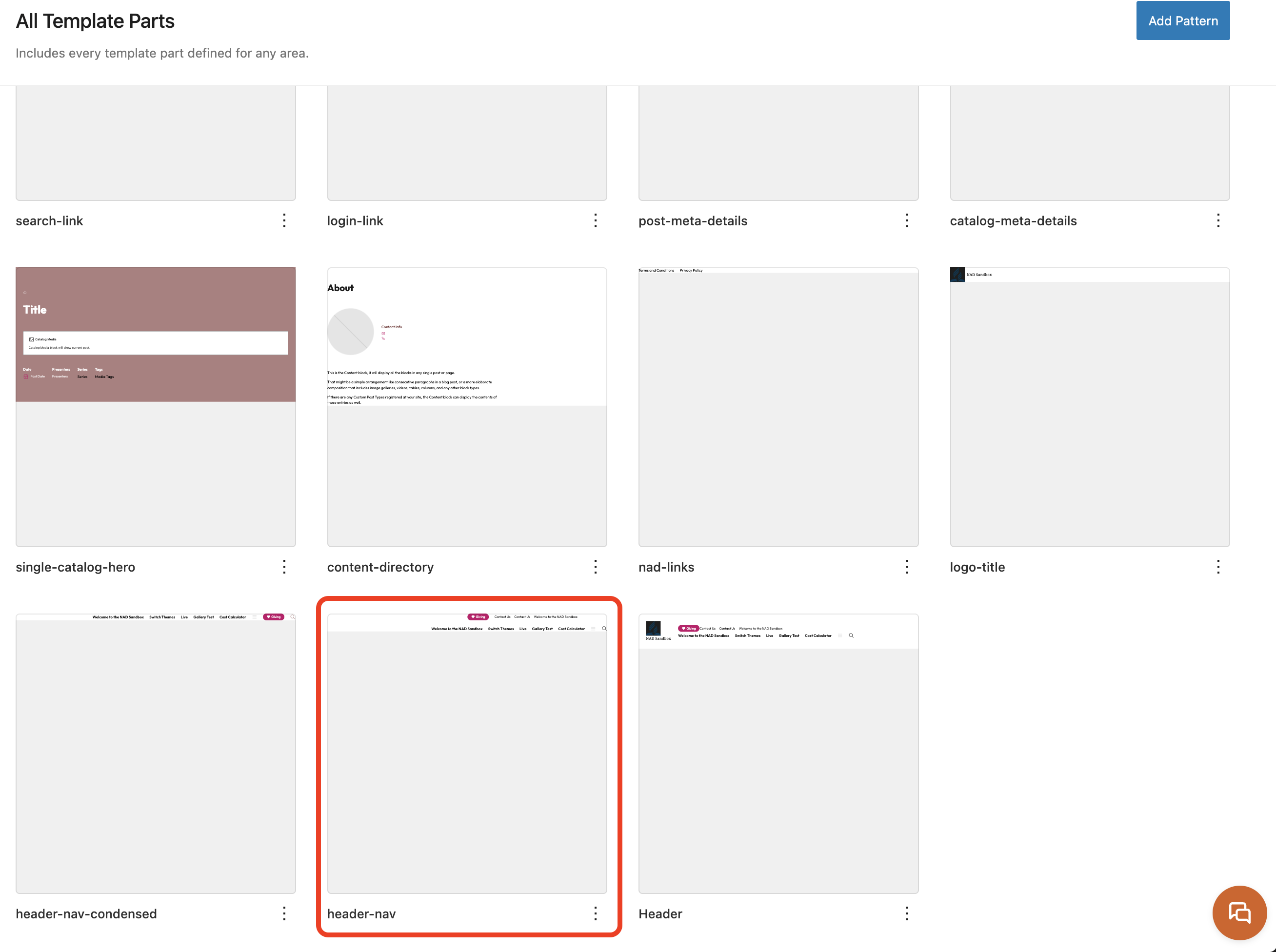
5. Scroll down and click on header-nav
This will open the editable header layout.
6. Open the Document Overview Panel:
Click the three-lined icon (☰) in the top toolbar to open the Document Overview.
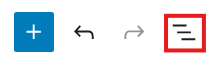
7. Expand the Menu Tree:
Click the arrows in the Document Overview to expand the layout. You're looking for the Main Menu, which is usually nested under a Stack or Group block in the Header.
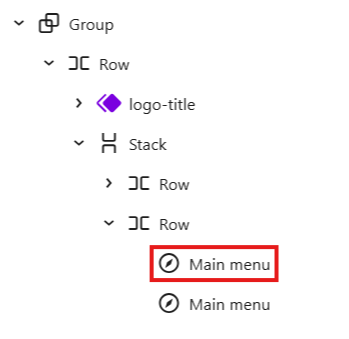
8. Open Block Settings:
On the right side of the screen, click the Settings tab
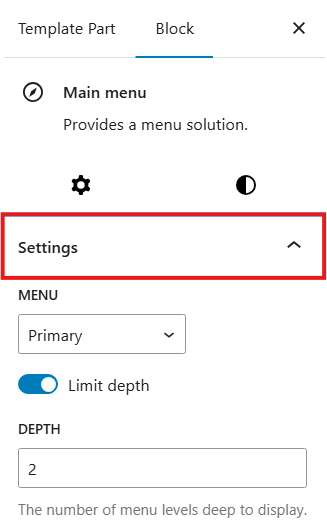
9. Adjust the Limit:
Under Inline Items, locate the Limit setting.
Increase the number to allow more items to appear in the navigation.
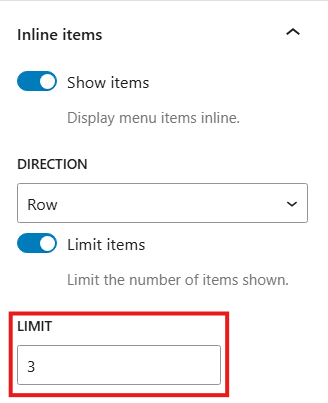
10. Save Your Changes:
Click “Save” in the top-right corner to apply your changes.