

Today we're going to talk about how to group blocks on your page together. This creates an easy workaround for organization and helps you copy and paste to another page or create a pattern you want to use often on your site.
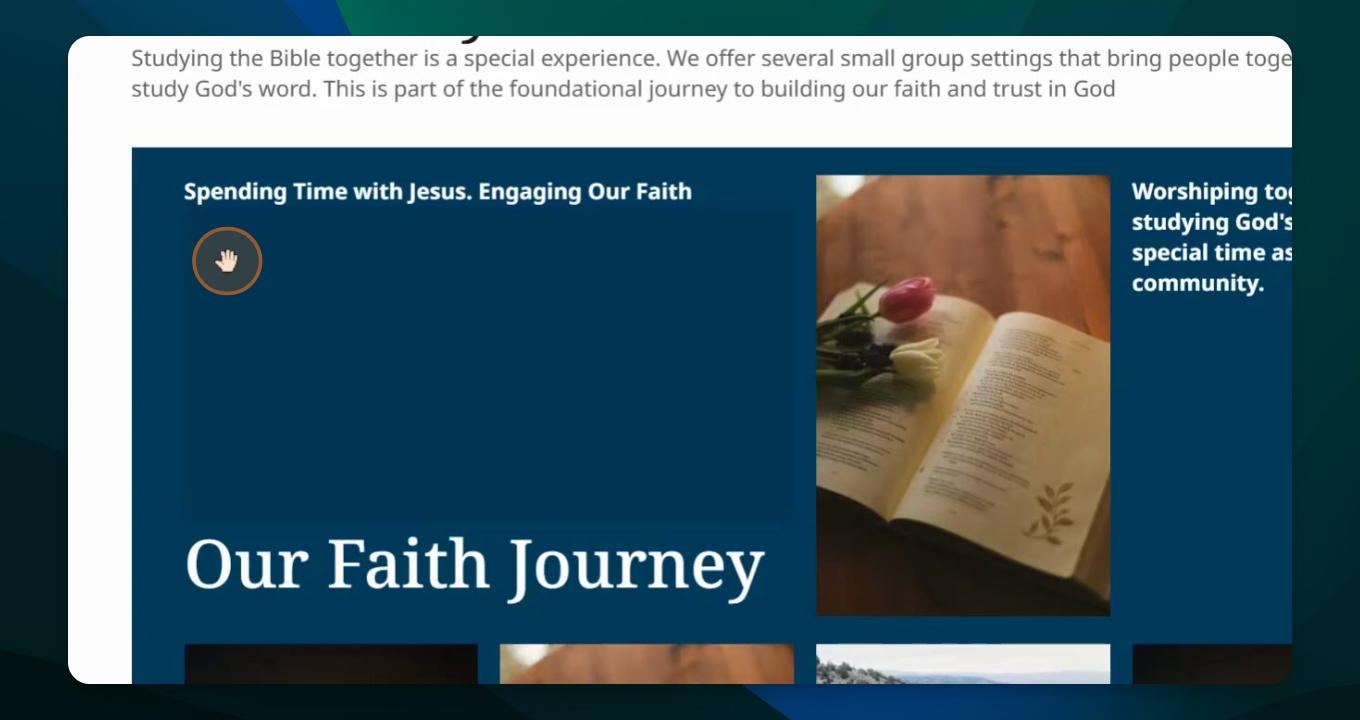
Step 1: Go to Document Overview
Navigate to your document overview where you will see all your elements like titles, paragraphs, and columns.
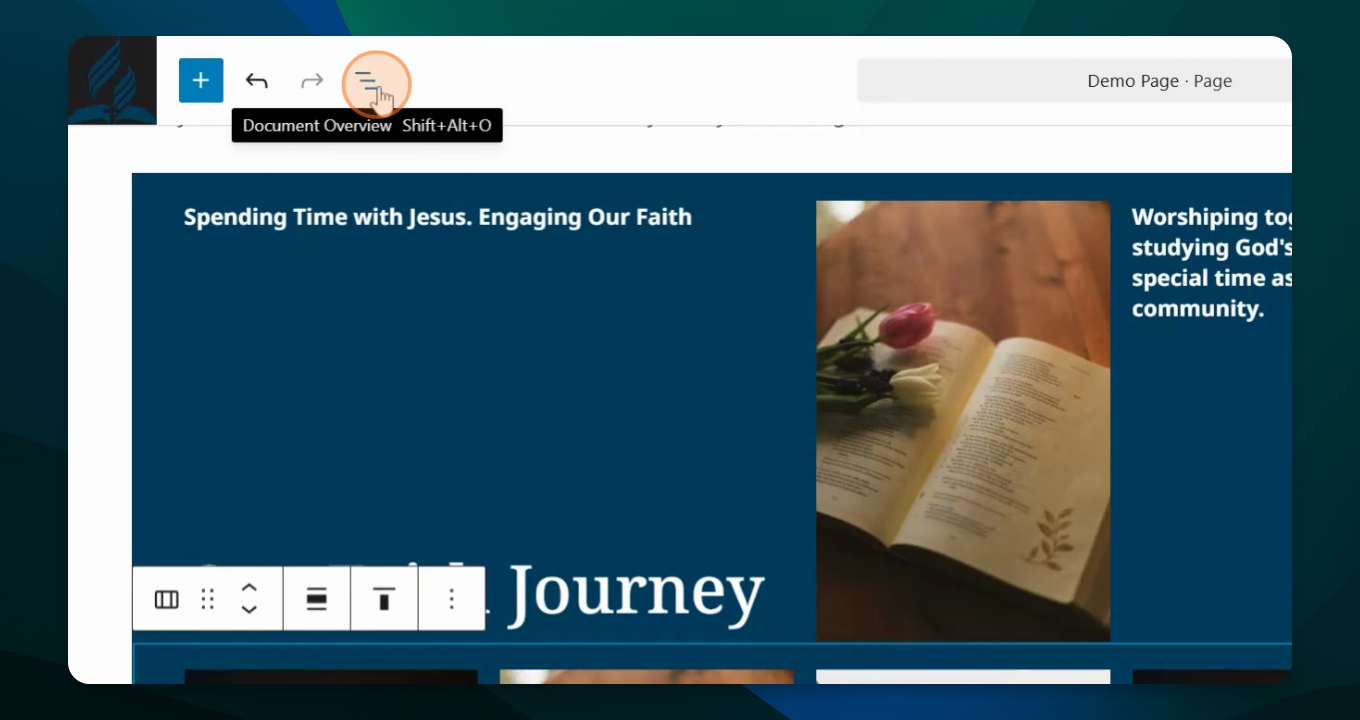
Step 2: Select Elements
Select all four elements by holding down the shift button while clicking on each one.
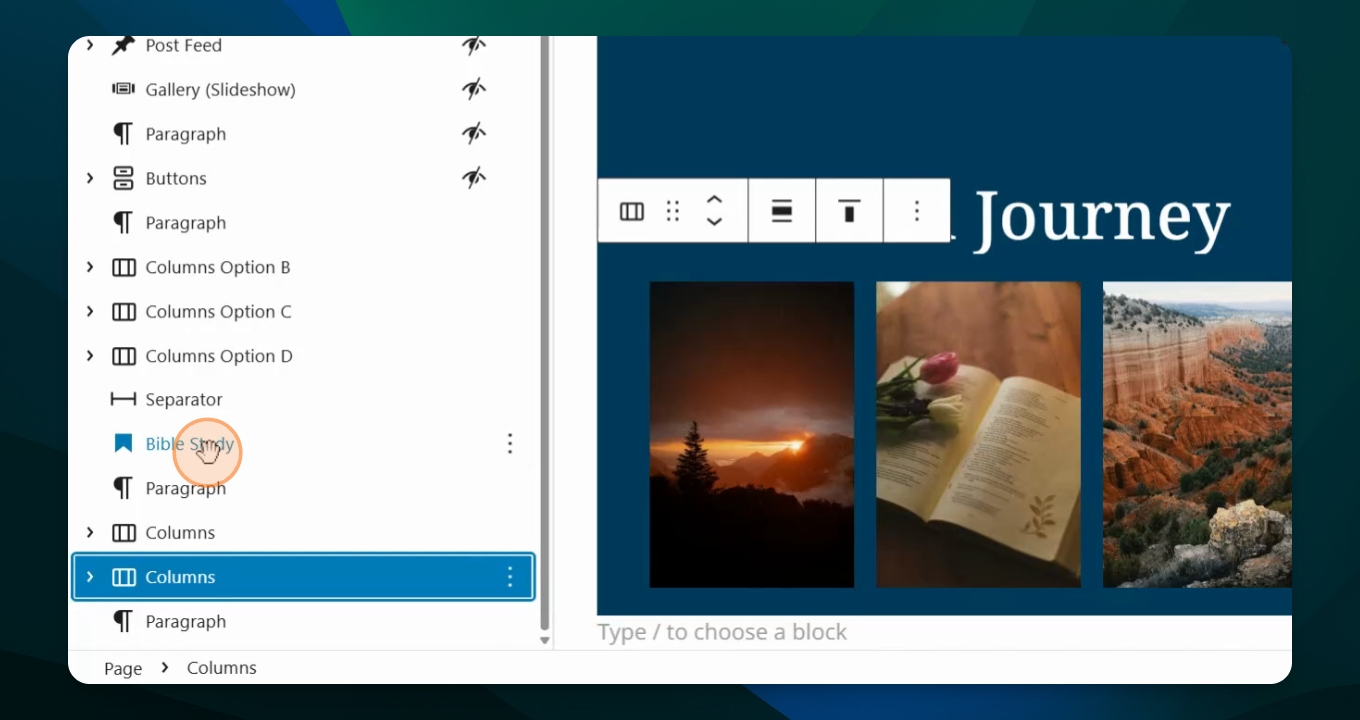
Step 3: Group Elements
Go to the top of the options and choose group to group the selected elements together.

Step 4: Rename Group
Hit rename and type in a name for your group, such as Bible Study, then save it.
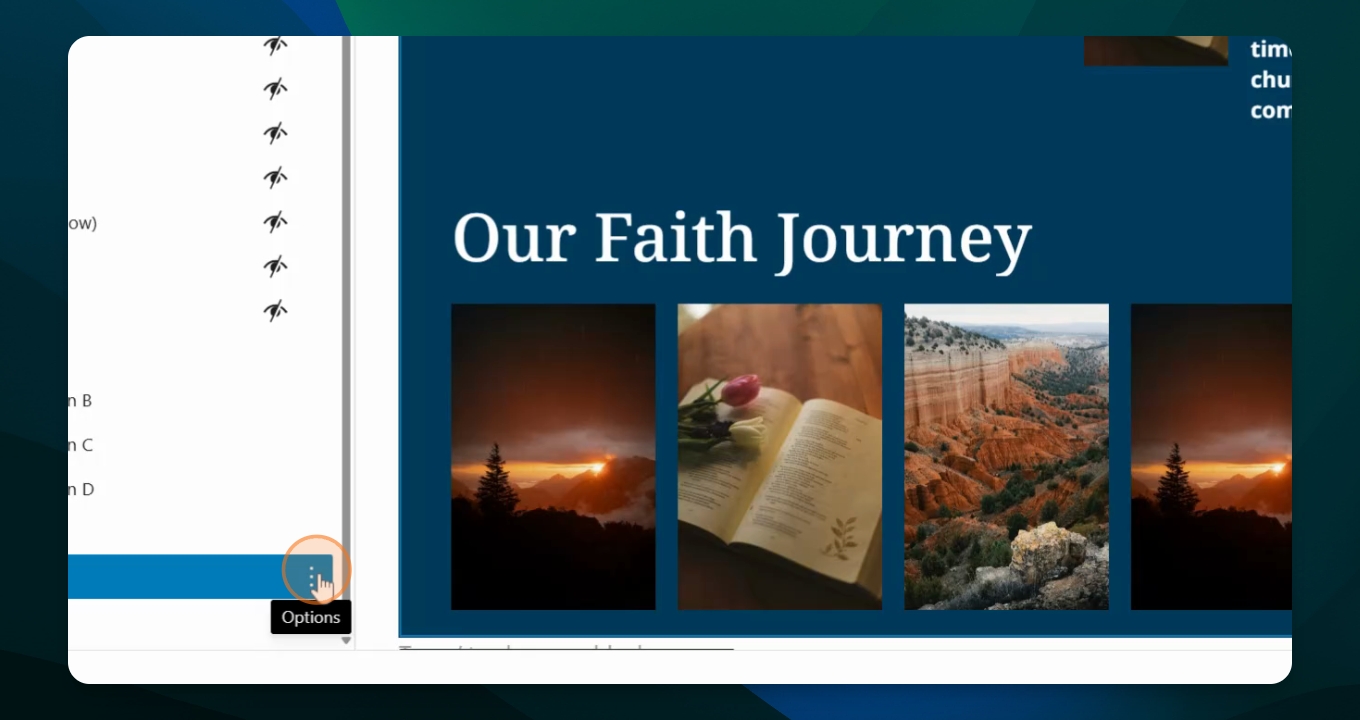
Step 5: Manage Group Options
You can cut, copy, duplicate, or delete this group as needed.
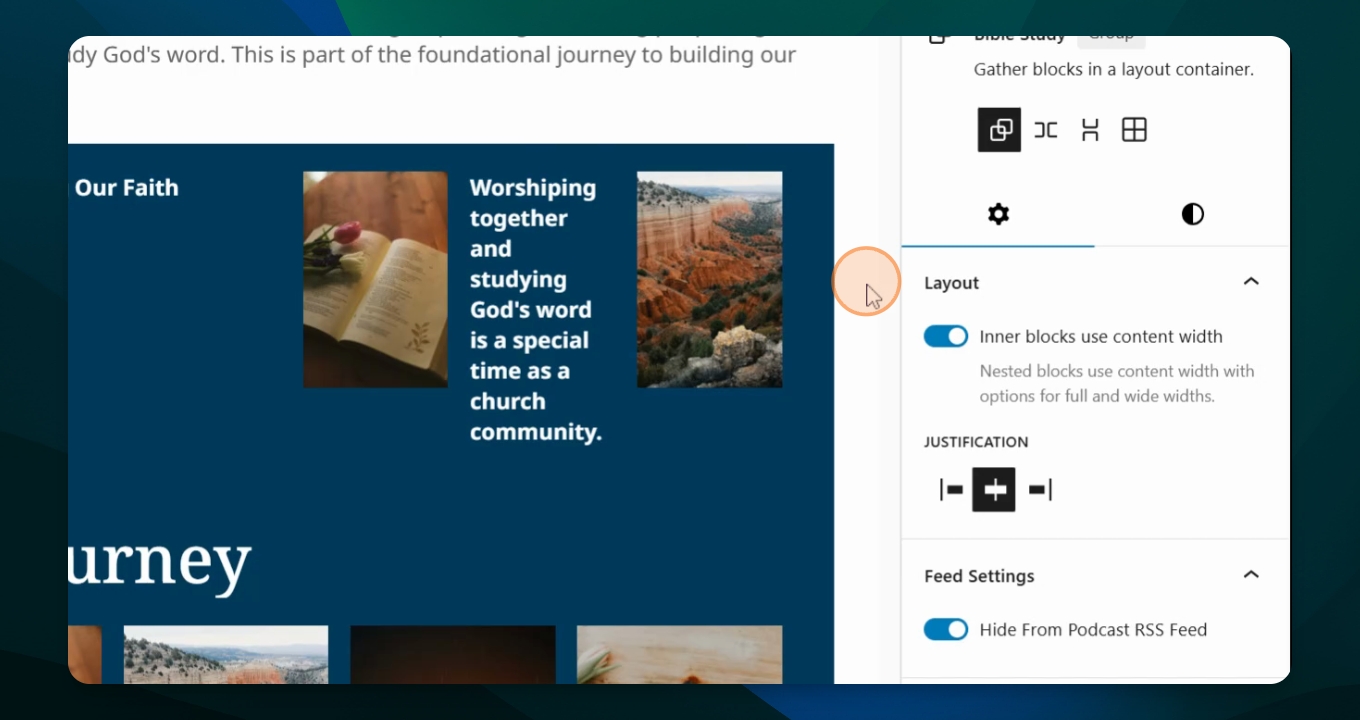
Step 6: Edit Group
To make edits, simply click in the block and change text or photos.
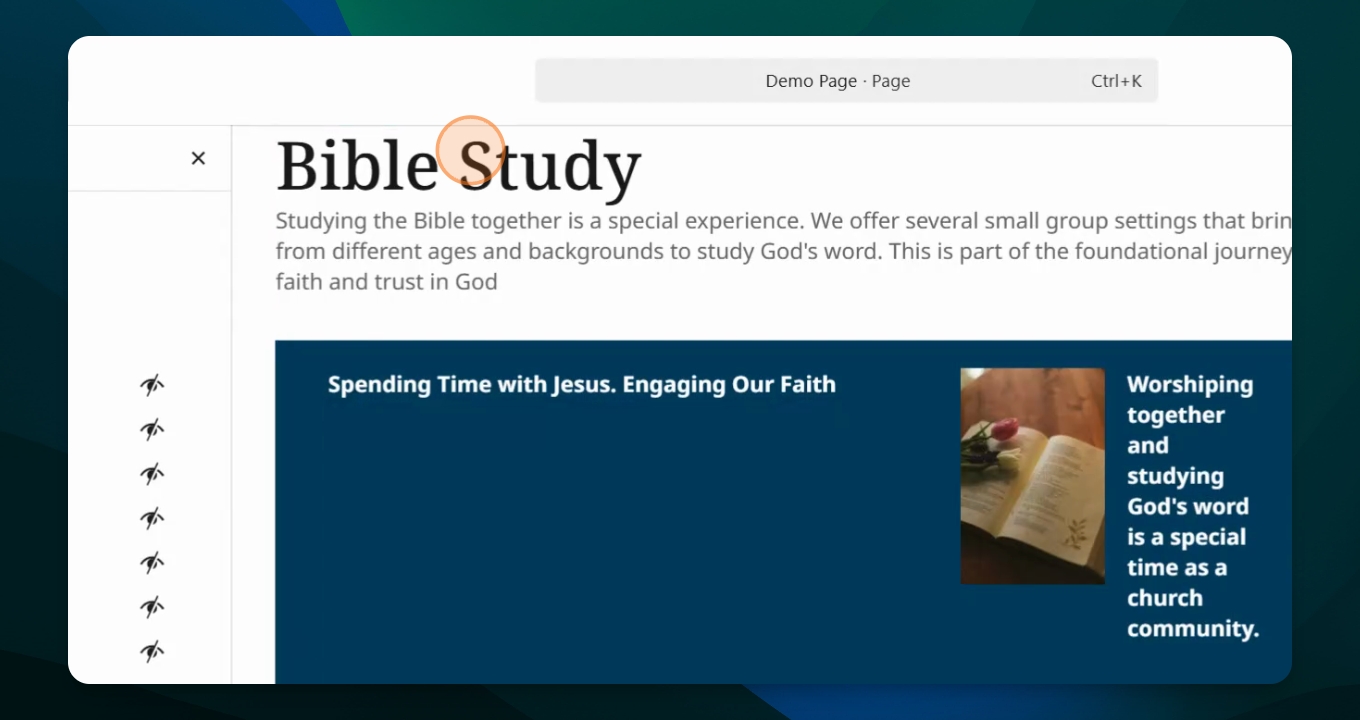
This is an easy and effective way to keep yourself organized on a page with lots of information or to create a pattern for use on other pages.