TL;DR
1
Open WordPress dashboard
Navigate to the page or post you want to edit.
2
Create a group
Type /group to start a new group.
3
Add blocks
Use the plus button to add blocks inside the group.
4
View group content
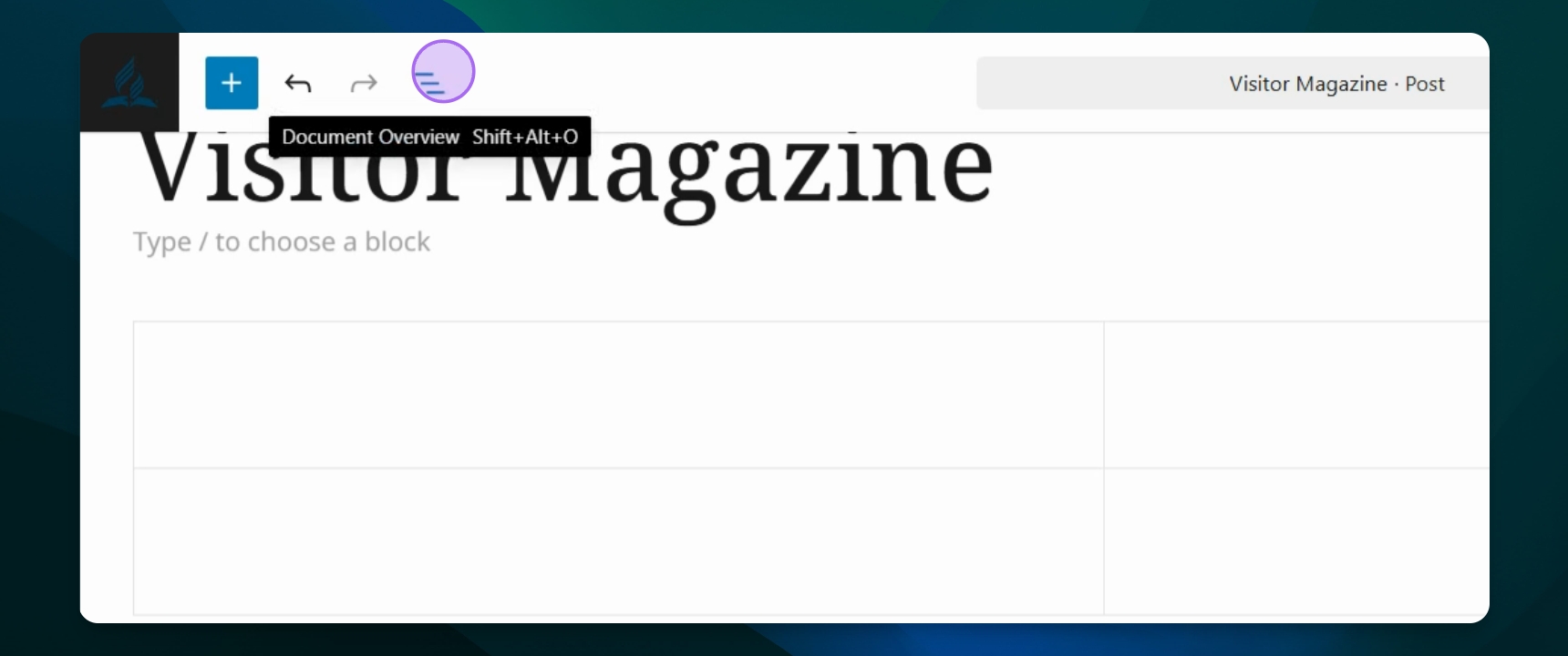
Click the document overview to see what's inside.
5
Manage group settings
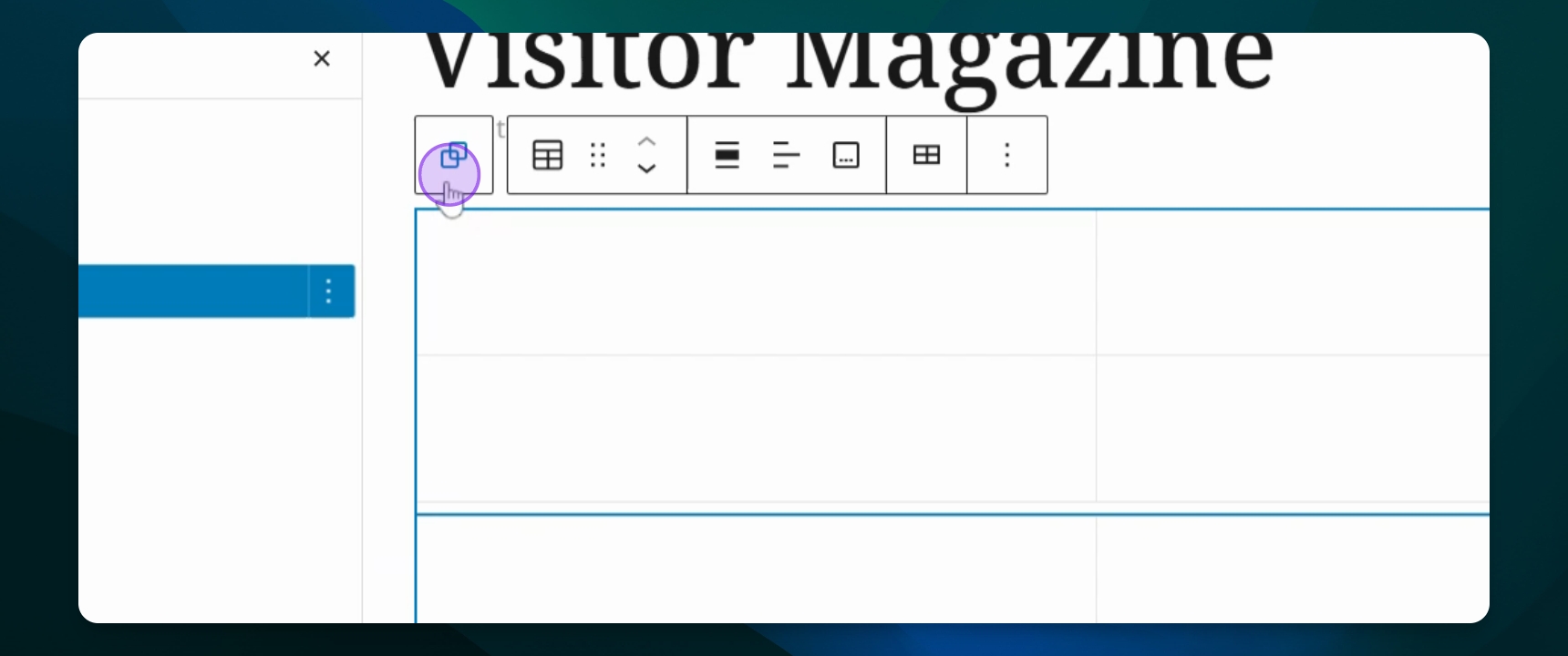
Select parent group to copy, cut, or ungroup blocks.
6
Ungroup if needed
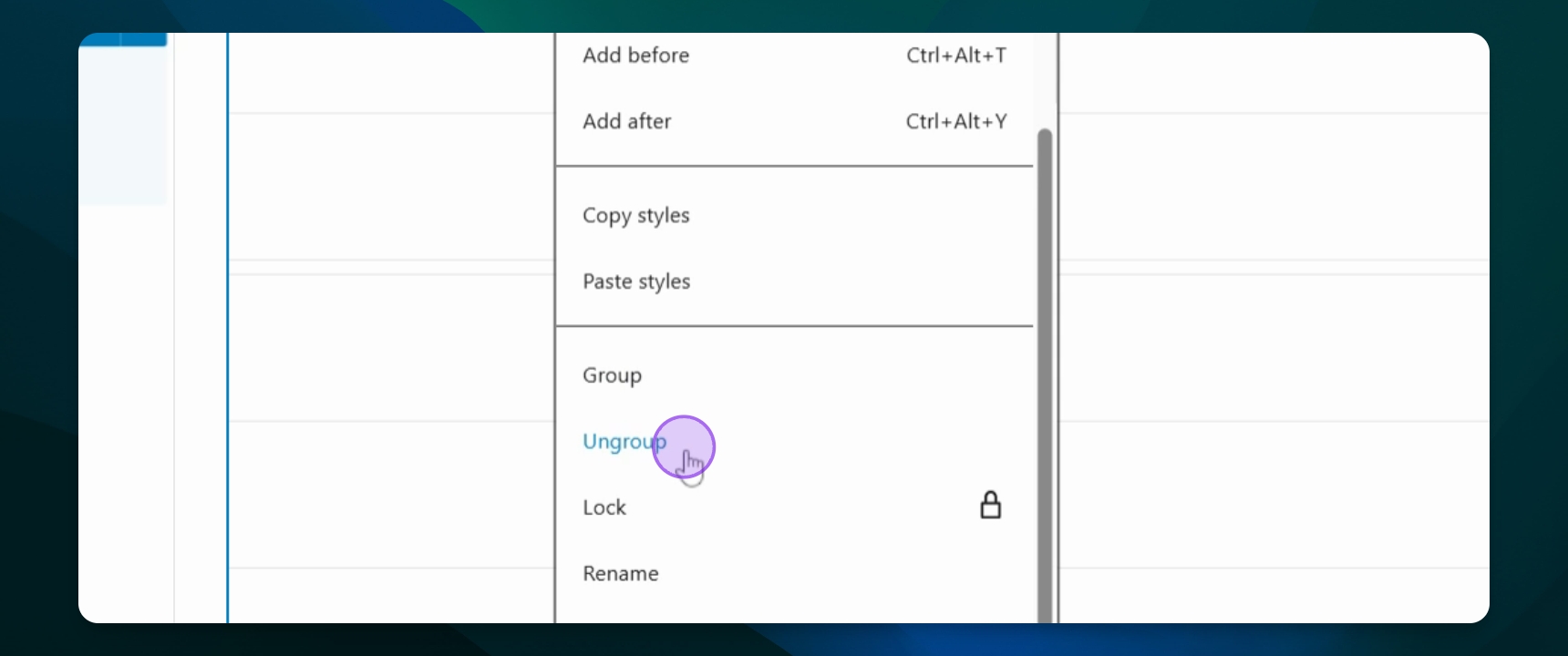
Press ungroup to separate blocks.
7
Transform multiple blocks
Highlight and press multiple box selected to group them.
Let's Do It Together!
Step 1: Access Your Dashboard
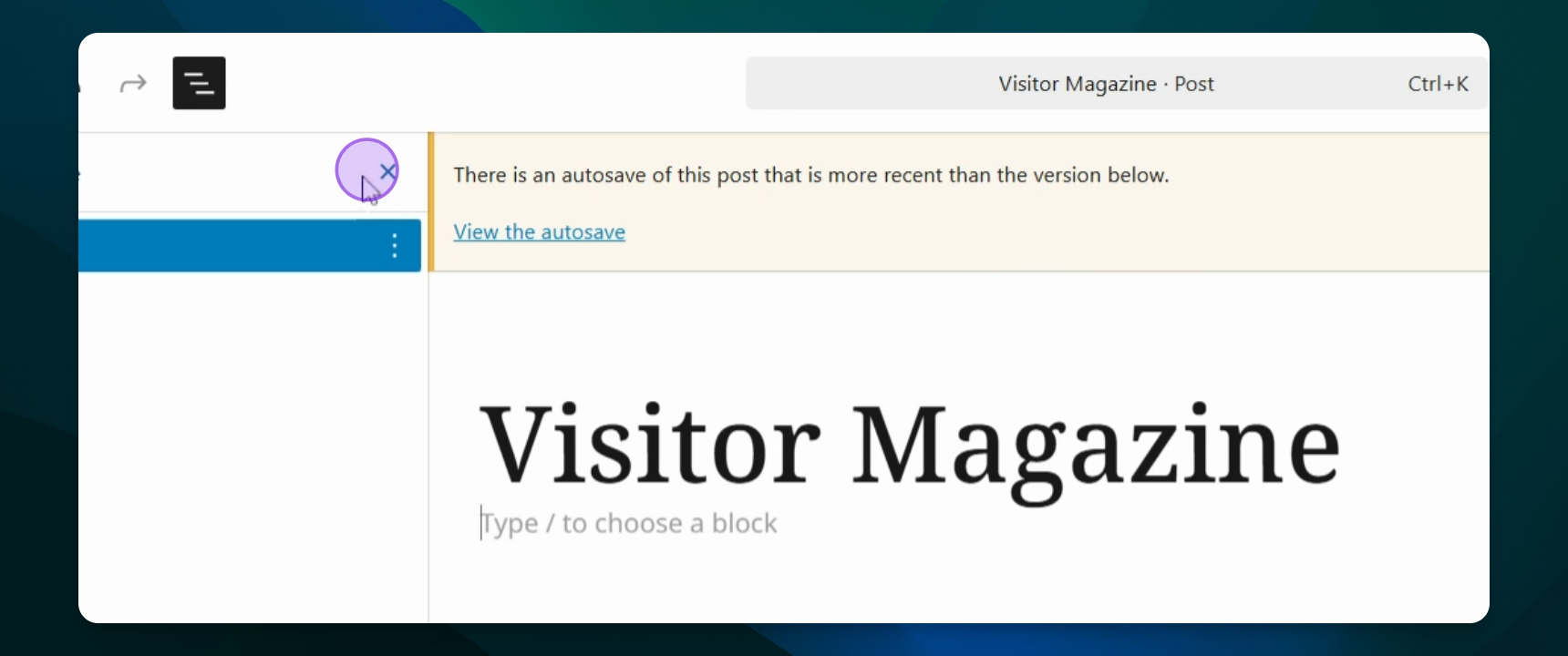
Go to your WordPress dashboard and open the post or page you want to edit.
Step 2: Create a Group
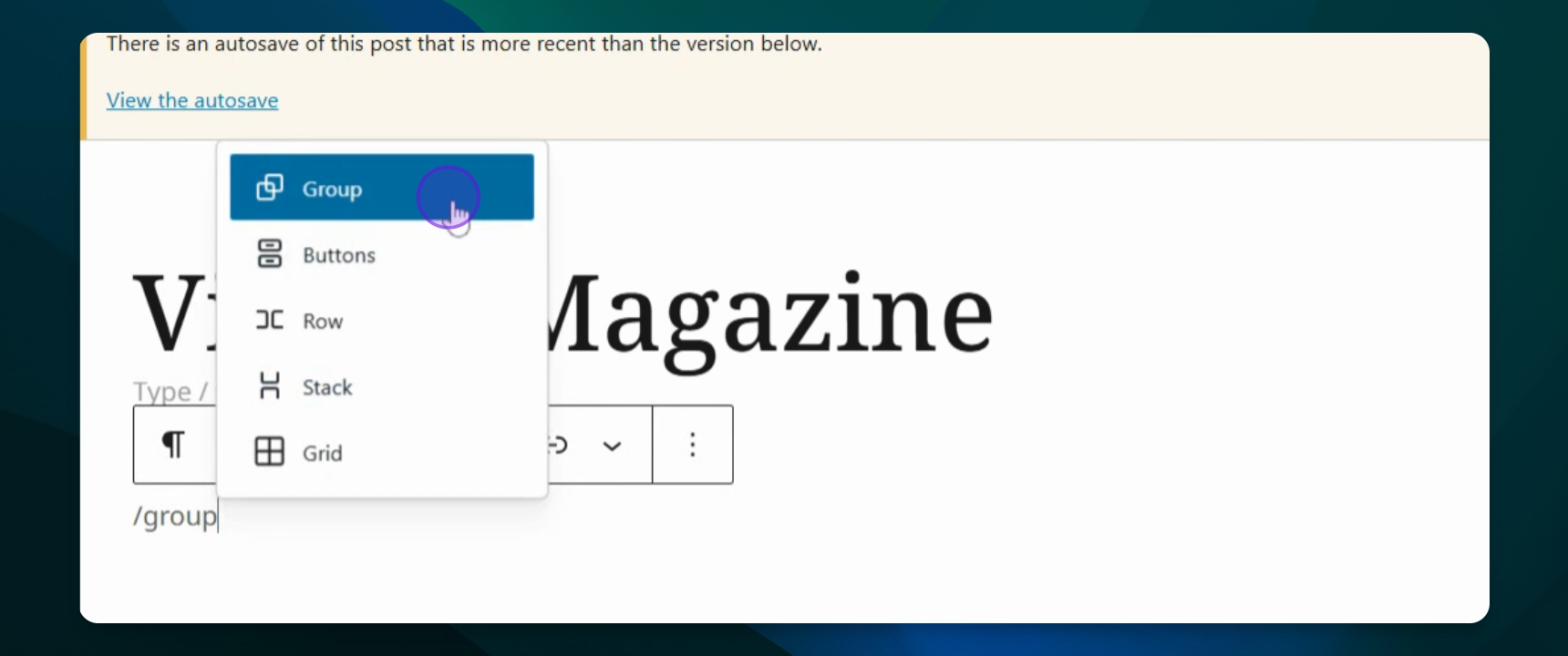
Type /group to create a group that will contain different blocks.
Step 3: Add Blocks to the Group
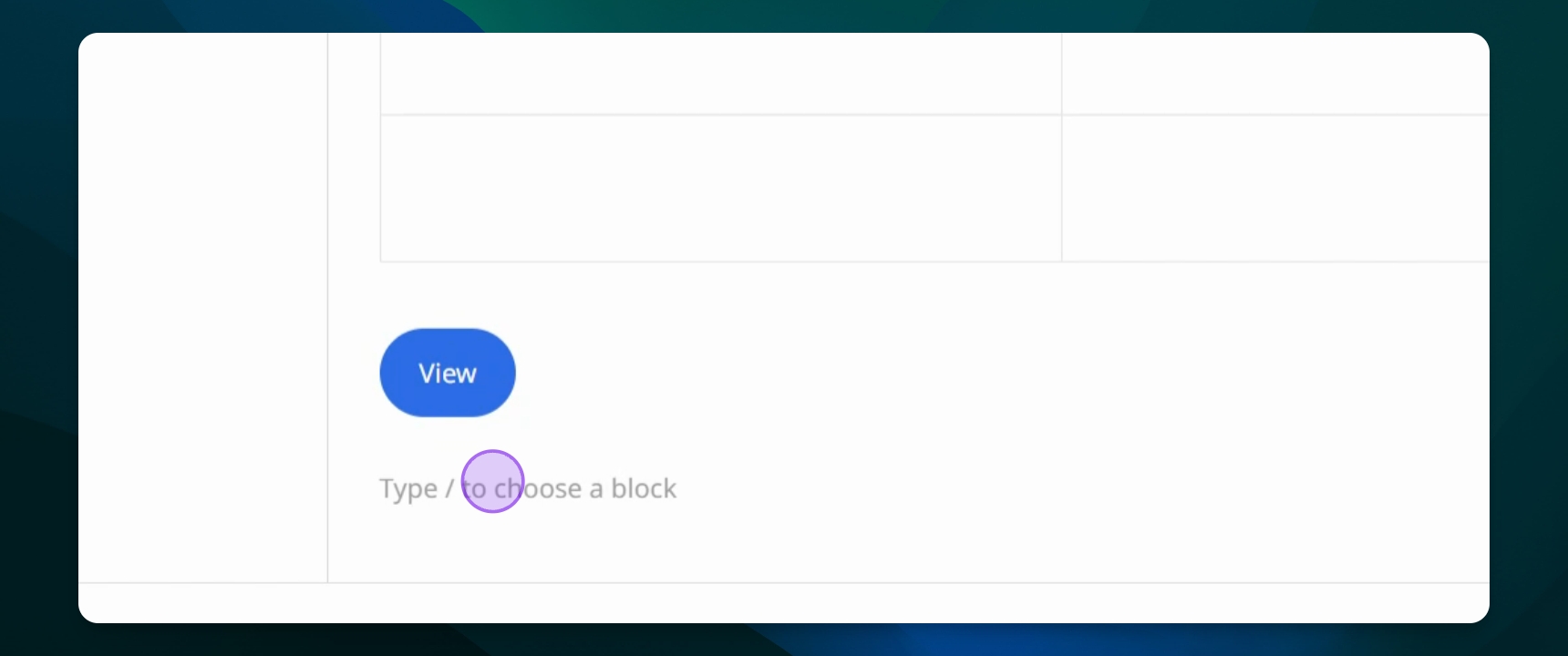
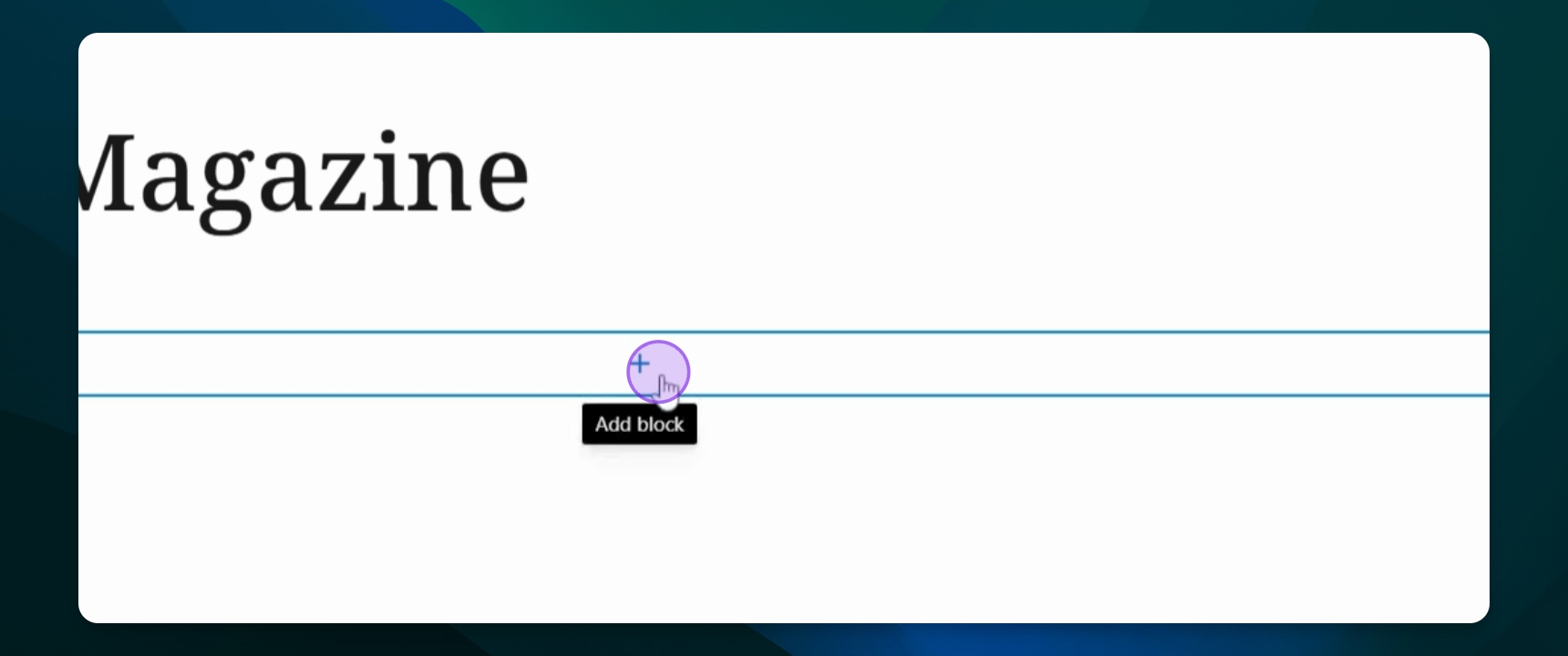
Click the plus button to add blocks like a table or button inside the group.
Now you have added blocks inside your group for better organization.
Step 4: View the Grouped Blocks
Click the document overview button to see all contents of your group.
You will see all blocks included in the group.
Step 5: Manage Group Settings
Select the parent group option to access settings like copy, cut, duplicate, or ungroup.
Step 6: Ungroup Blocks
If needed, press ungroup to separate the blocks.
Your blocks will no longer be in a group.
Step 7: Transform Multiple Blocks into a Group
Highlight the blocks you want to group and press the multiple box selected button to group them.
All selected blocks will now be grouped together.