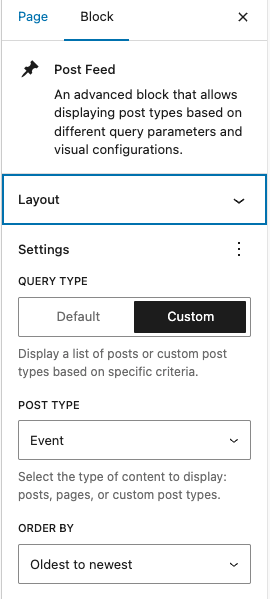
If your calendar is displaying events in a strange order (like alphabetically or randomly), review the following settings to resolve the issue.
Use latest version of Calendar Embed
If your site recently migrated to the Frame platform, it may be displaying an out-of-date version of the Calendar Embed that ordered events by the date they were created and not by the date of the event. To resolve this issue, simply delete the calendar embed block and re-add it to the page.
Review feed block settings
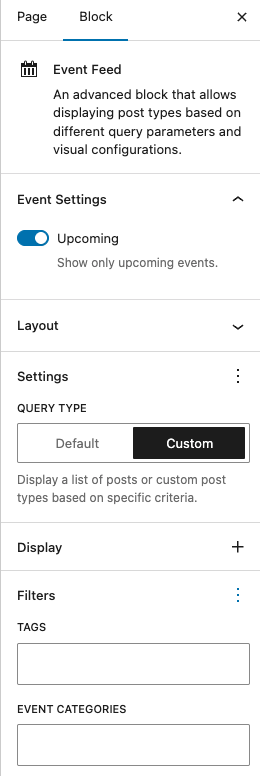
If using a Event Feed block to display events, check the block settings to ensure only upcoming events are displaying. You may also want to ensure no filters are set to keep events from displaying as you would hope.
If using a Post Feed block to display events, check the block settings to adjust the display order. Events can be displayed oldest to newest, newest to oldest, alphabetically or reverse alphabetically.