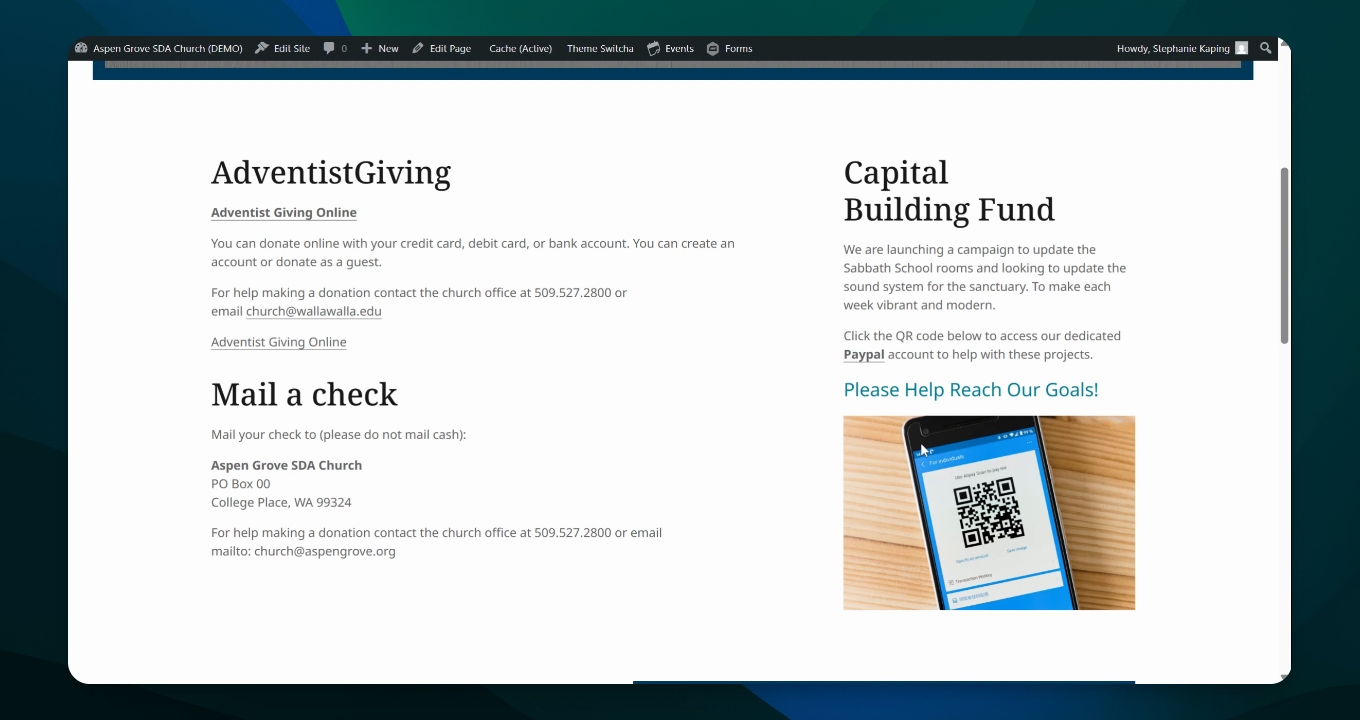
In this video we're going to talk about possibly giving options for people to pay their tithes, church budget, give to special building funds and just to make an easy way for people to give and to find out the information that they need in order to do so.
Let's look at the steps:
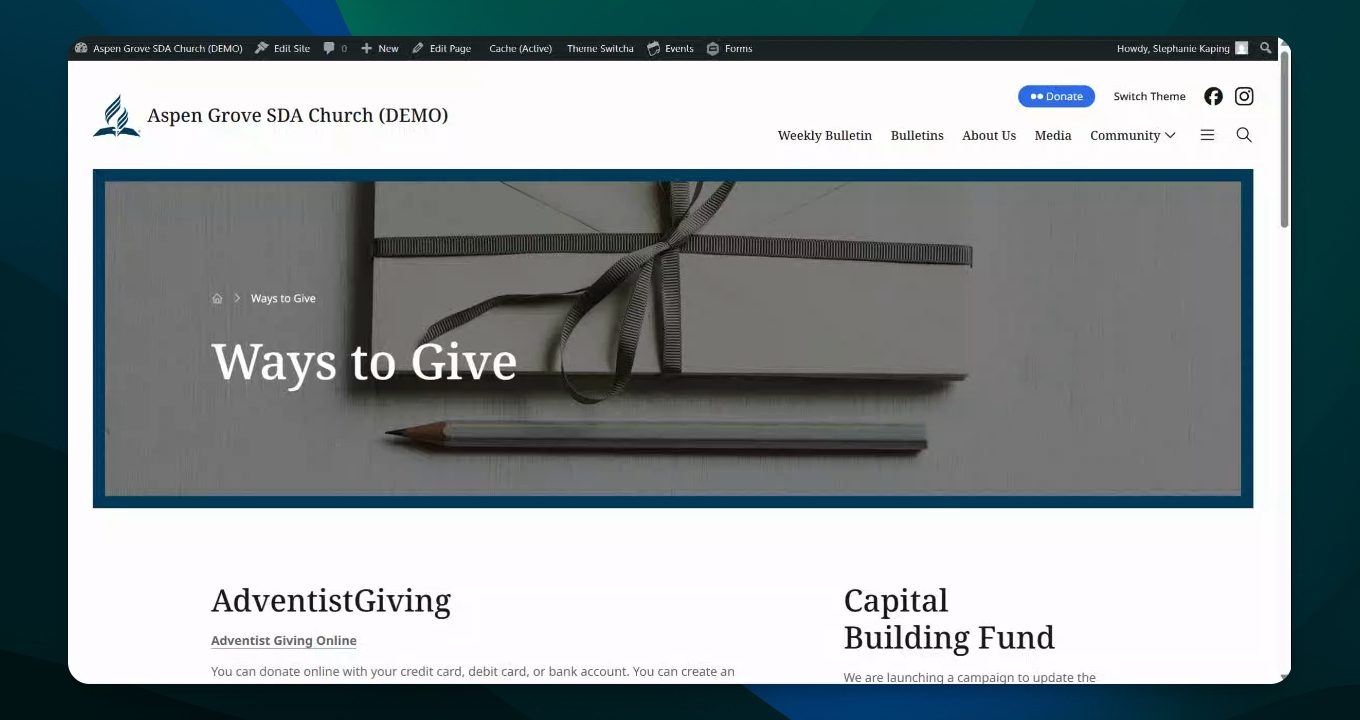
Step 1: Create Ways to Give Page
Start a ways to give page and add a photo.
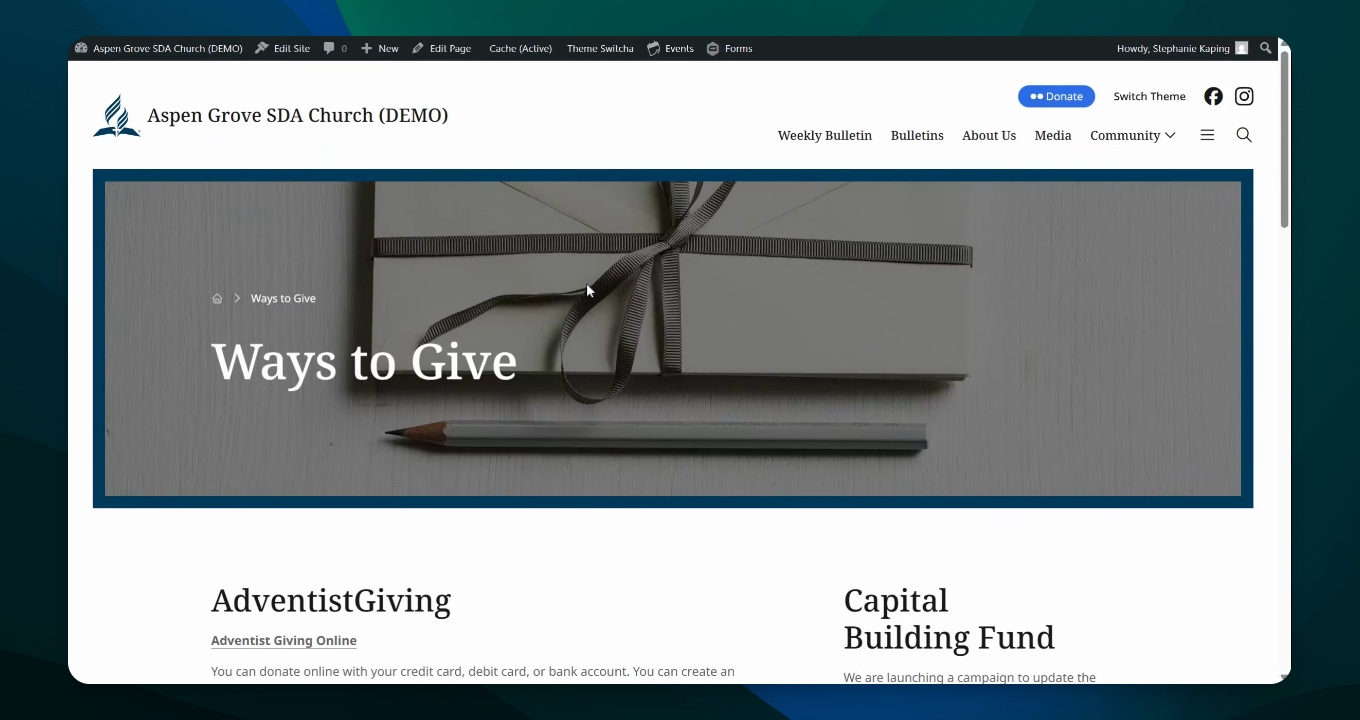
Step 2: Include Adventist Giving
Add the Adventist Giving portal as an option for online donations to the church budget and other funds.
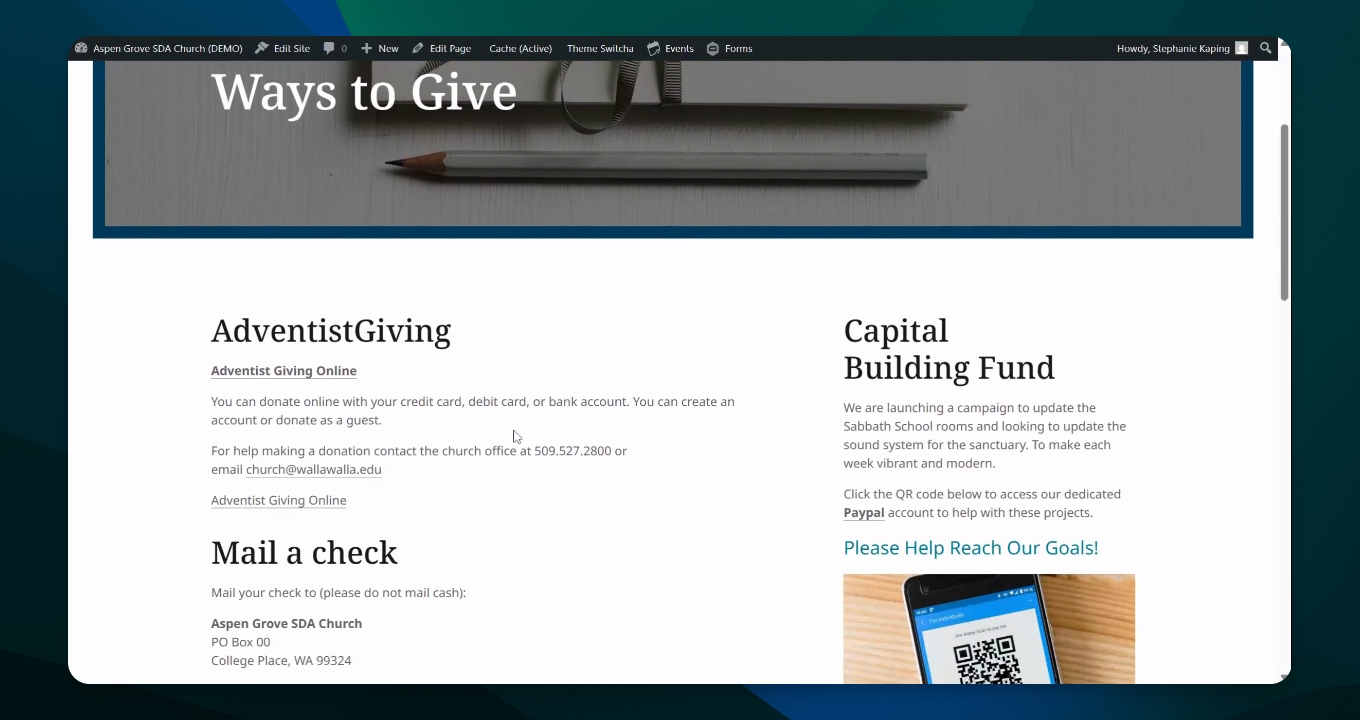
Step 3: Provide Contact Information
Include information for those with questions to call or email the church.
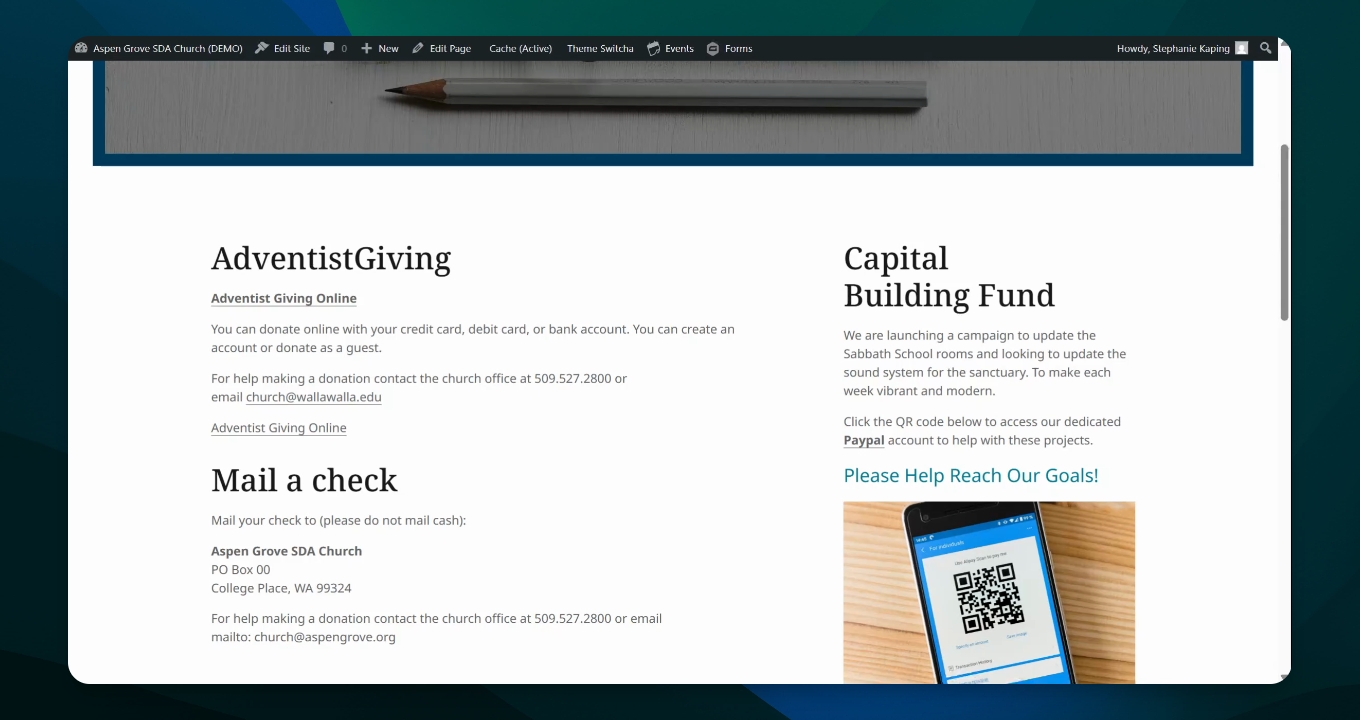
Step 4: Offer Check Payment Option
Provide an option for sending in a check for those who prefer not to donate online, along with contact information.
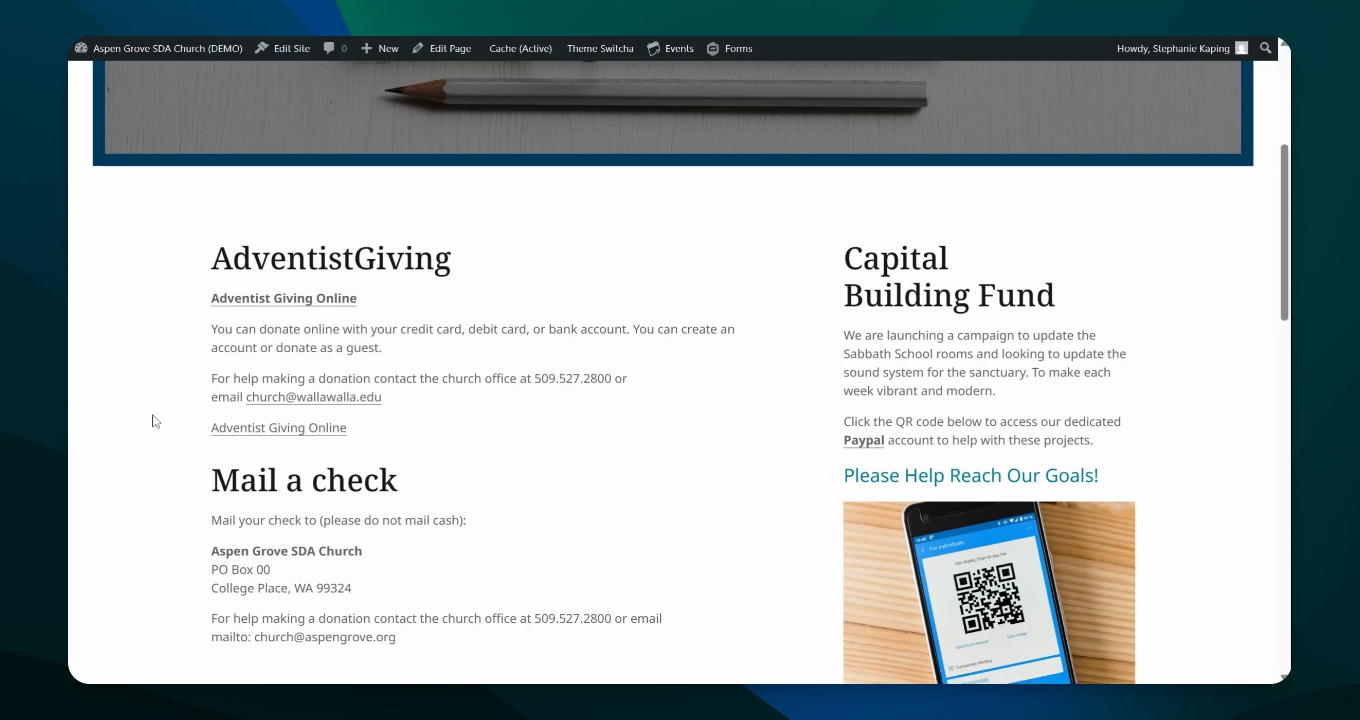
Step 5: Outline Special Projects
Include samples of special projects or capital building funds, detailing what the funds are for and their goals.
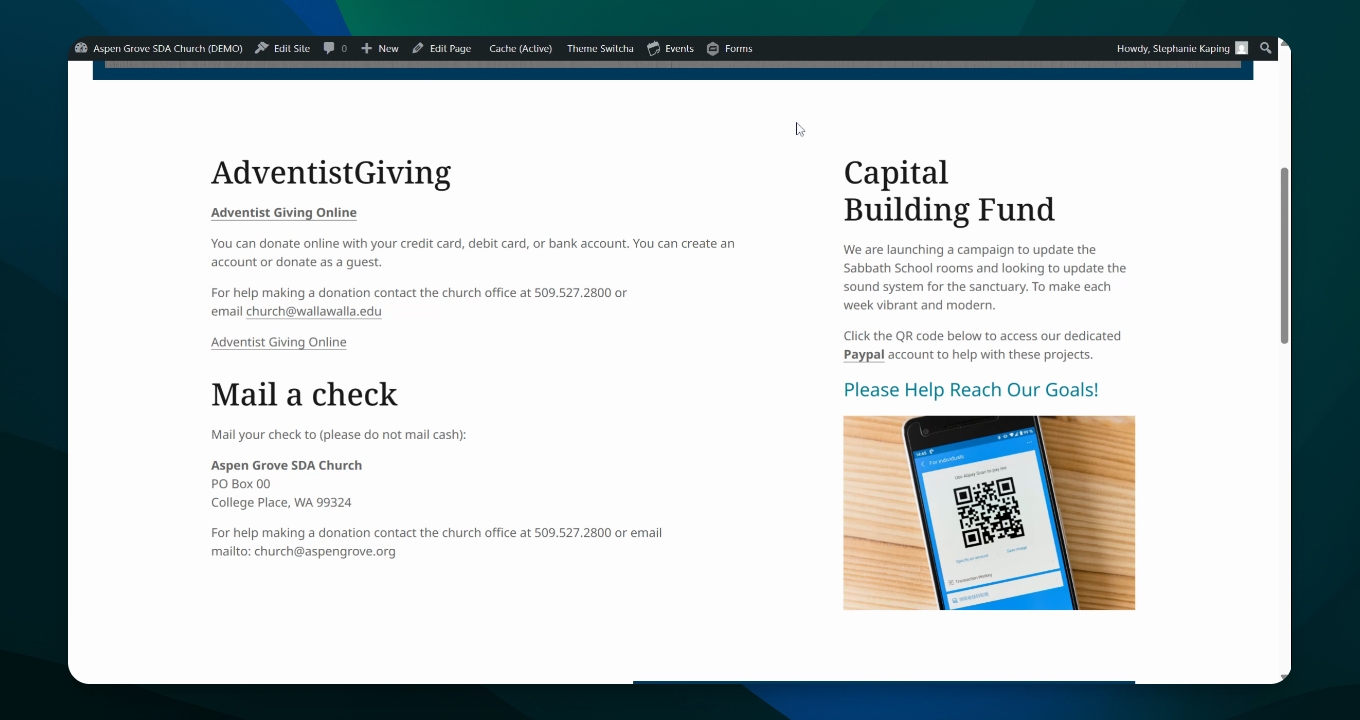
Step 6: Add QR Code
Include a sample photo of a QR code with a description to click it for donations via PayPal.
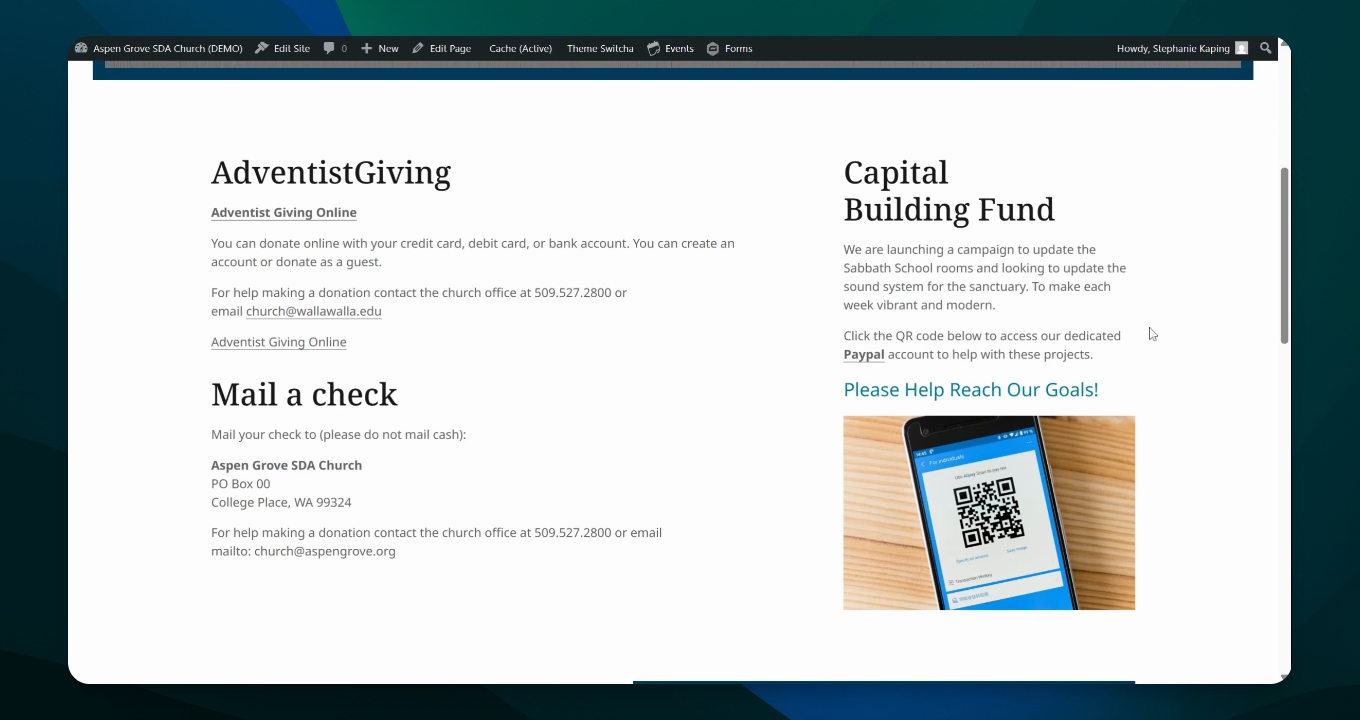
Step 7: Manage Fund Separation
Ensure the secretary can add sections in Adventist Giving for specific projects as needed.
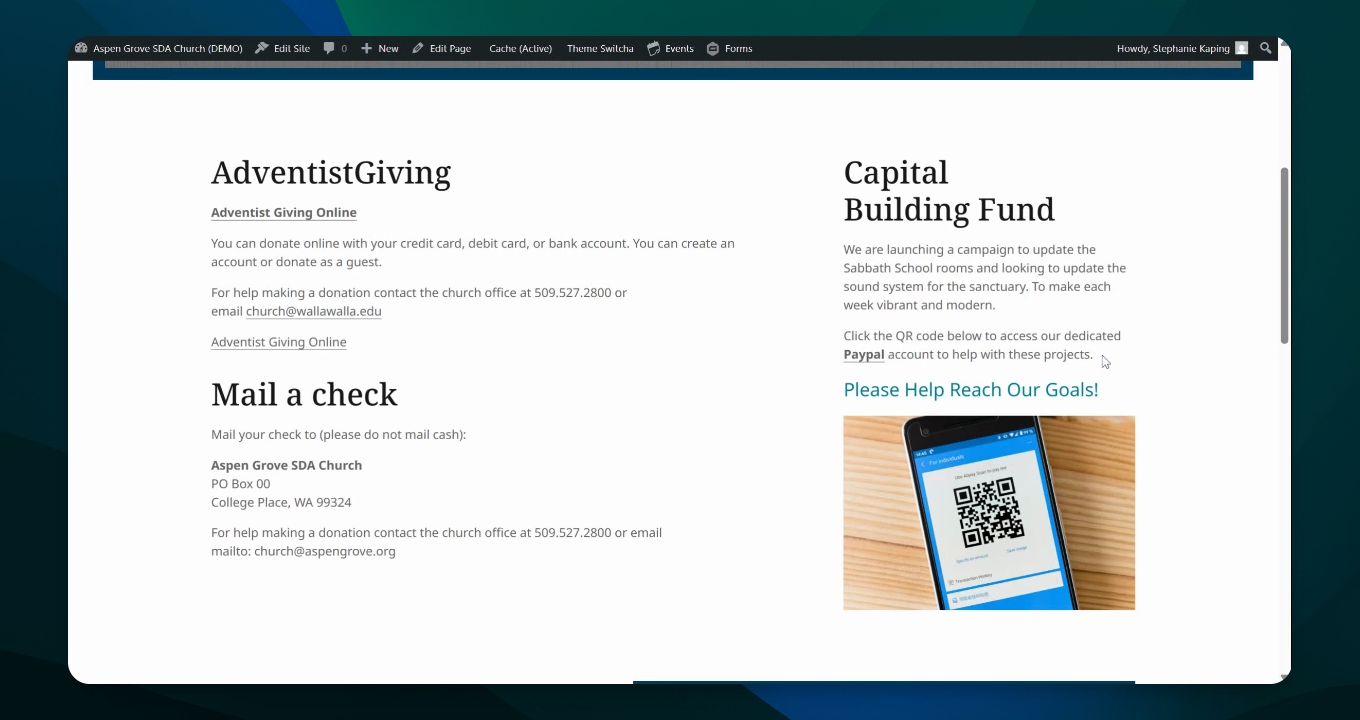
Different ways exist to help members support the church financially, making it easy for them to find links and contact details for secure donations.