

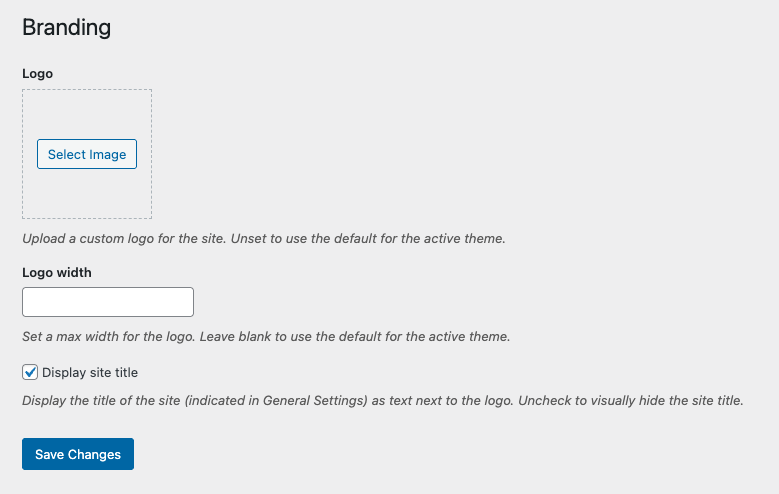
Logo
Select an image file to serve as your logo. If an image isn't selected, the default Seventh-day Adventist logo will display.
Logo width — Set the max width for the logo. We suggest using between 300 and 325 pixels.
Display site title — Check to show the title of the site (indicated in General Settings) as text next to the logo in the header.
After adjusting your settings, click the Save Changes button to store your preferences.