

TL;DR
1
Change Email Service
Navigate to Domain section and select Google as your email service.
2
Get Verification Code
Use Google Search Console to obtain your site verification code.
3
Save Verification Code
Paste the verification code in Frame and click Save.
4
Complete Verification
Go back to Google and confirm your verification.
Let's Do It Together!
Step 1: Change Email Service
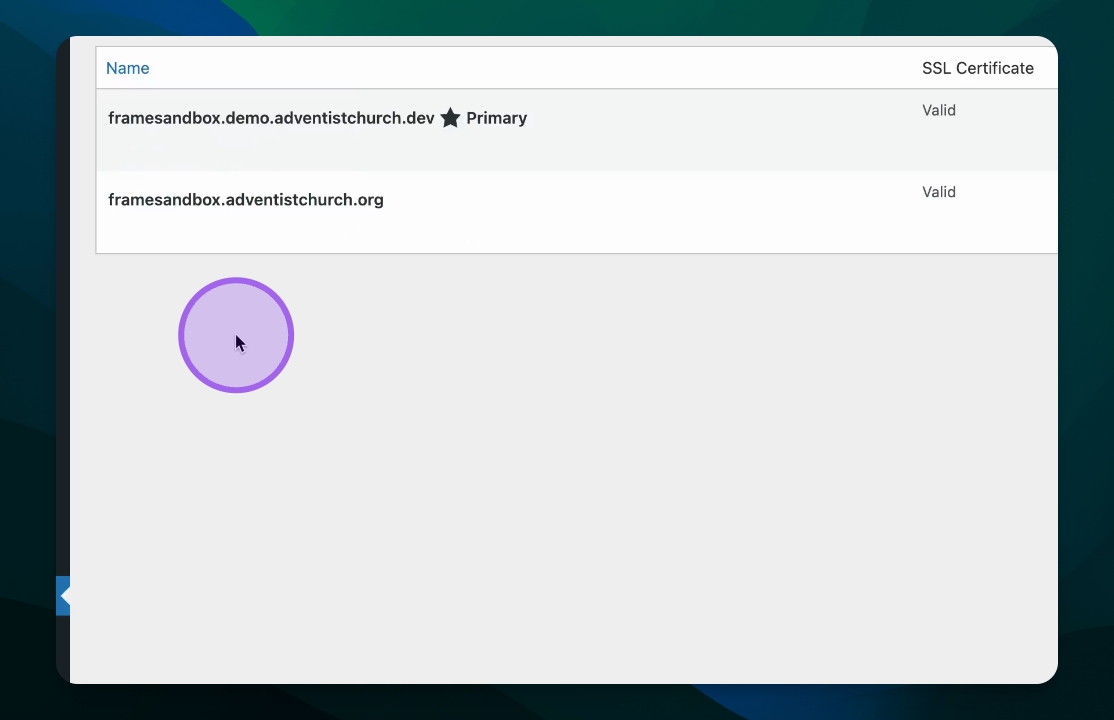
In your Frame site, navigate to the Domain section.
Click on Change Email Service for your desired domain.
Select Google from the pop-up options.
Step 2: Obtain Google Verification Value
Visit search.google.com/search-console/about and click Start.
Log in and create a new property by entering your domain name.
Click Continue to proceed.
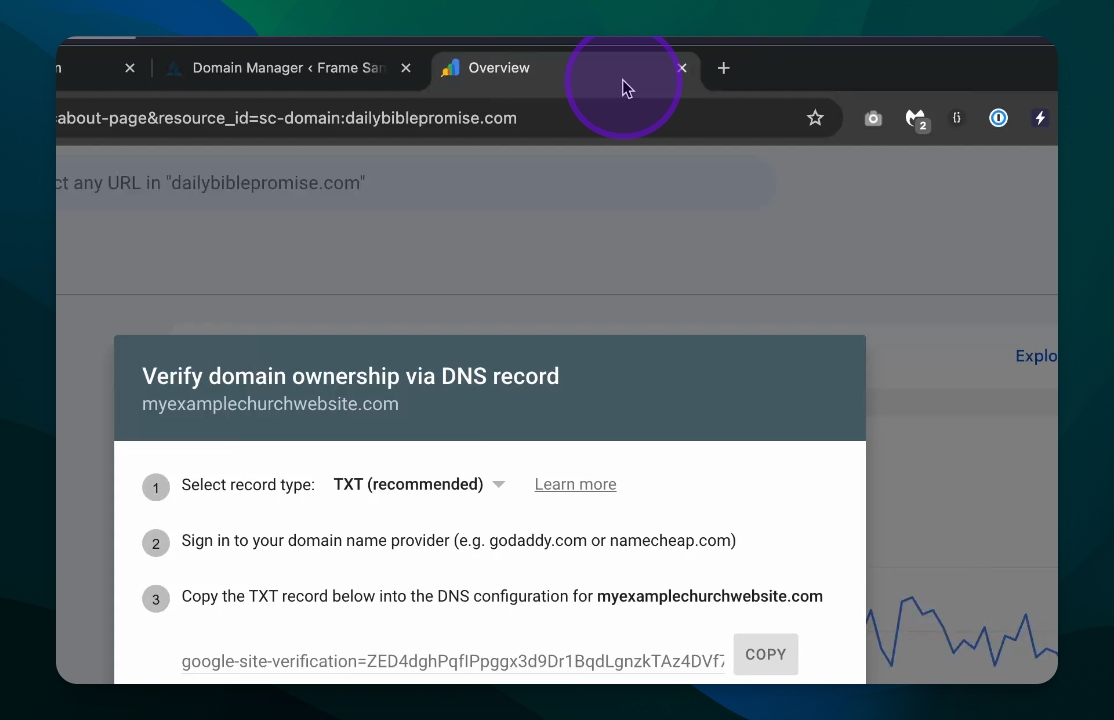
You will receive the Google site verification information.
Step 3: Copy Verification Code
Locate the verification string that starts with
google-site-verification=.Click Copy to save this string.
Return to your Frame site and paste the verification code.
Click Save to confirm.
Step 4: Verify and Finalize
Go back to Google and click Verify.
This confirms that the setup is complete.
Your MX records will be added, and you can start receiving emails on your Google domain.
Troubleshooting
Verification fails
Double-check the verification code and ensure it's pasted correctly.
Email not receiving
Ensure MX records are properly added in Frame after verification.
FAQ
What is a Google site verification code?
It's a unique string provided by Google to verify domain ownership.
How long does verification take?
Verification is usually instant once the correct code is provided.