

In this video, we'll show you how to get back to your dashboard from your edit page mode. Let's look at the steps:
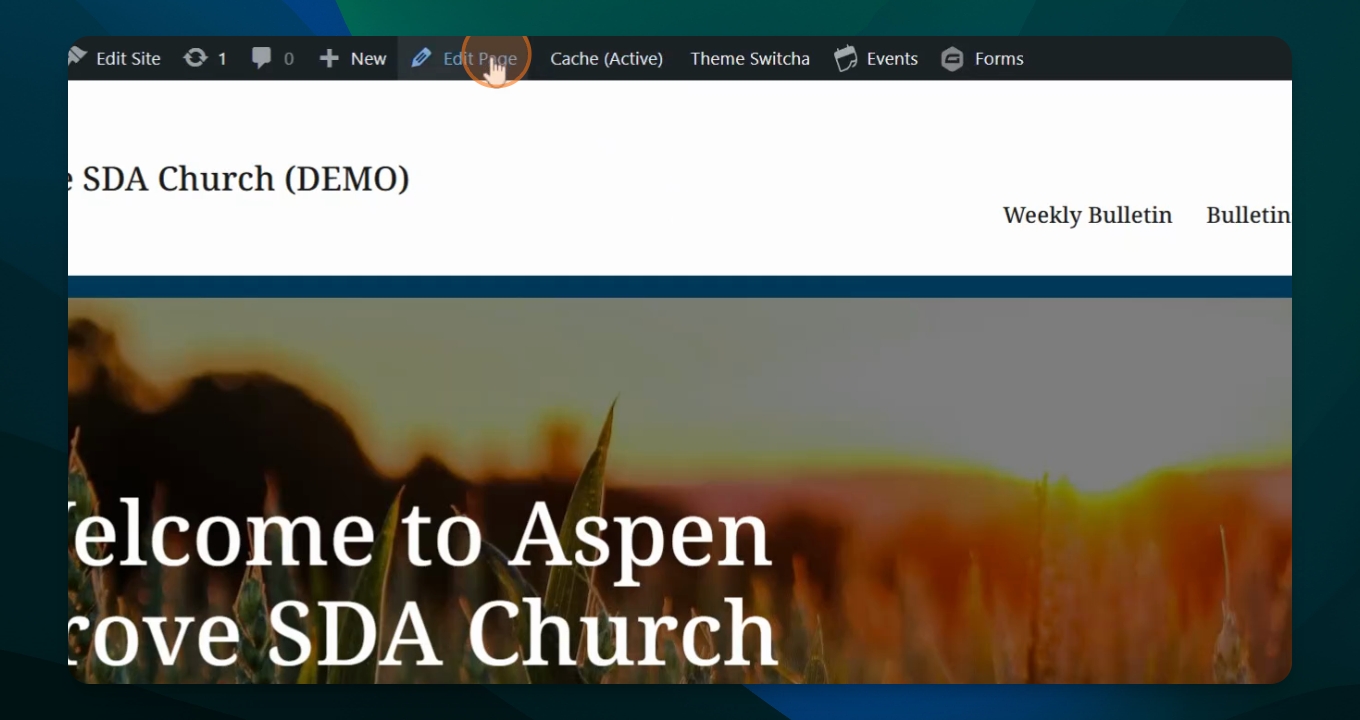
Step 1: Save Your Edits
Once you are done editing the page, save the page to keep your changes.
Step 2: Click the Dashboard Icon
You can click the Seventh Day Adventist icon in the black box in the upper left hand corner to return to your pages list.
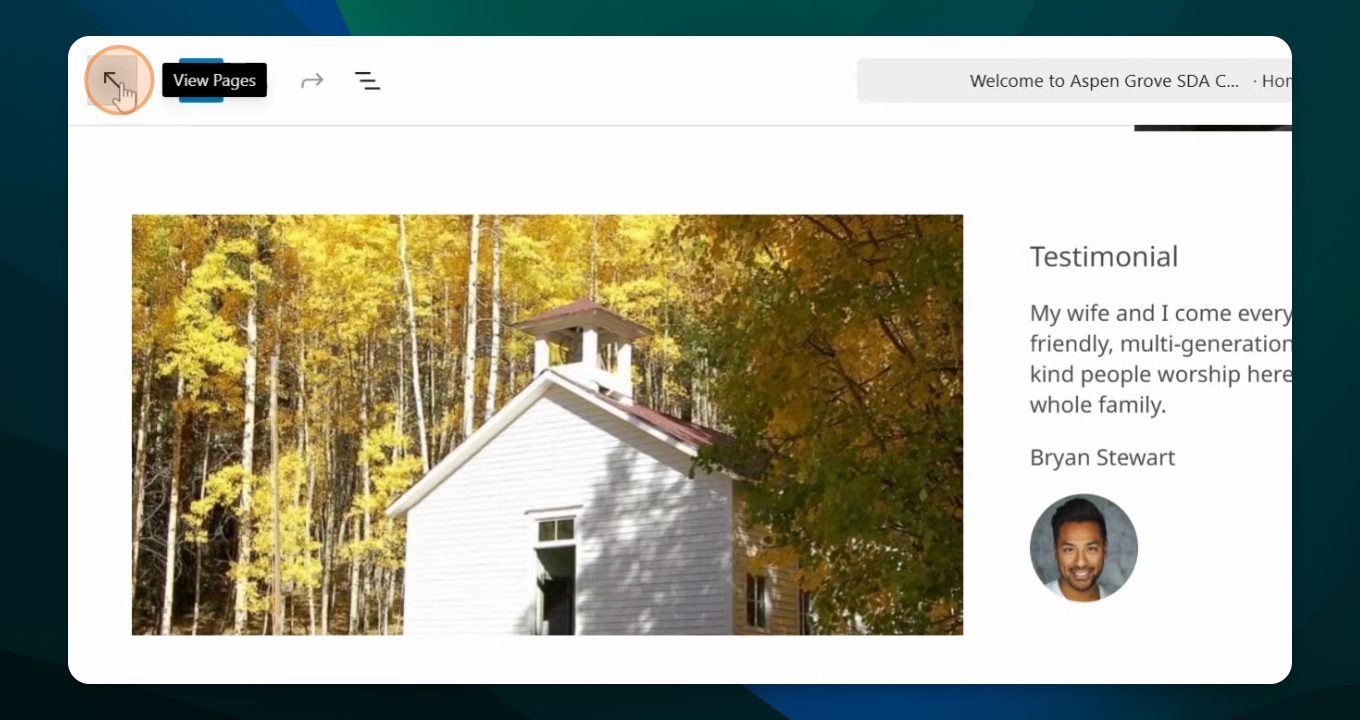
Step 3: Use the Back Arrow
Alternatively, you can use the back arrow to return to your dashboard.