

News and Issues are post types that help organize written content into unique formats. Both post types have settings to allow you to rename their display pages, similar to Directory.
News and Issue post types are not available on all sites. To request the use of these post types, reach out to support.
News item and Issue pages will show the name of the post type both in breadcrumbs and in their URLs.
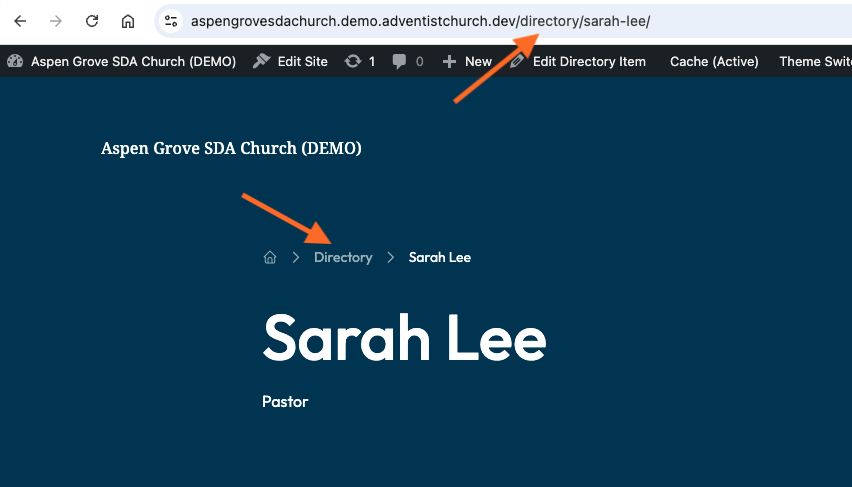
This guide explains how to customize the name of your news or issues as they appears in those places. Let's look at the steps:
Step 1: Log In and Open Settings
Log into your dashboard. Navigate to News or Issue and then Settings.
Step 2: Change the Name
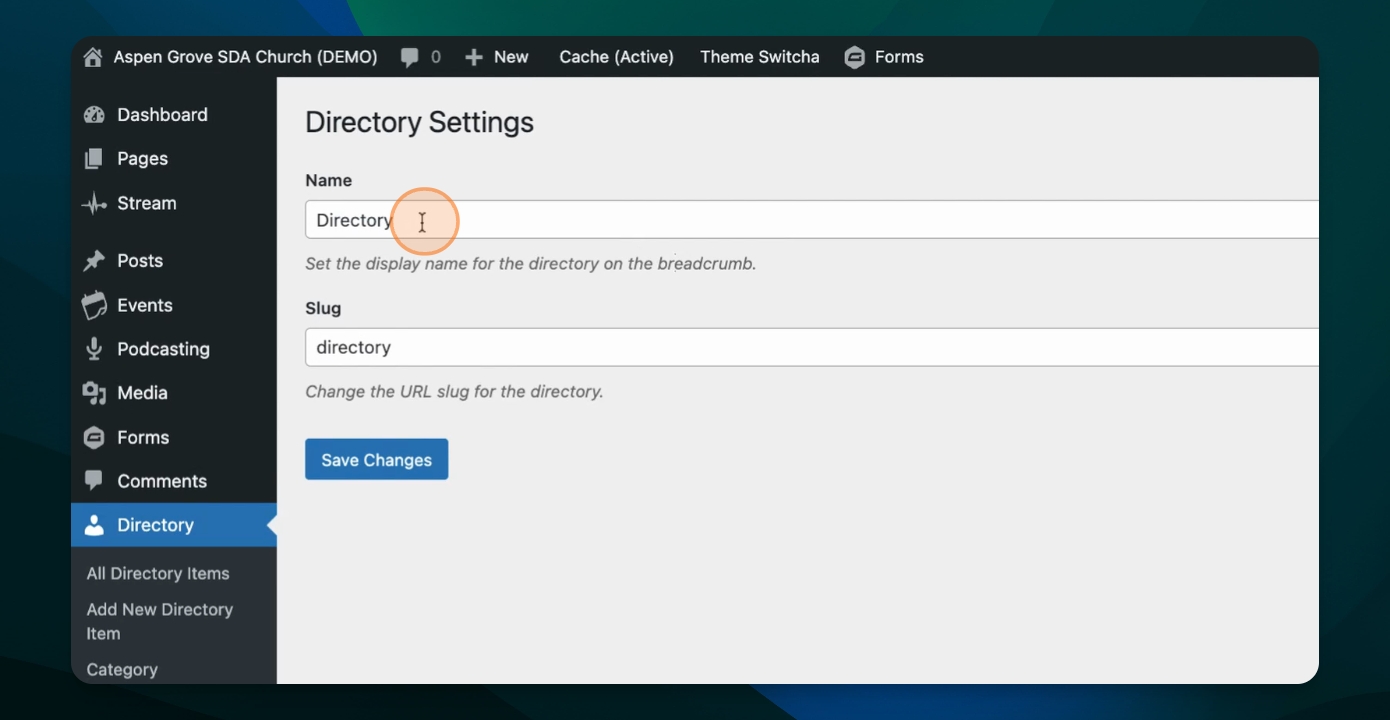
Here, you will see both a name and a slug field. The descriptions under each field explain which field controls the breadcrumb label (Name) and which controls the URL (slug).
Enter your custom label into the field you want to change.
Step 3: Save Your Changes
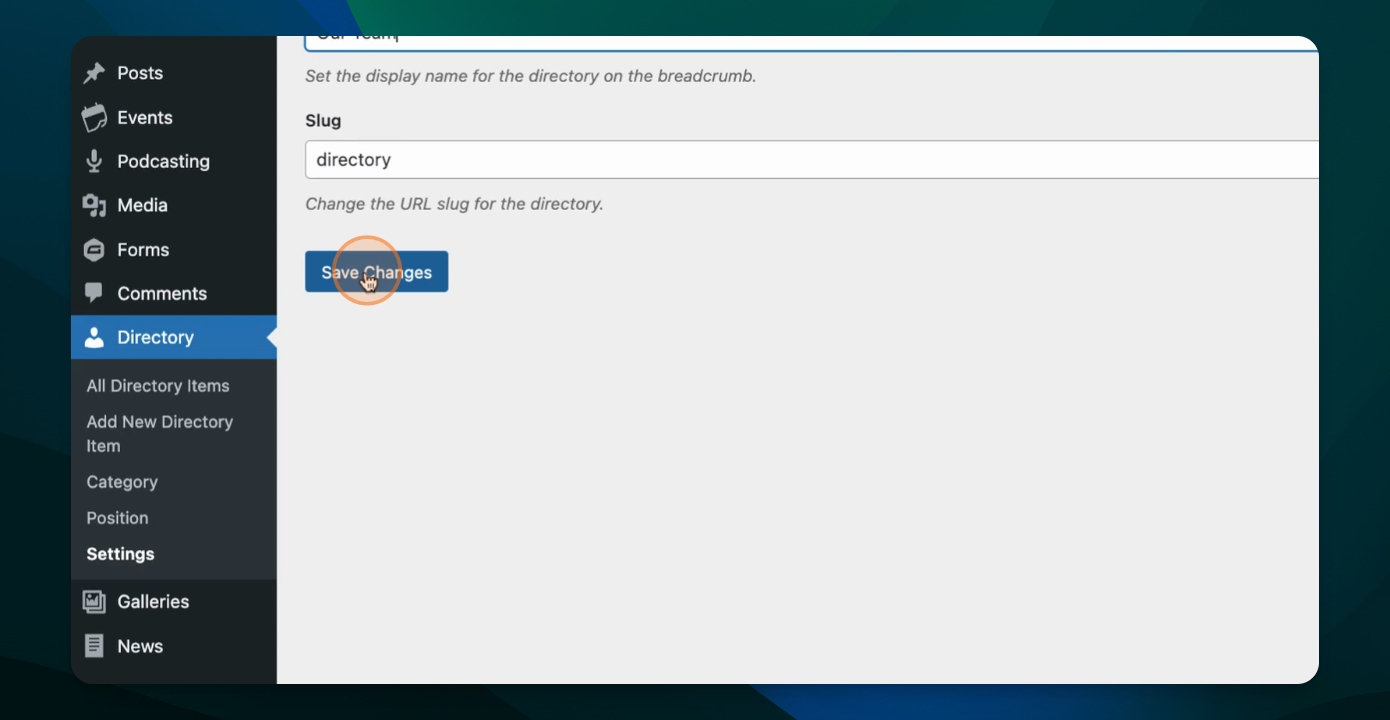
Click Save to apply your changes.
Step 4: Verify Changes on the Front End
Check the front end of your site to confirm the fields have updated to display your custom labels.