

This guide explains the field groups associated with post types, focusing on churches and church assignments. Let's look at the steps:
Church Details Fields
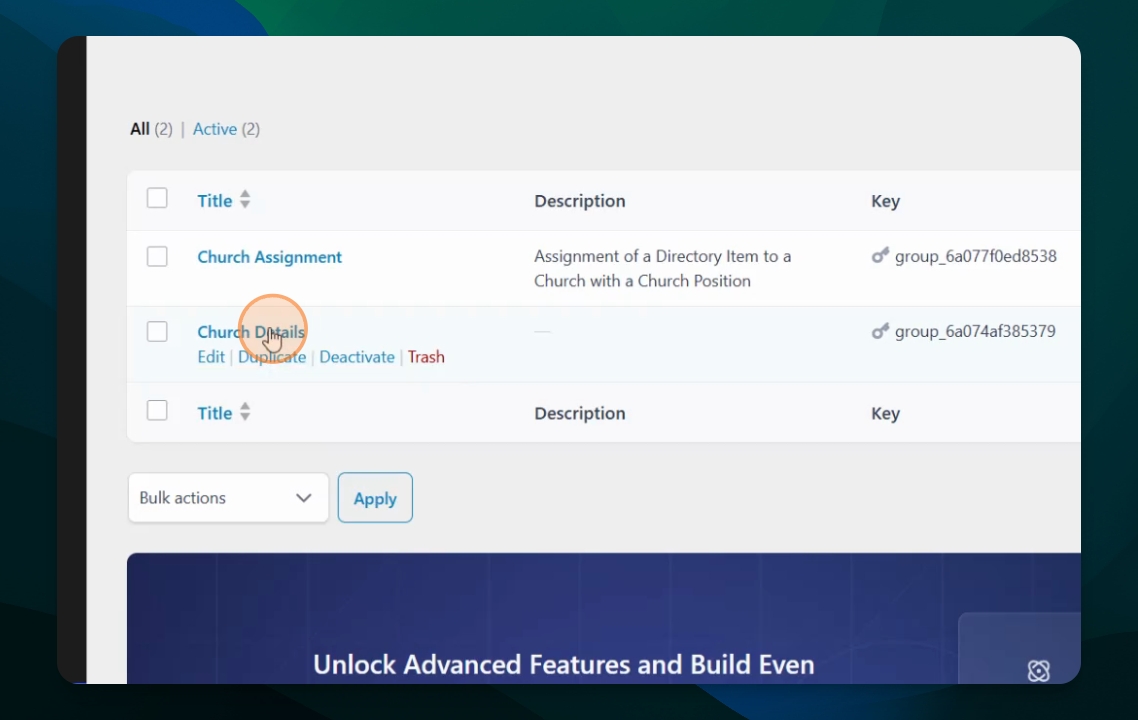
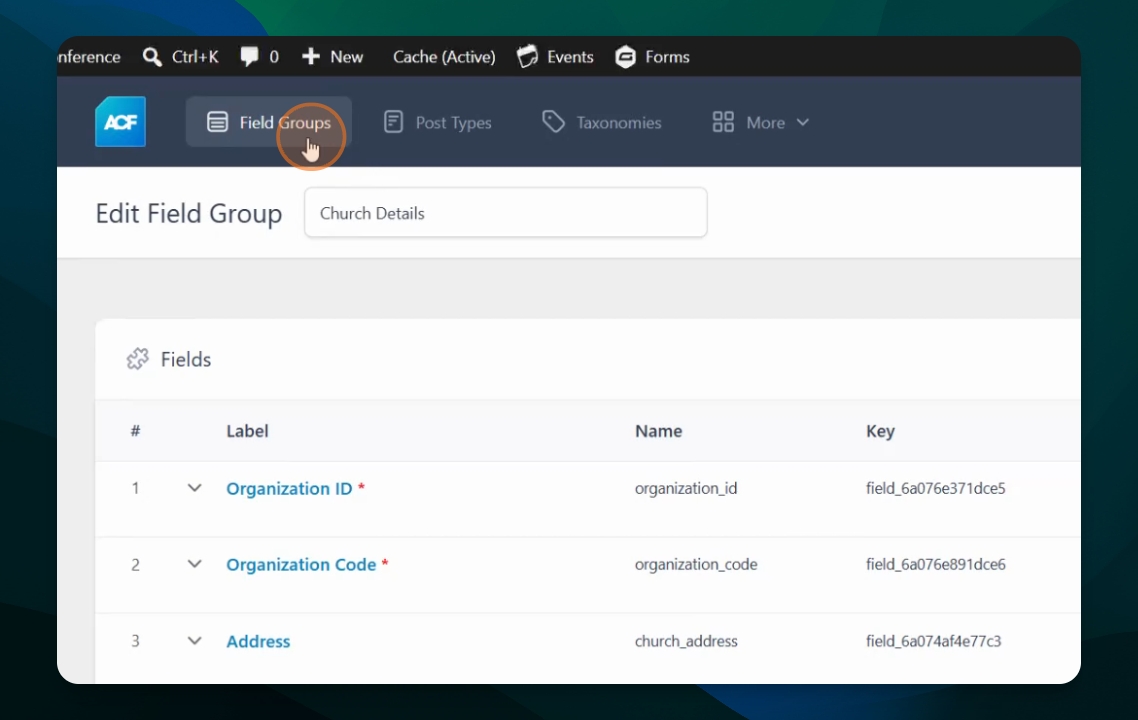
Open the church details field group. You will see various fields such as Organization id, organization code, address, phone number, email, website, watch live, Facebook URL, and Instagram account. Each field is assigned a specific type, like number, text, email, or URL, visible in the right column.
Field Group Assignment
In the settings, confirm that these field groups are assigned to the post type church. This ensures these fields only appear for churches.
Church Assignments Field Group
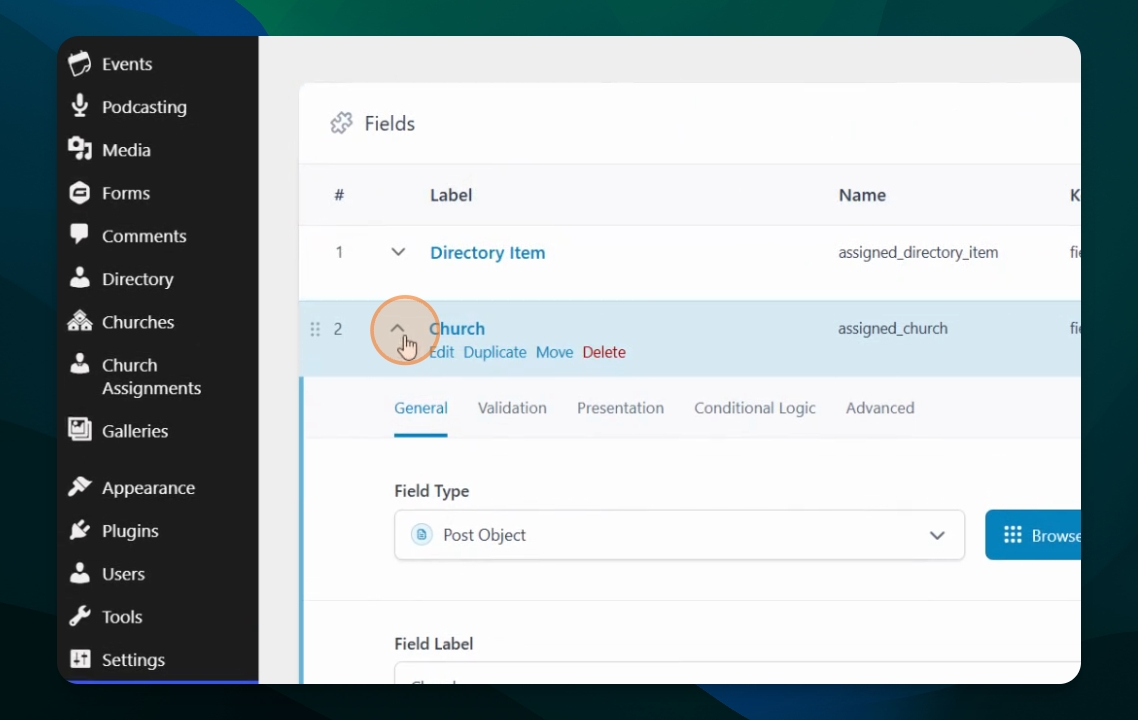
Go to the Church assignments field group. This group includes a linked taxonomy for the position and fields for linking to directory item and church items. The directory item field is set as a post object, allowing you to link to directory items such as posters and staff. Similarly, the church field is also a post object linking to the church itself.
Understand Church Assignments Fields
The church assignments field group contains fields for directory item and church. This setup allows you to associate each assignment with both a church and a directory item.
Review Summary of Post Types
To summarize, there are post types for churches and church assignments, each with their own specific fields. In church assignments, you have a church, a directory item, and a position defined as a taxonomy.
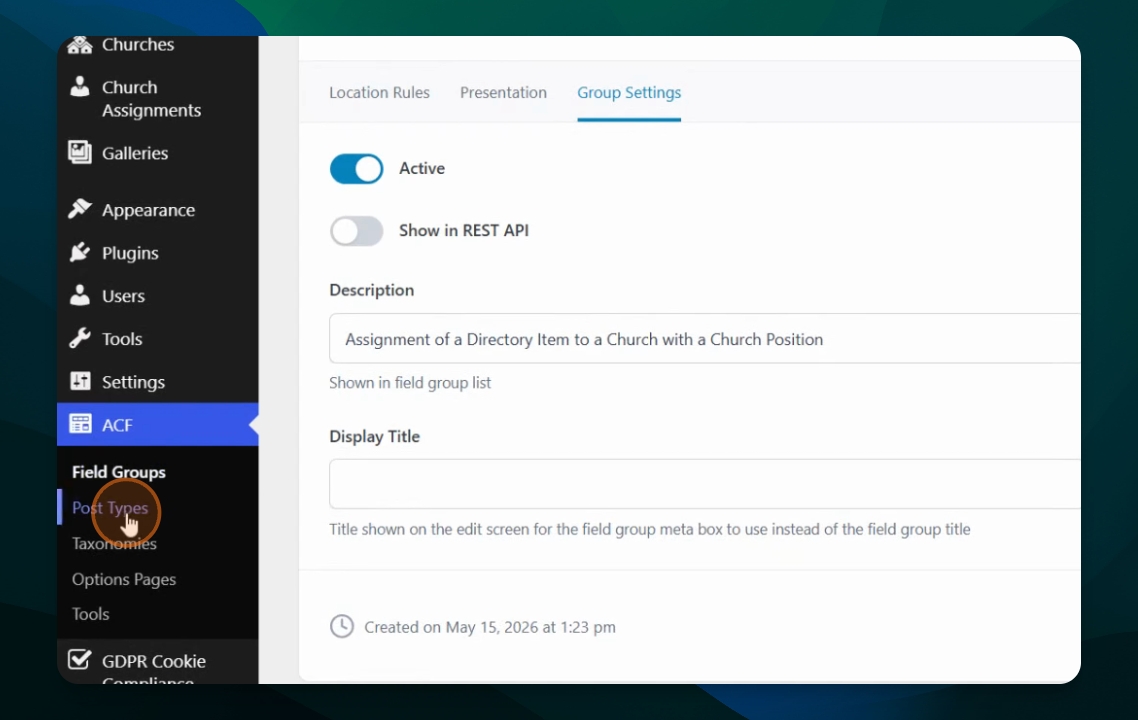
In the next session, you will learn about the taxonomies linked to both church assignments and churches.