

This guide covers how to create a ministries page for your church. The ministries page serves as the central hub, making it easy for visitors to find information about each ministry. You can also add links to detailed pages for each ministry. Let's look at the steps:
Choose a Layout Option
Decide how you want to display your ministries. Here are several layout options you can use:
Cards: Show a photo, title, descriptive paragraph, and a link to the ministry's page.
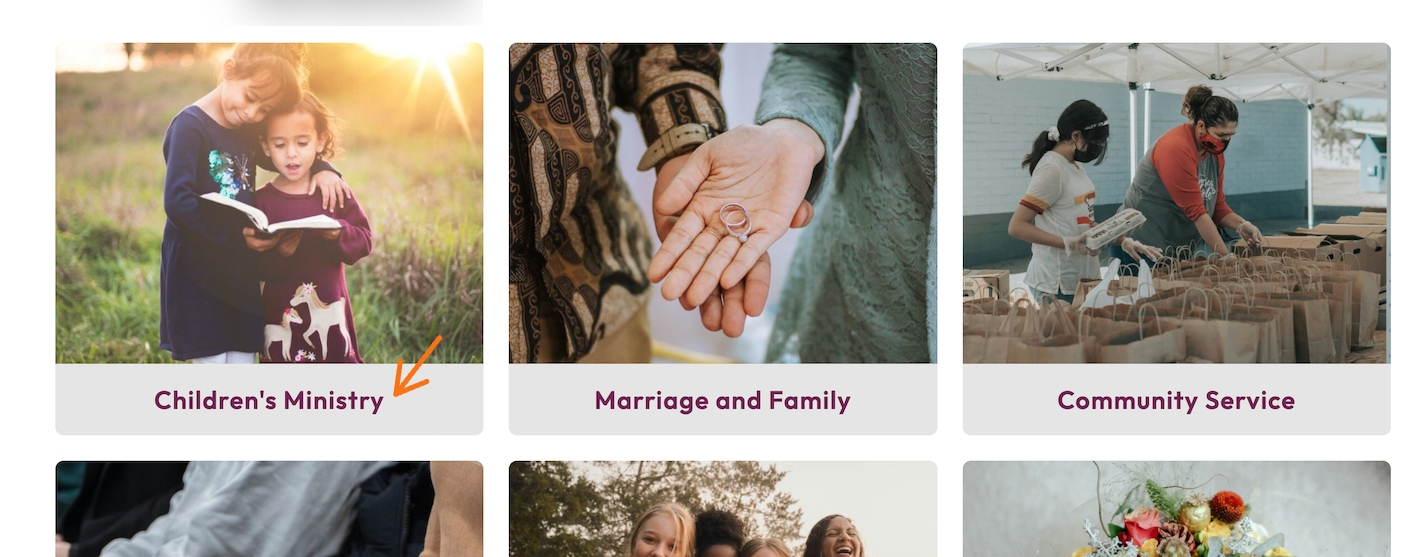
Grouped Columns: Use columns with photos on top and titles with intro paragraphs below. You can add background colors for each group.
Grid with Stacks: Each stack includes a photo, title, and shaded background. Multiple cards can be arranged in this way.
Rows with Descriptions: Add a title, descriptive paragraph, and list your ministries in rows. Add more rows as needed.
Media and Text: Place media (like a photo) on one side and text on the other. You can alternate the order for each ministry and use padding for a modern look.
Add Links to Detailed Ministry Pages
For each ministry, assign a link that directs visitors to a dedicated page with more information. This helps users find detailed descriptions about each group or ministry.
Enhance Each Ministry Page with Details
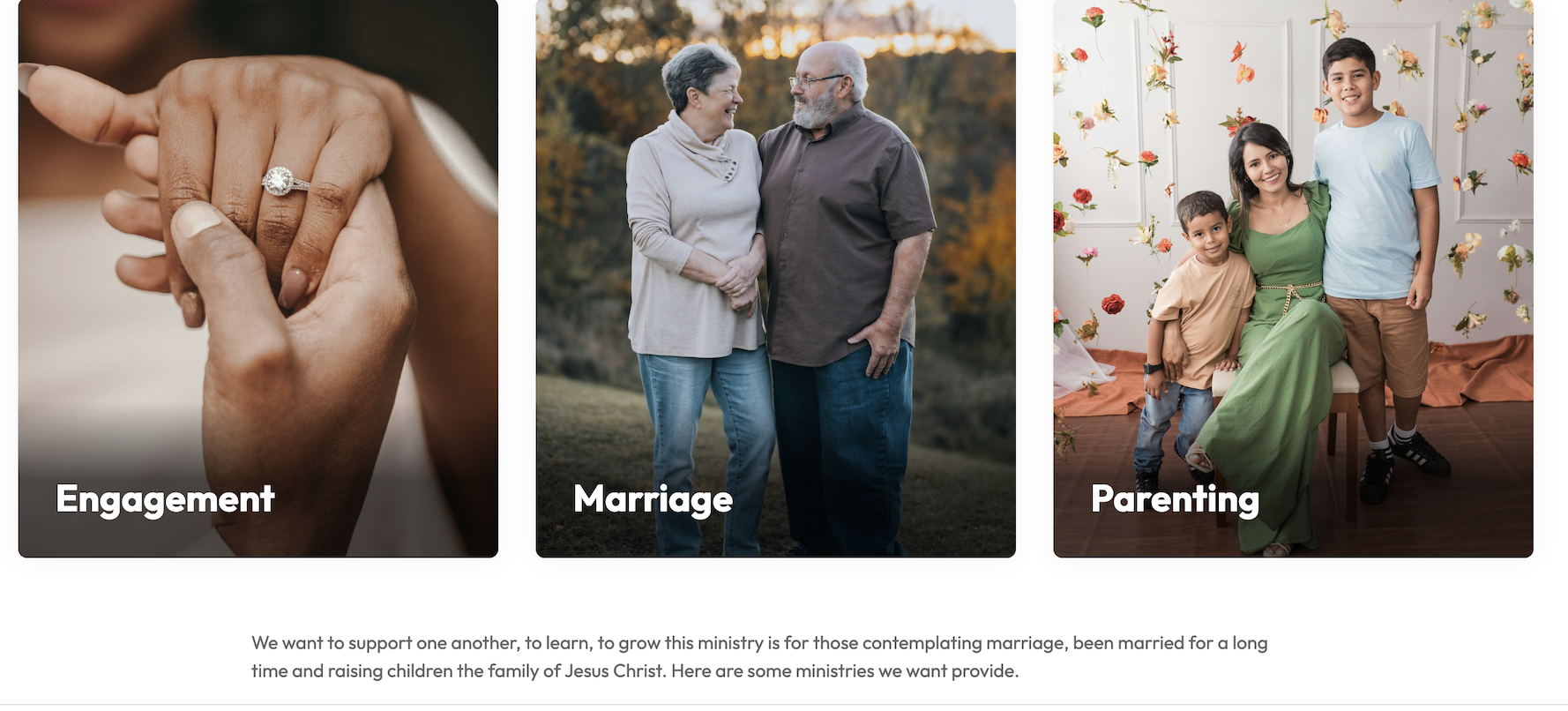
On each ministry's detailed page, include individual photos, simple styling, and a bulleted list to provide more information about the ministry.

Add Forms for Ministry Requests
If needed, add a form to a ministry page, such as for prayer requests. This can be beneficial for engaging with your community. And for visitors to reach out about joining a ministry or small group.
With these ideas, you can create an effective ministries page for your church that is both informative and easy to navigate.