TL;DR
1
Use Portrait Photos
Select high-resolution vertical images for posts and articles.
2
Use Horizontal Photos
Choose wide images for full-width displays and collages.
3
Avoid Blurry Images
Don't enlarge small photos; check original sizes.
4
Troubleshoot
Verify pixel size if images appear blurry on your site.
Here are some suggested sizes when choosing images:
Staff Photos: 640 - 680 Minimum
Vertical Post / Collage: 1300-1700 Minimum
Landscape / Horizontal: 2100 - 2500 Minimum
You can also check file size: 40kb Very Small, 120kb Small, 1mg Medium, 2+mg Large
Note: When taking photos choose a large file setting and then you can always reduce it and save a smaller version, for the best results.
Let's Do It Together!
Step 1: Use Portrait Photos
Select vertical or portrait size photos, ideally 1372 by 1920 pixels.
These are great for posts, collages, or articles.
Step 2: Use Horizontal Photos
Select horizontal photos, typically 2560 by 1707 pixels.
These work well for full-width displays and collages.
Ensure they rescale properly for tablets and phones.
Step 3: Avoid Small Photos
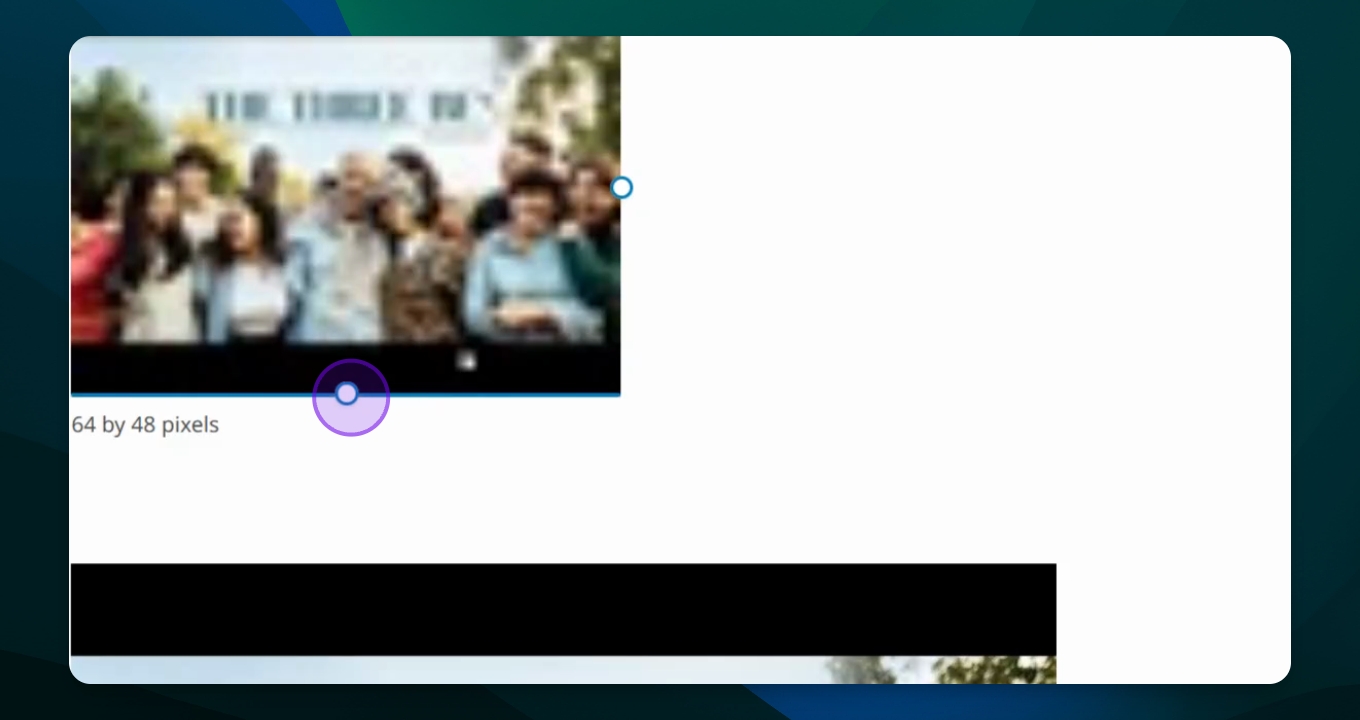
Avoid using small photos (e.g., 64 by 48 pixels) in larger formats.
Enlarging small images leads to blurriness.
Check pixel size before using images on your site.

Step 4: Troubleshoot Blurry Photos
If images appear blurry, check the original pixel size.
Make sure the original size is appropriate for your intended use.