

Changing themes is only accessible to site admin users.
TL;DR
Access Themes from the dashboard under Appearance.
Click Live Preview to see what a theme switch would look like.
Let's Do It Together!
Step 1: Access Themes
Go to your WordPress dashboard.
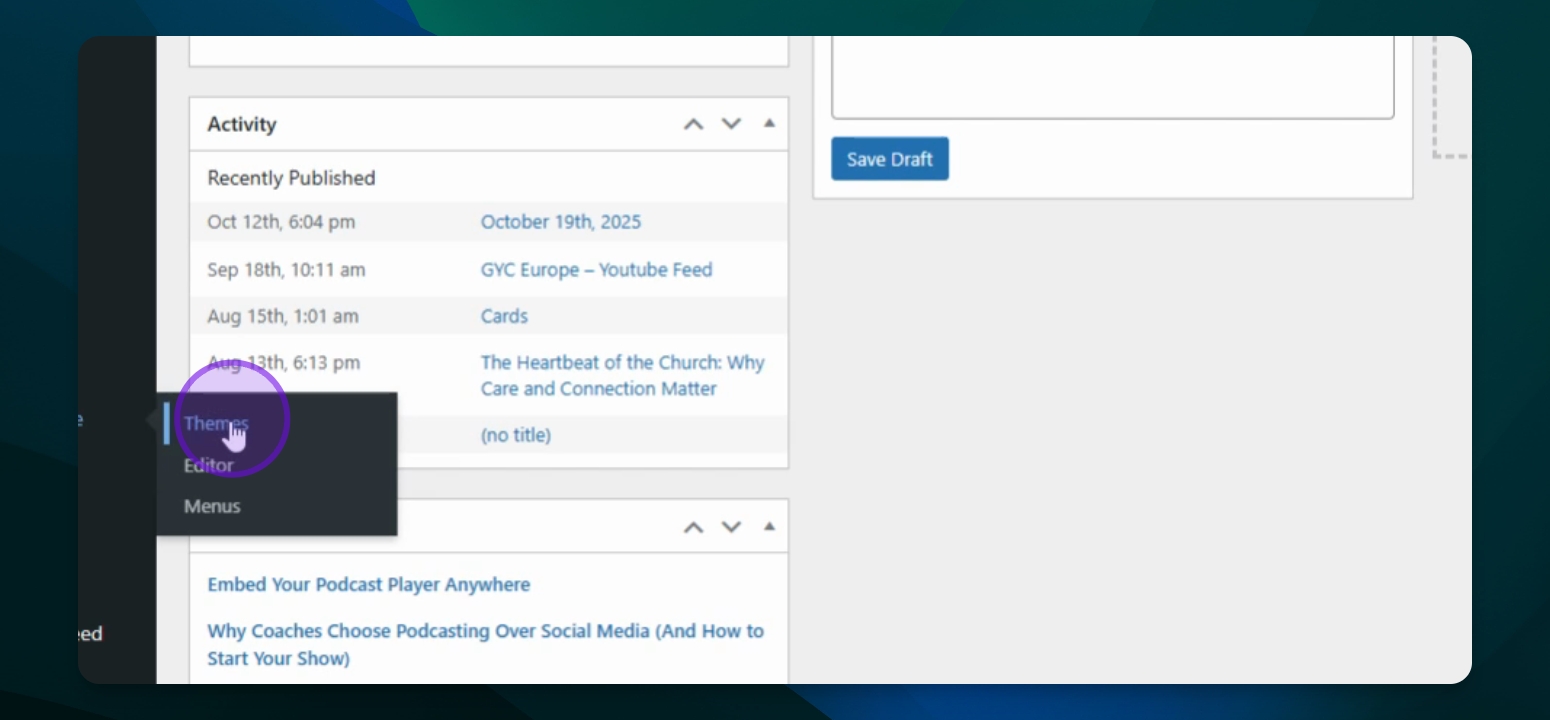
Hover over Appearance and click on Themes.
Step 2: Preview New Theme
In the Themes section, the black box designates the currently active theme.
To preview another theme, click the Live Preview button underneath any of the non-active themes. Note that this will only show a preview for page content, not the menu or footer areas which will also be affected by theme changes.
Step 3: Activate New Theme
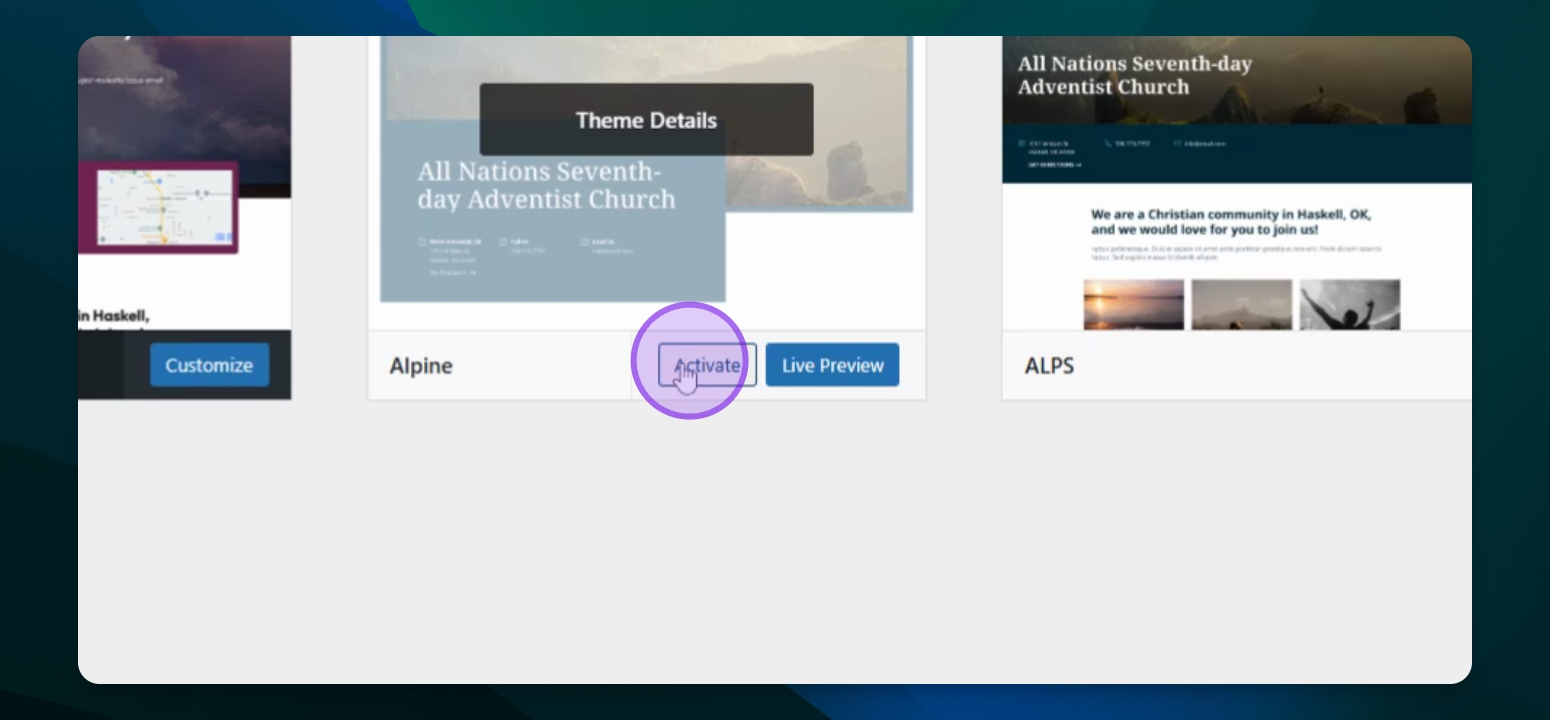
Hover over the desired theme and click Activate.
The new theme will now be active on your site.
Step 4: Customize Themes
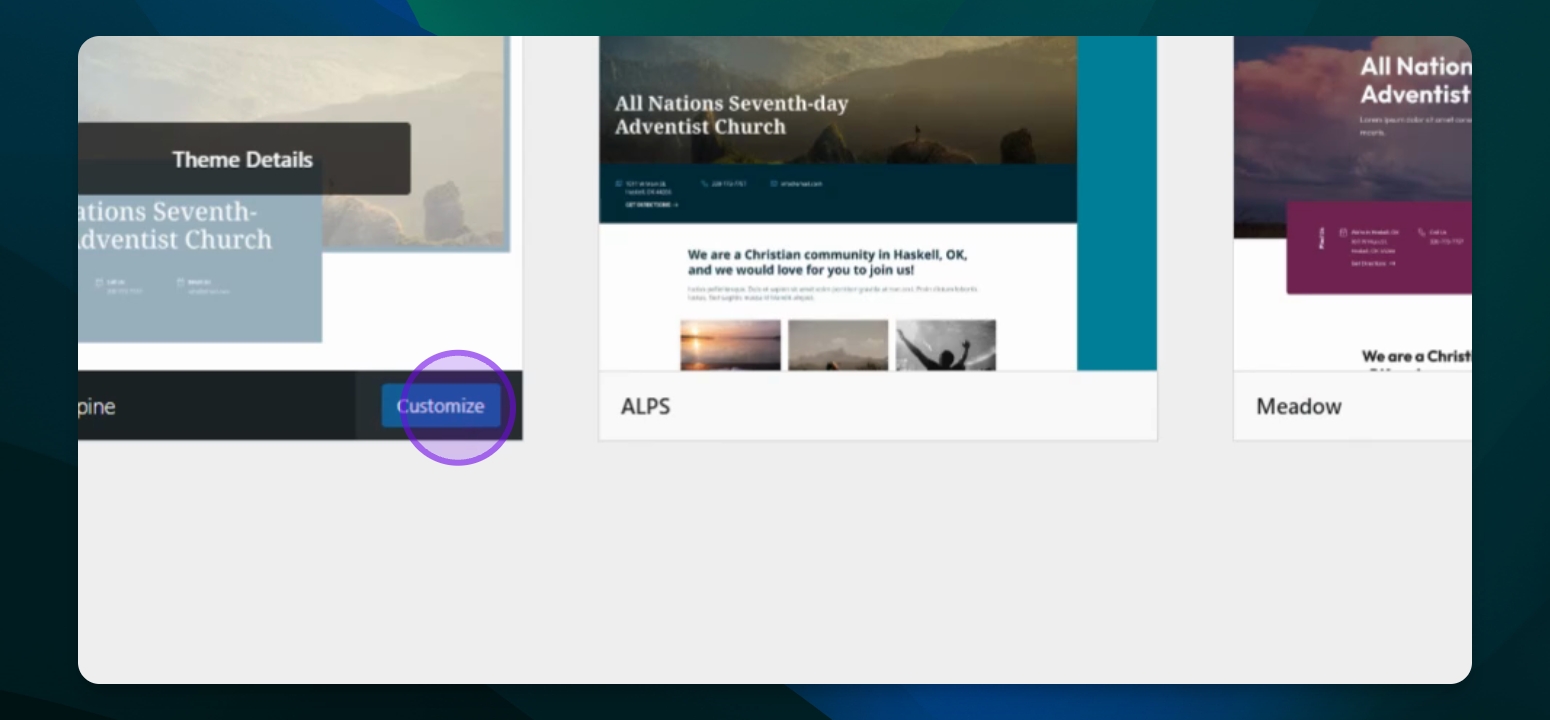
Press the Customize button to modify the theme settings. Theme settings should be changed sparingly as some edits may prohibit security and improvement updates.
When you switch to a different theme, don't worry — all your content comes with you! Your pages, posts, and Patterns will keep their existing layout, so you shouldn't need to reformat anything in the block editor.
One quick note: if you've added custom page templates, HTML, or CSS (wordpress developers only), we are not able to guarantee those customizations will transfer over correctly with the new theme. It's a good idea to check those pages after switching just to make sure everything still looks right.