Let's do it together!
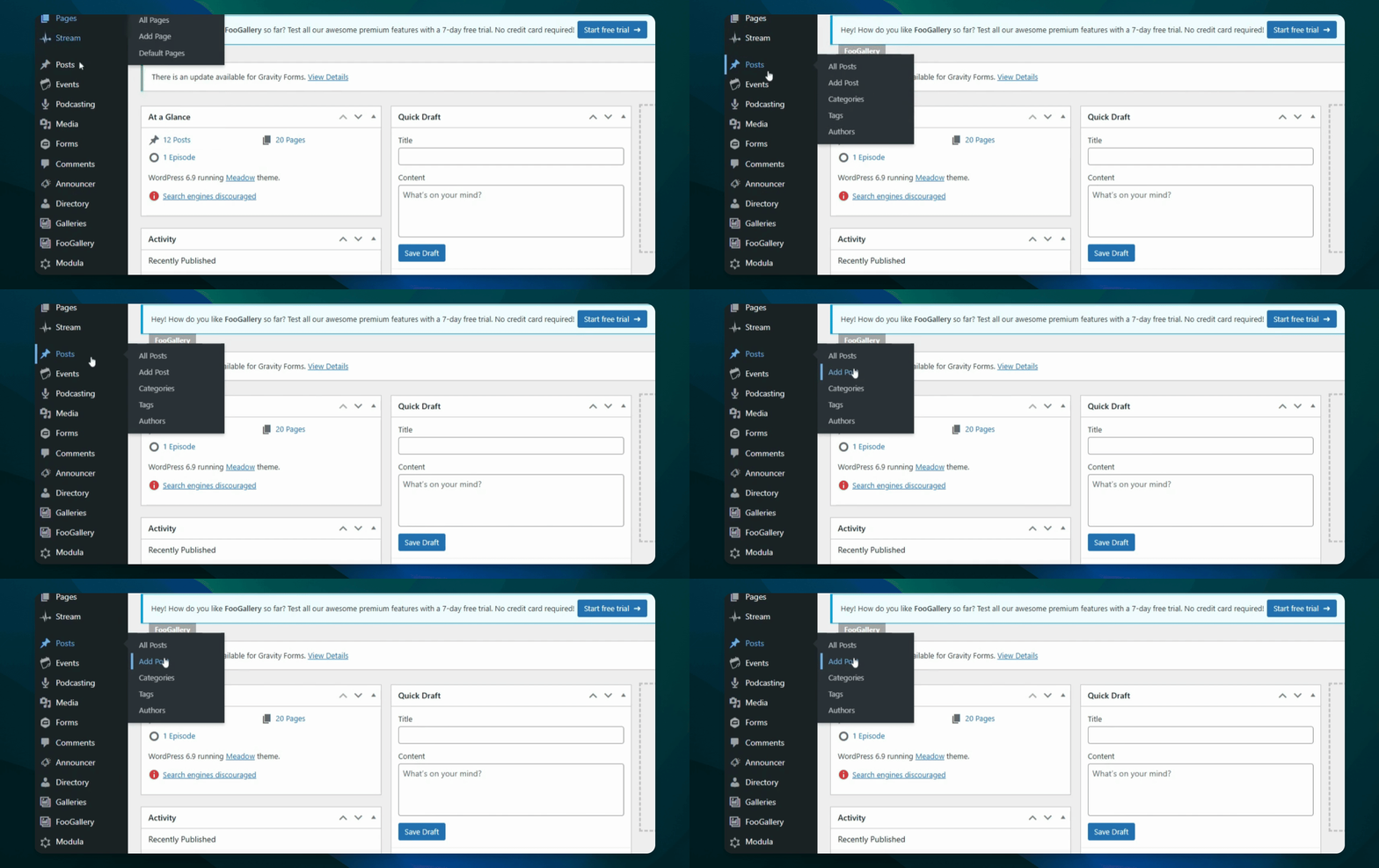
Step 1: Open Posts or Pages
You can choose to add the embed in either posts or pages.
Step 2: Select Posts
For this tutorial, we will go to posts.
Step 3: Create a New Post
Add a new post where you want to insert the embed.
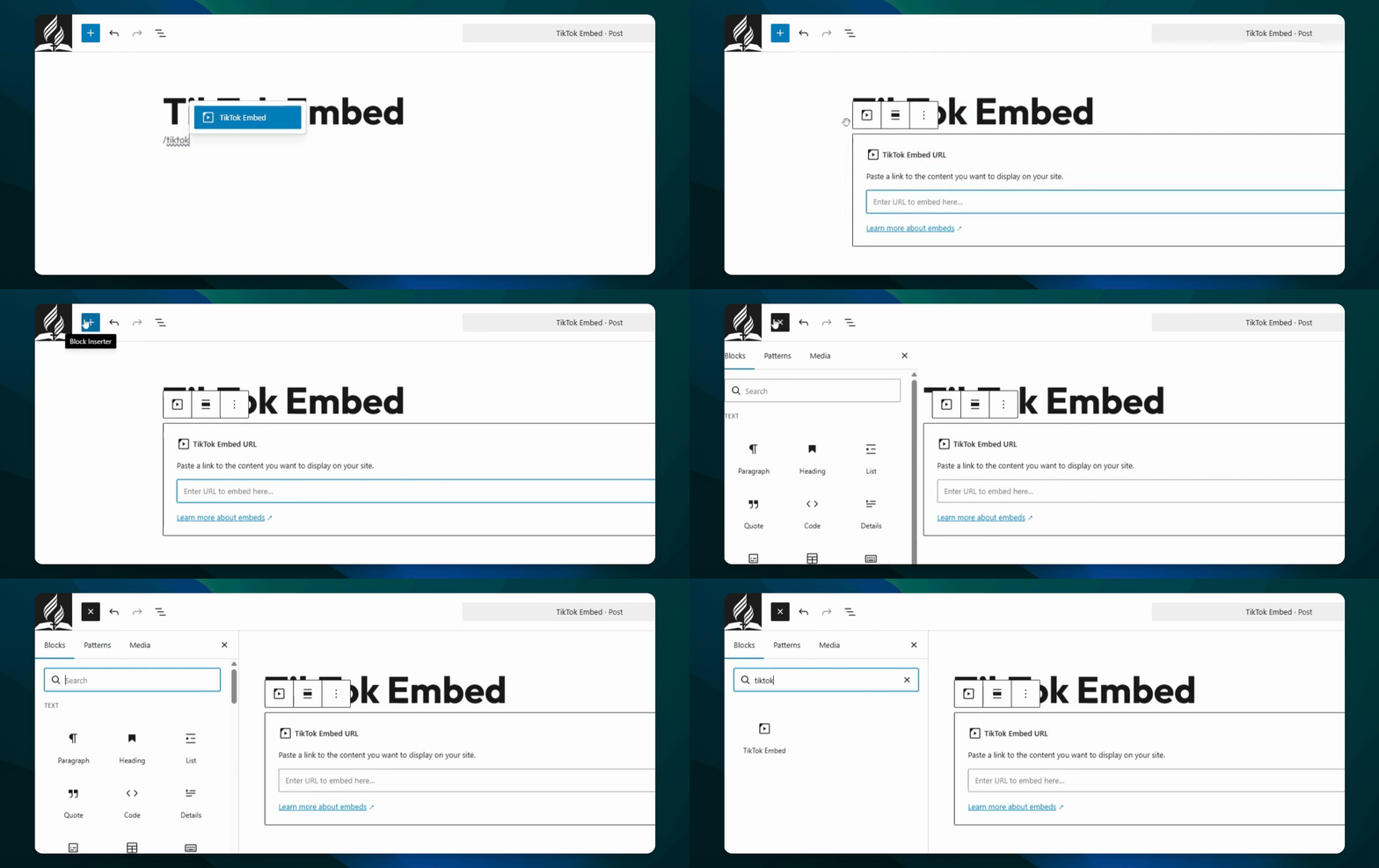
Step 4: Type Slash Command
Type /TikTok embed on the page where you want to add it.
Step 5: Use Blog Inserter
Alternatively, find it by pressing the blog inserter and looking under it.
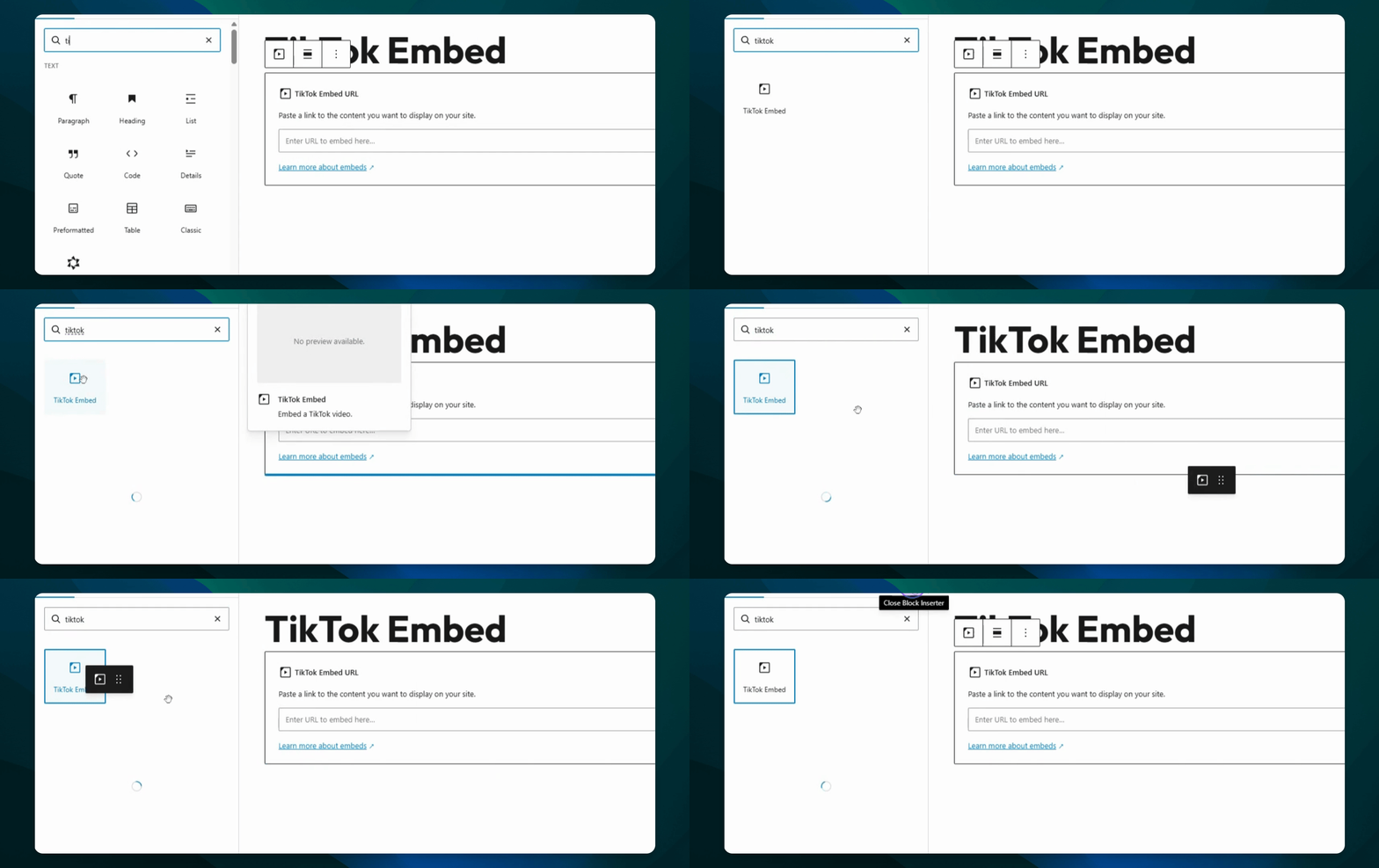
Step 6: Drag and Drop
Drag the TikTok embed option into your post.
Step 7: Paste the URL
Paste the TikTok video URL you copied.
Step 8: Use Paste Command
On Windows, press Control V, or on Mac, press Command V.
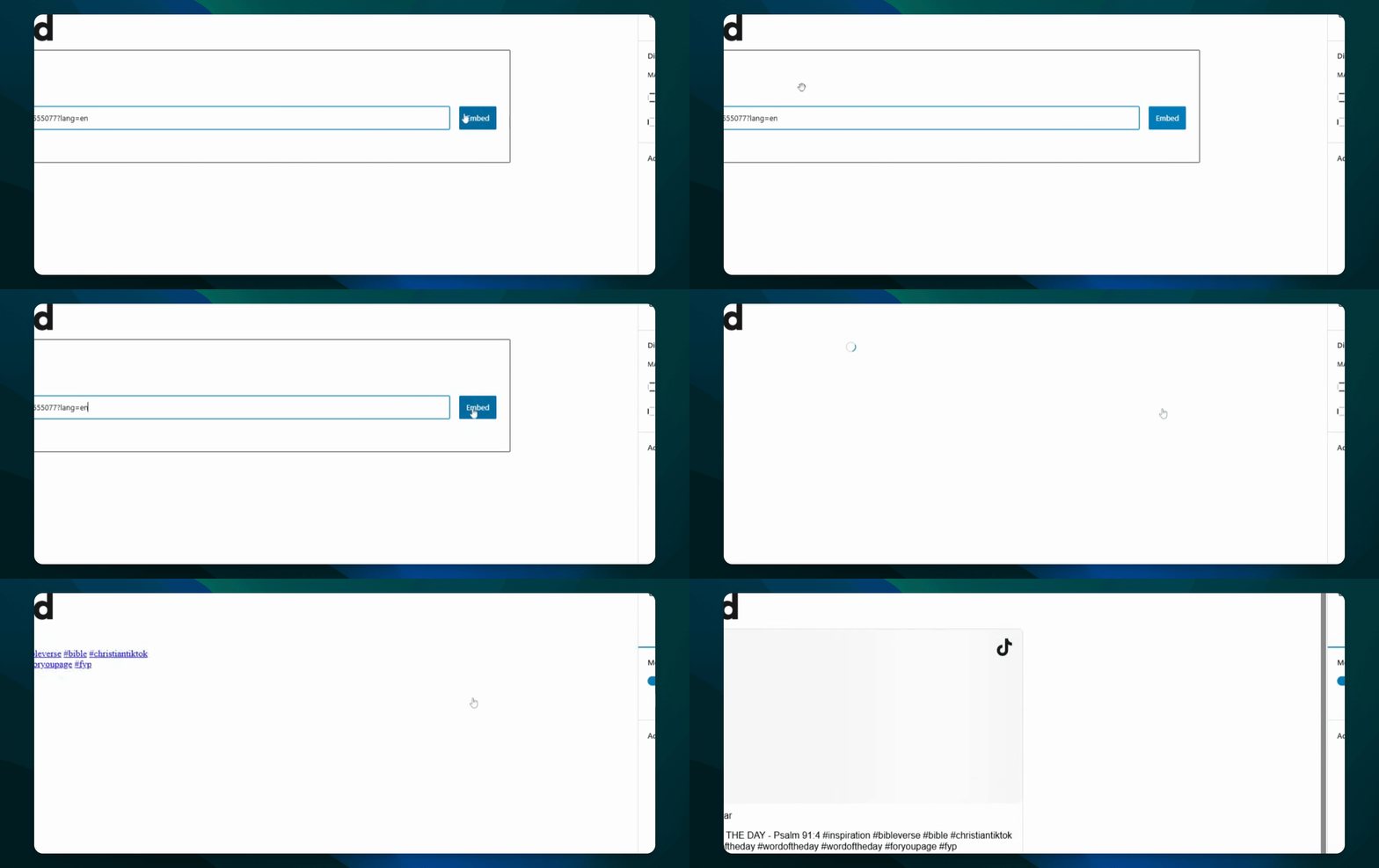
Step 9: Press Embed
After pasting the URL, click Embed.
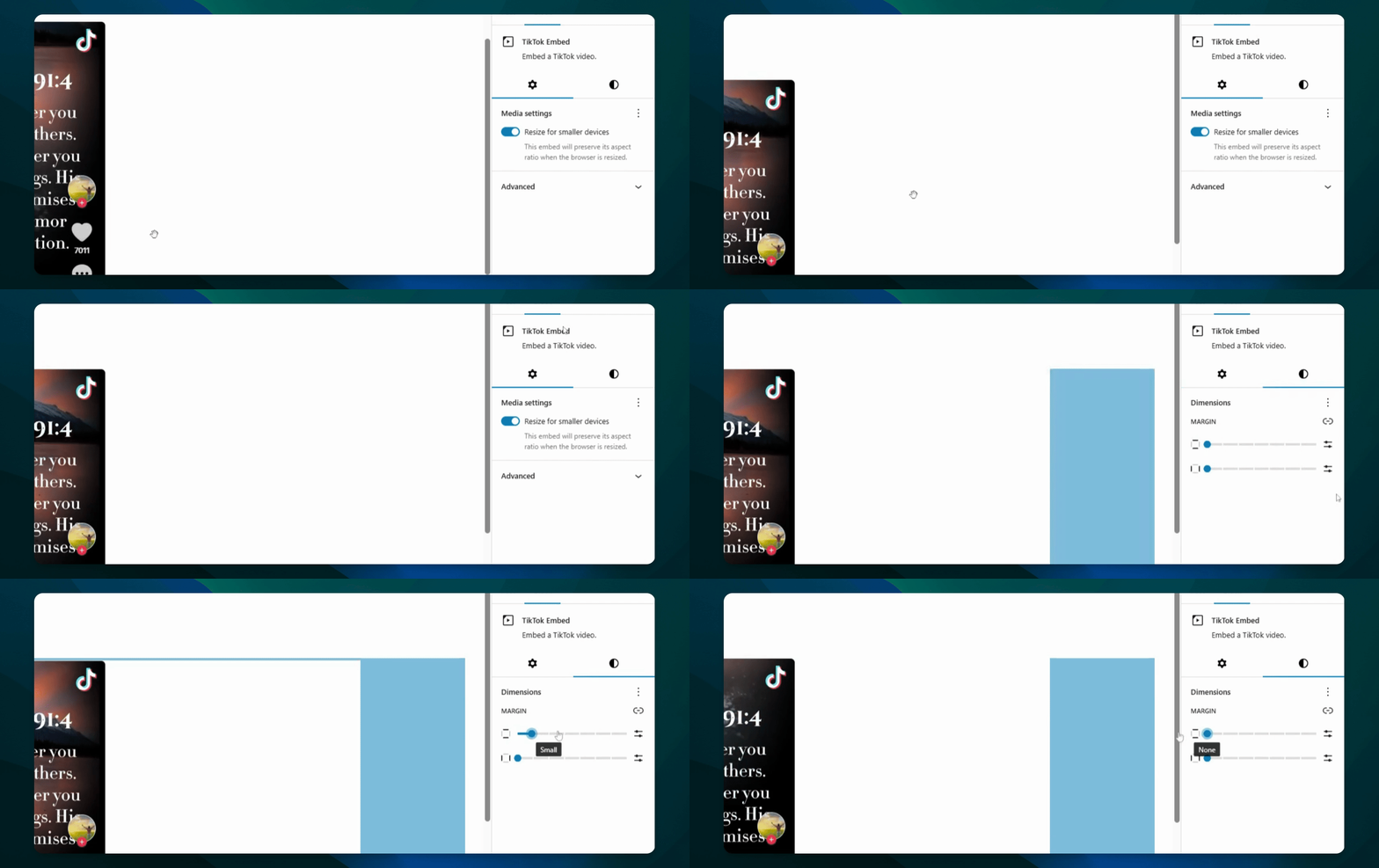
Step 10: Adjust Dimensions
Change the margin under dimensions as needed.
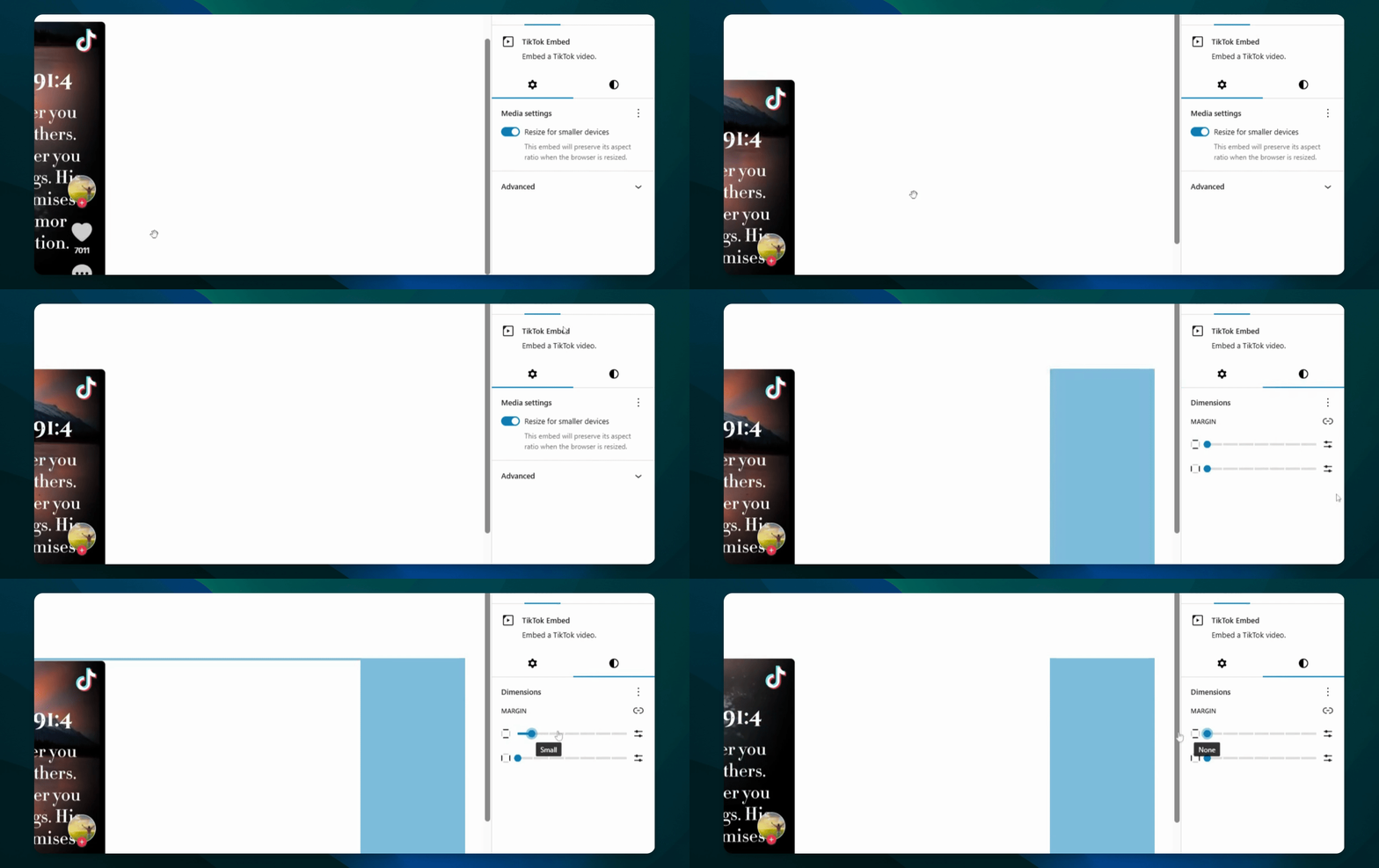
Step 11: Align the Embed
Align the embed to the left, right, or center as desired.
Step 12: Review Embed
Ensure the video is playing correctly in your post.